For teams · Team from €29.99 / month + VAT
One calendar. A clear yes. Then it goes out.
Writers write, approvers approve, and everyone sees the same plan. Nothing reaches your channels until the right people have said yes.
No card needed to try. Cancel any time.
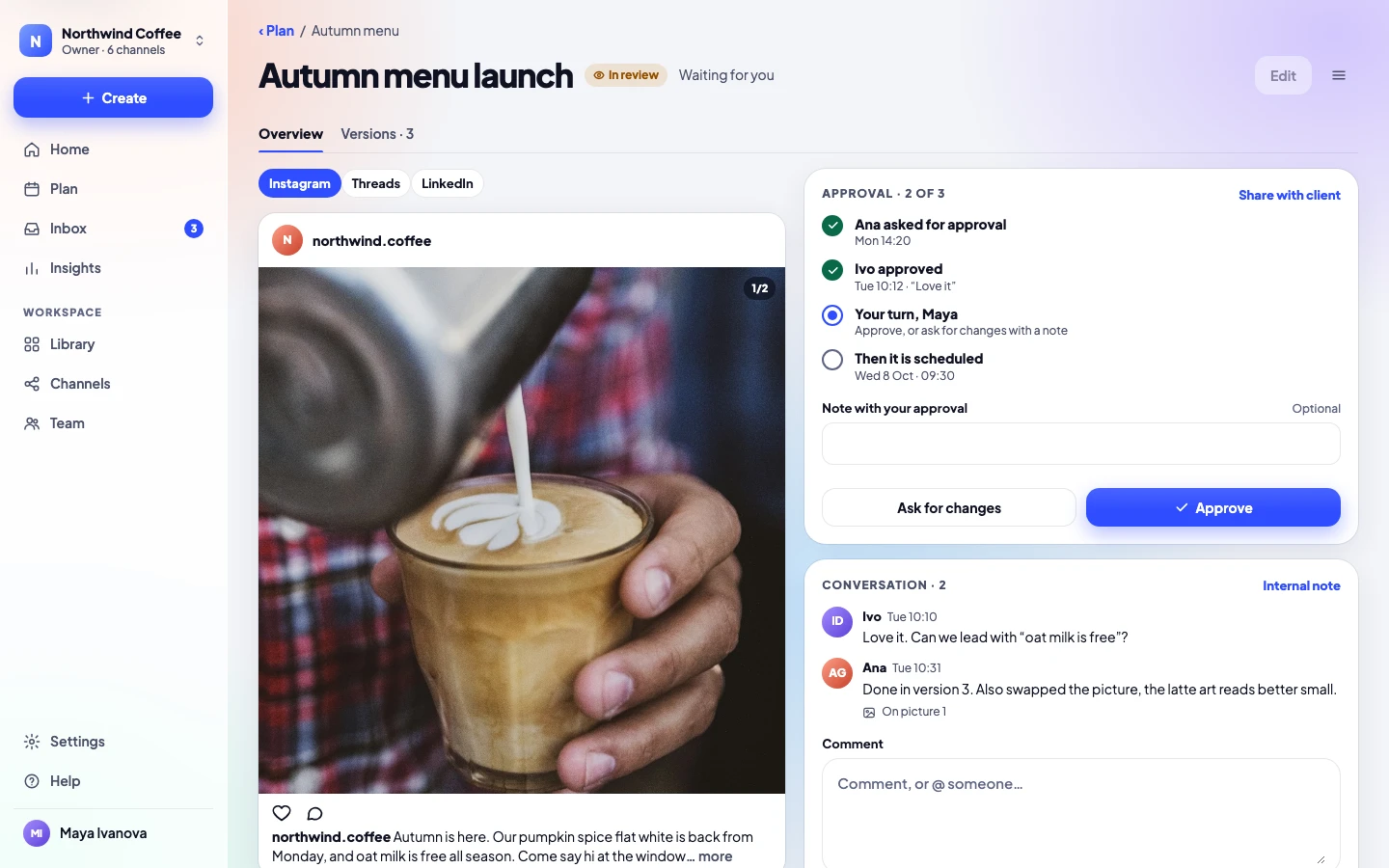
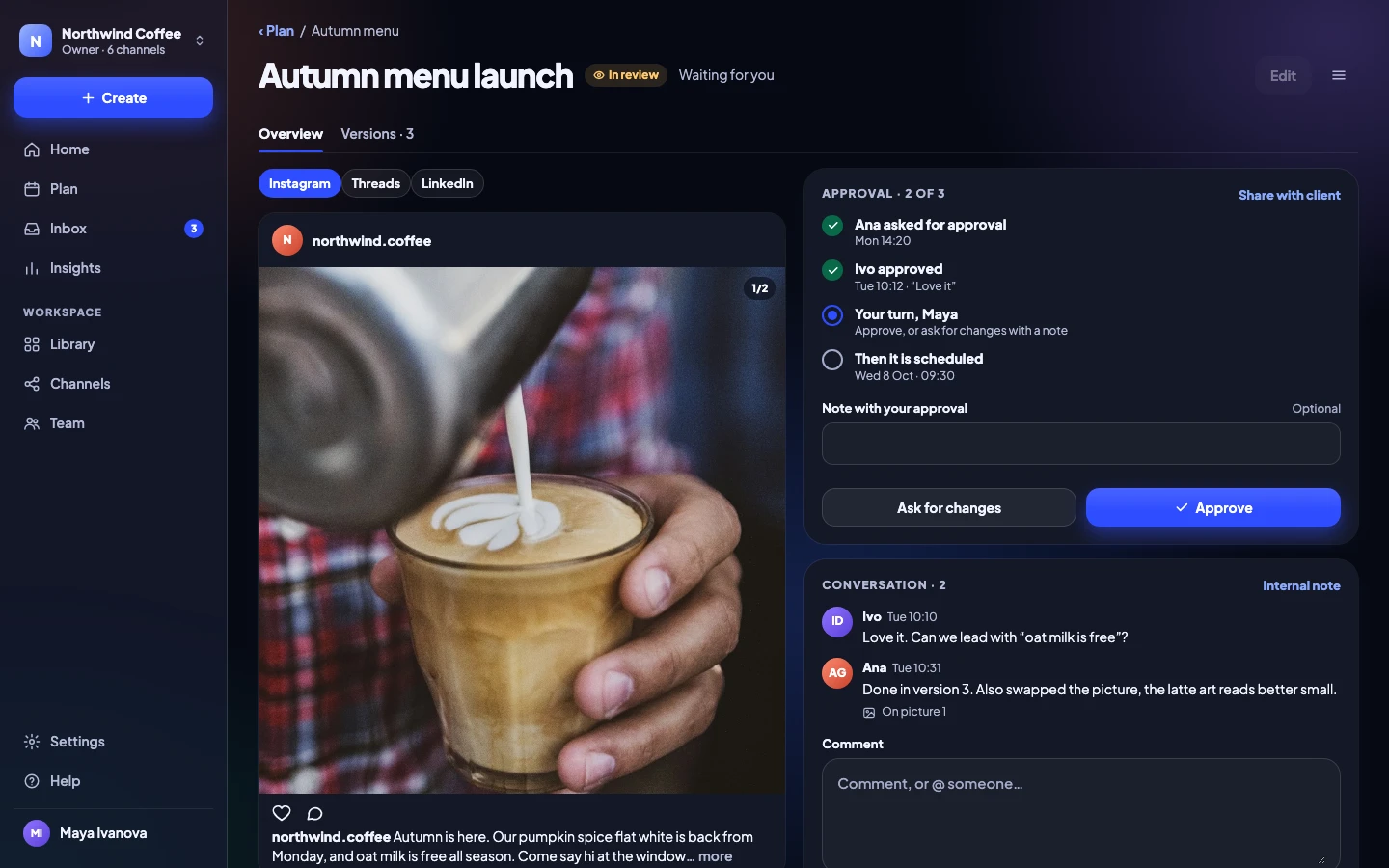
Before and after
What changes for your team
| Without Release Social | With Release Social |
|---|---|
| Without: Drafts in a shared doc, screenshots in chat | With: Every post in one place, with its real preview |
| Without: “Did anyone approve this?” | With: Named approvers in order, and a record of every yes |
| Without: Reminders by message, again and again | With: Reminders go out when a post waits |
| Without: Feedback scattered across threads | With: Comments on the post itself, even on a spot in a picture |
| Without: Someone posts the wrong version | With: Version history: the last 30 versions of every post |
| Without: Nobody knows who answers comments | With: Inbox conversations assigned to a person |
The life of a post
Every post moves through five clear steps
Each step has a word and an icon, never only a color, so anyone can tell where a post is.
- Draft
Anyone with Editor can write.
- In review
Approvers are asked in order.
- Approved
Everyone has said yes.
- Scheduled
Waiting for its time or slot.
- Posted
Live, with a link to each post.
Approvals
Approvals your team will actually use
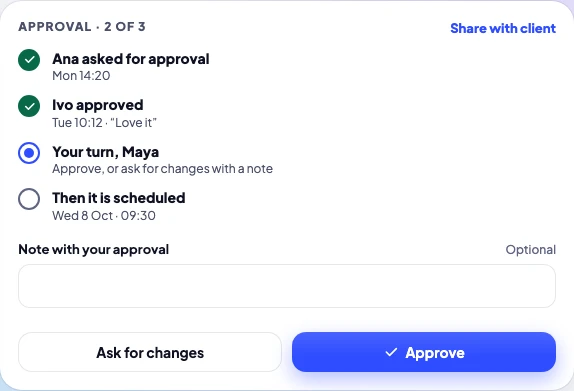
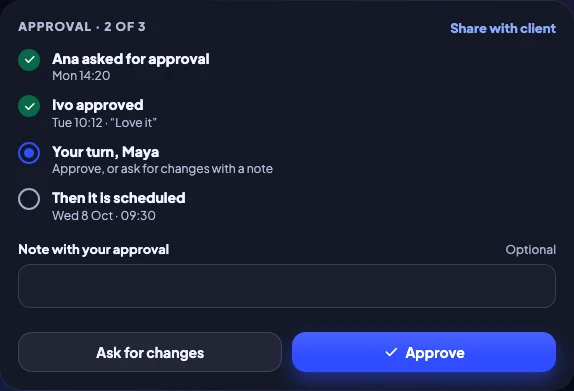
Name who approves, in order. Each person is asked when it’s their turn, and reminded if a post waits. Approve a whole week at once when it’s all good.
Team and up- Approvers in order, with reminders
- Approve many posts at once
- Clients approve from a link, no account
Comments
Feedback on the post, not in a chat
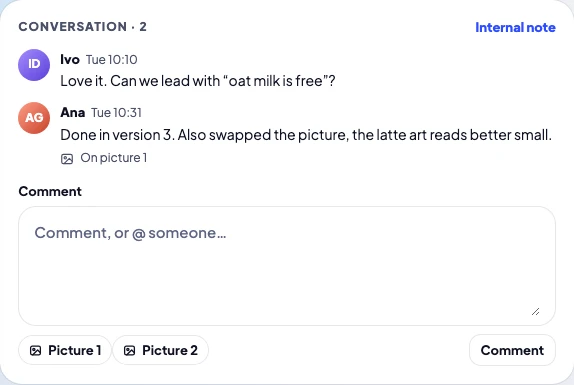
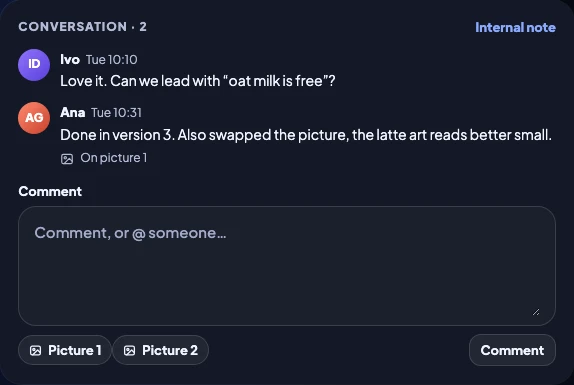
Comment on the post itself, mention a teammate, or pin a note to one spot in a picture. Internal notes stay inside your team.
Team and up- @mentions that notify
- Comments on a spot in a picture
- Internal notes clients never see
Roles
Everyone can do exactly their job
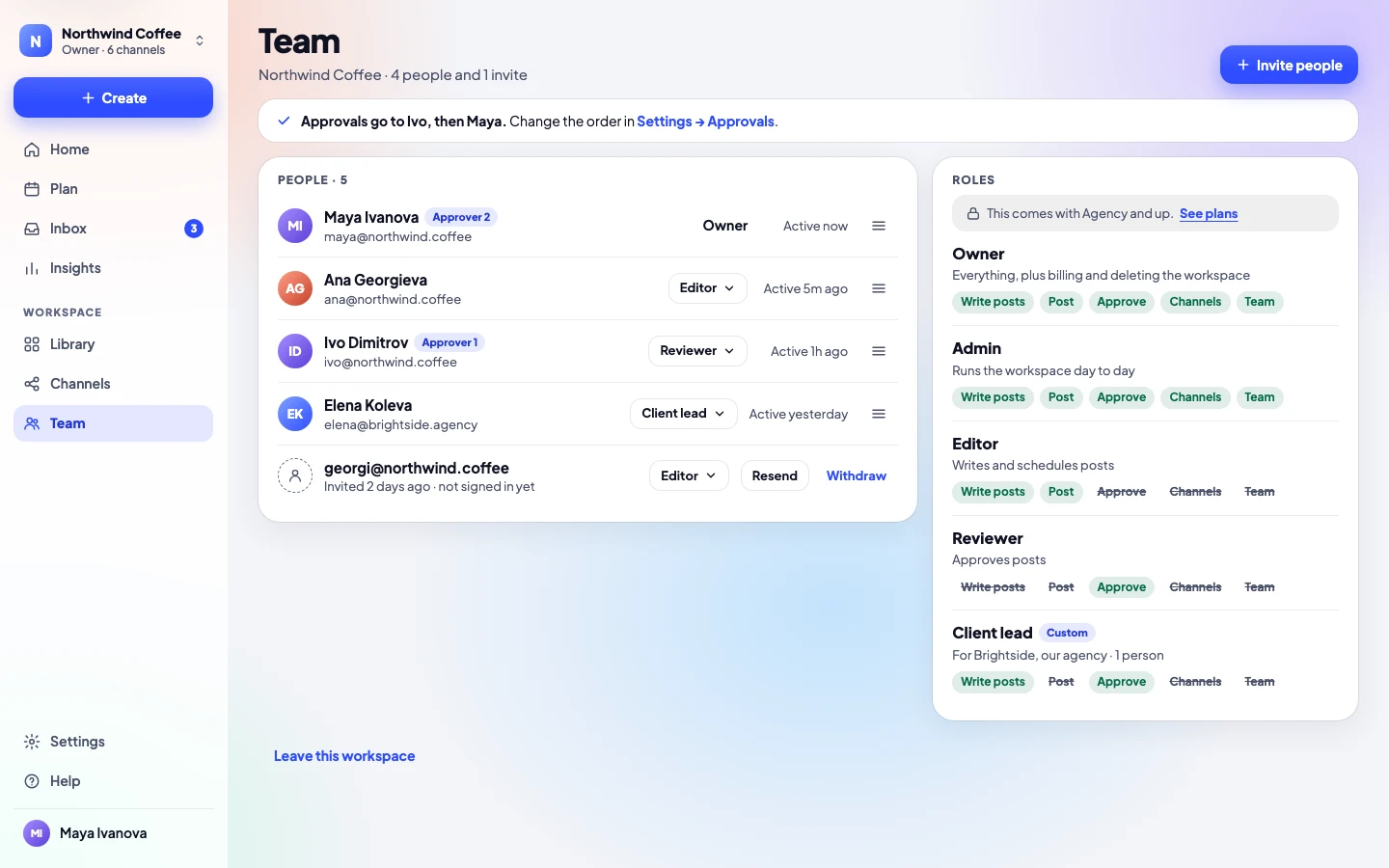
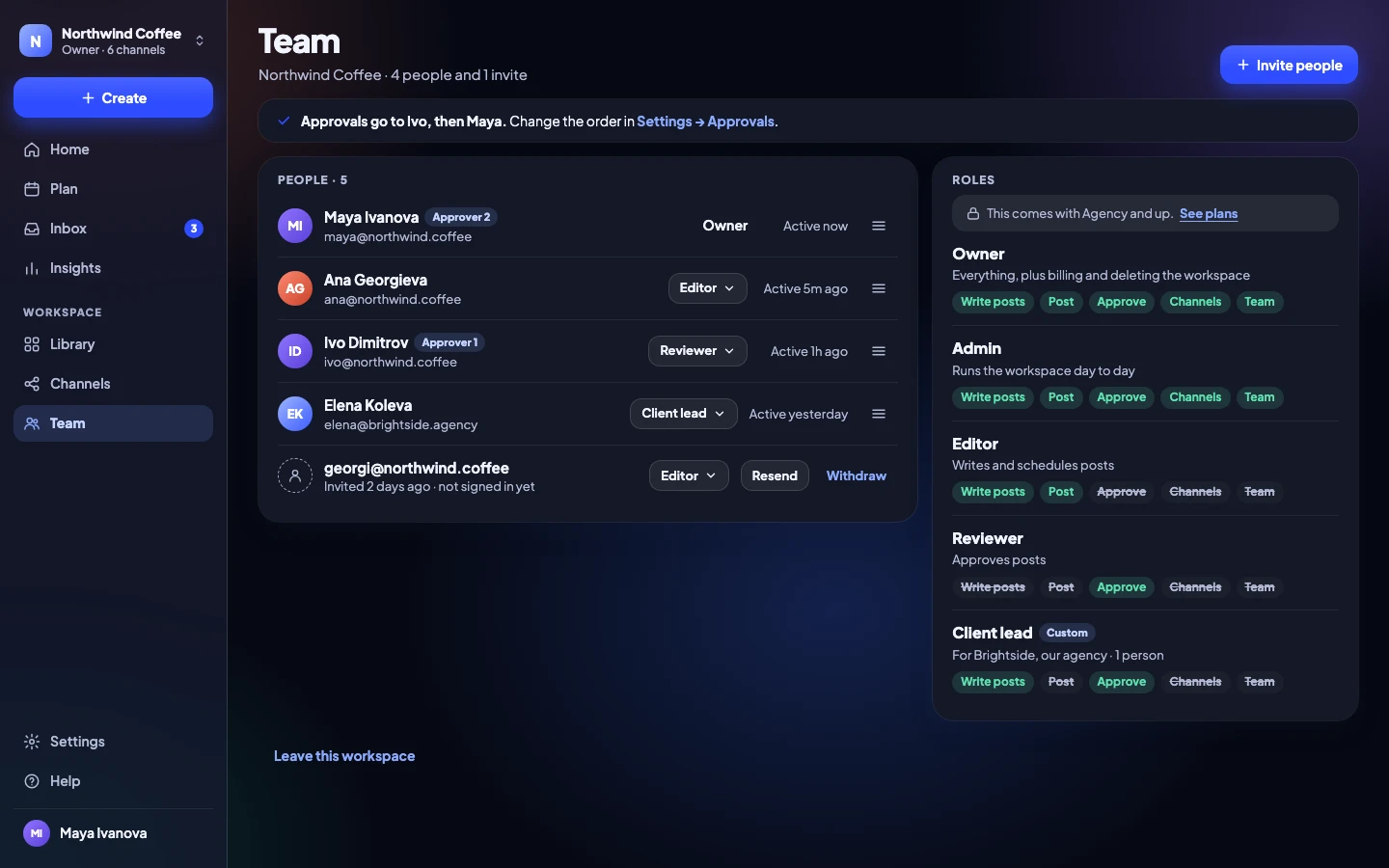
Owners, admins, editors and reviewers cover most teams. Invite people by email; they sign in with a link, no password.
- Owner, admin, editor and reviewer
- Invite by email, remove in one step
- 5 people on Team, then €8 each
Campaigns
Plan launches together
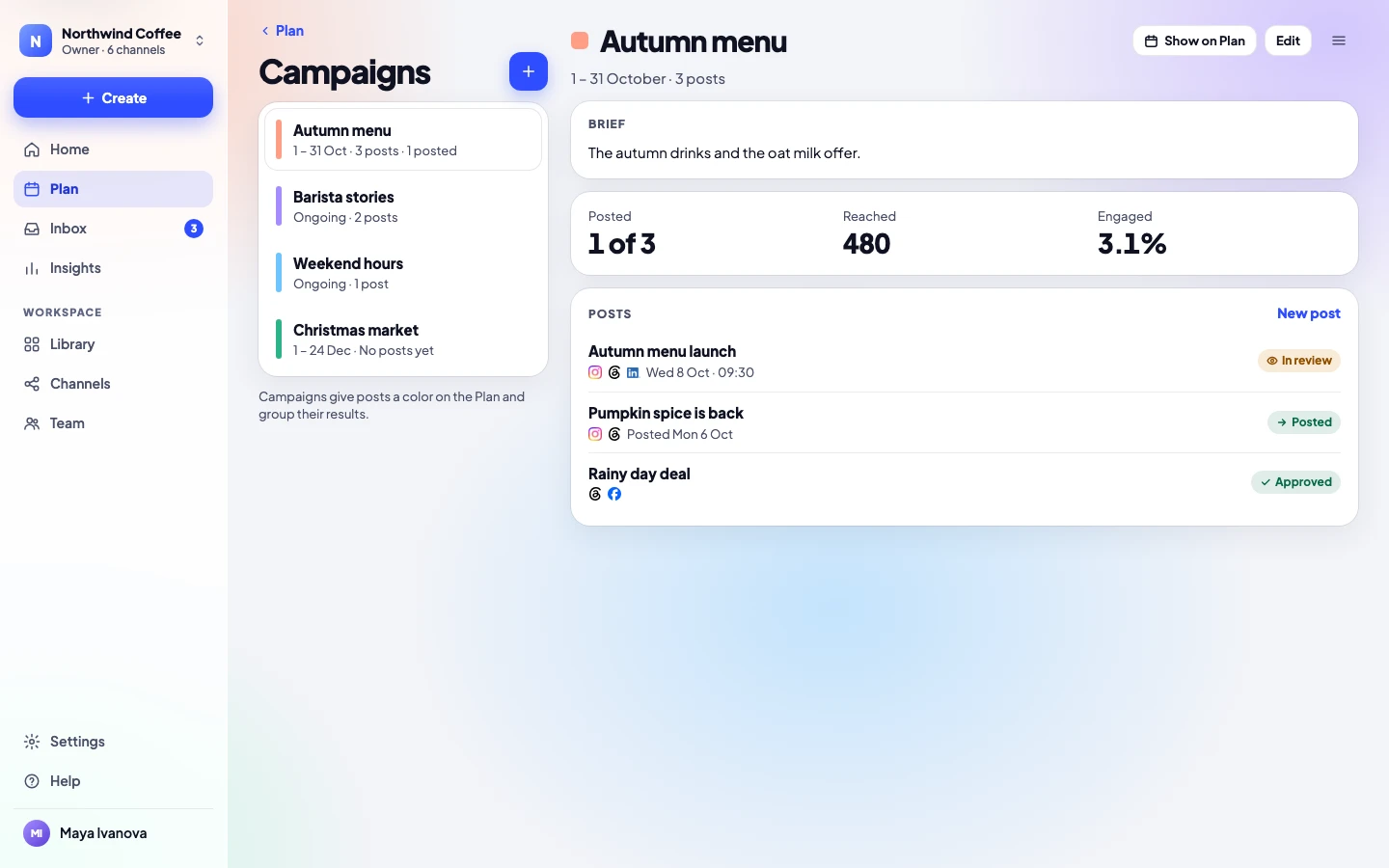
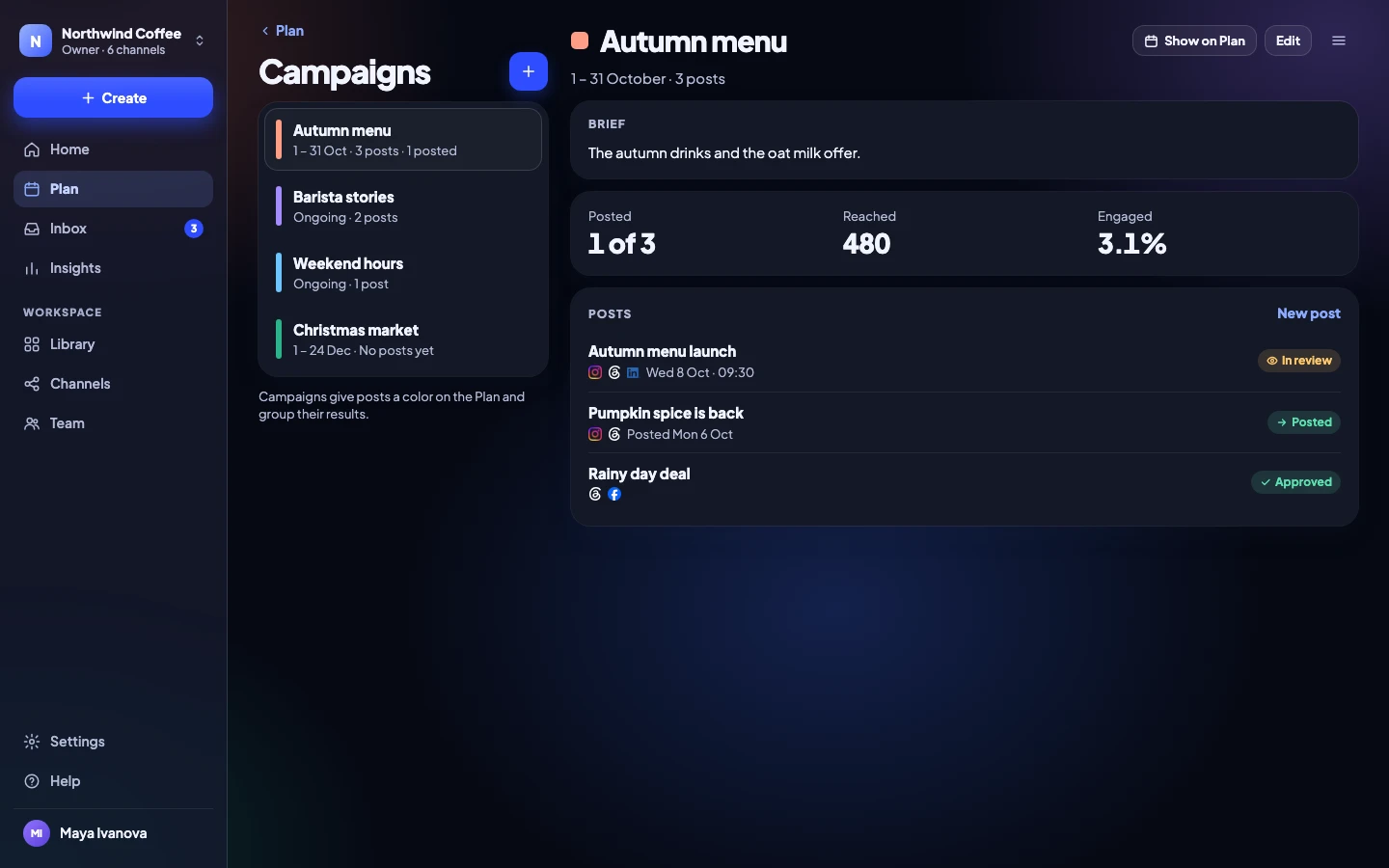
Give a campaign a brief, a color and dates. Every post in it shows on the plan in that color, and the results are added up for you.
- Briefs everyone can read
- Campaign colors on the calendar
- Results for the whole campaign
Inbox
Nobody answers twice, nobody is missed
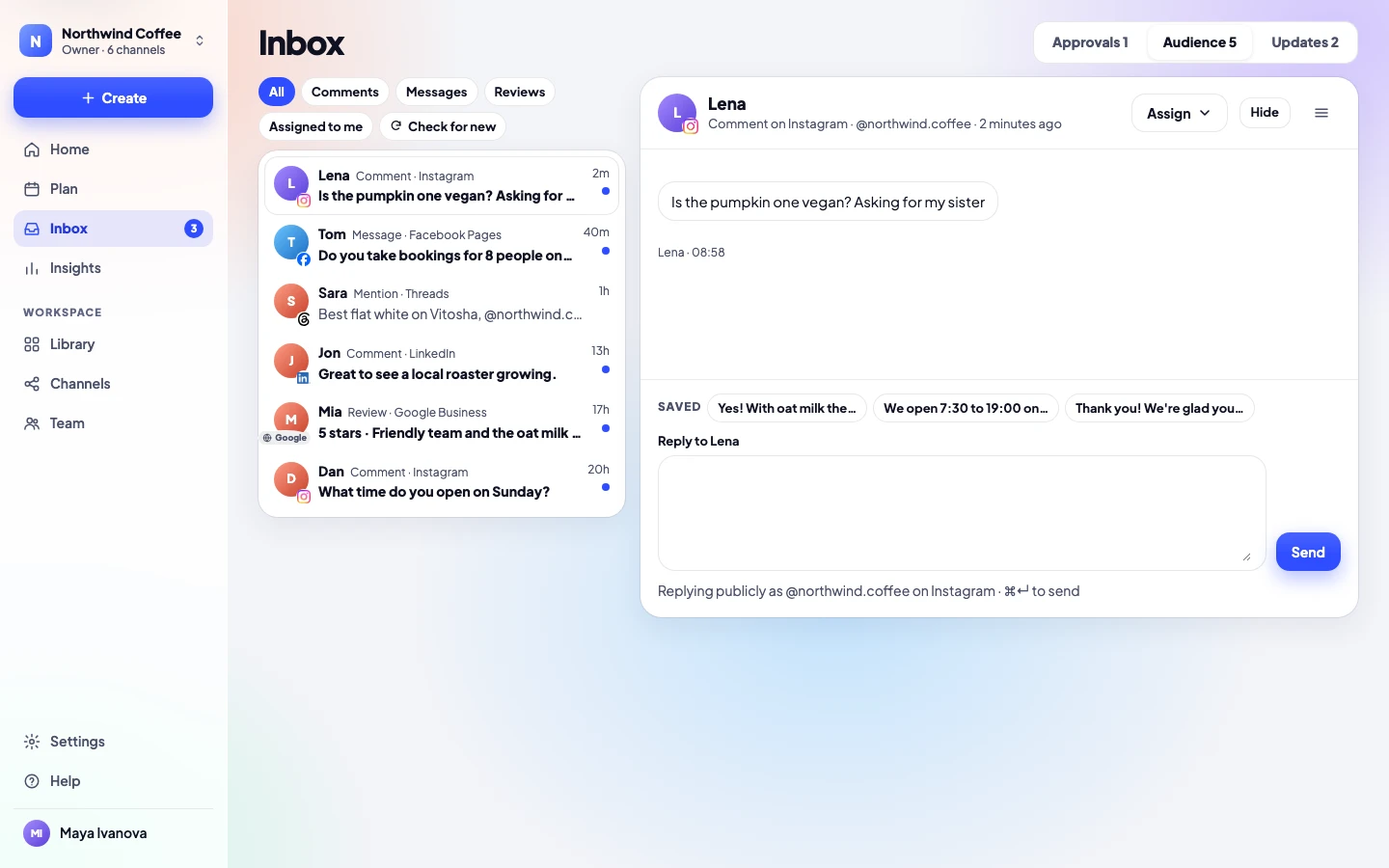
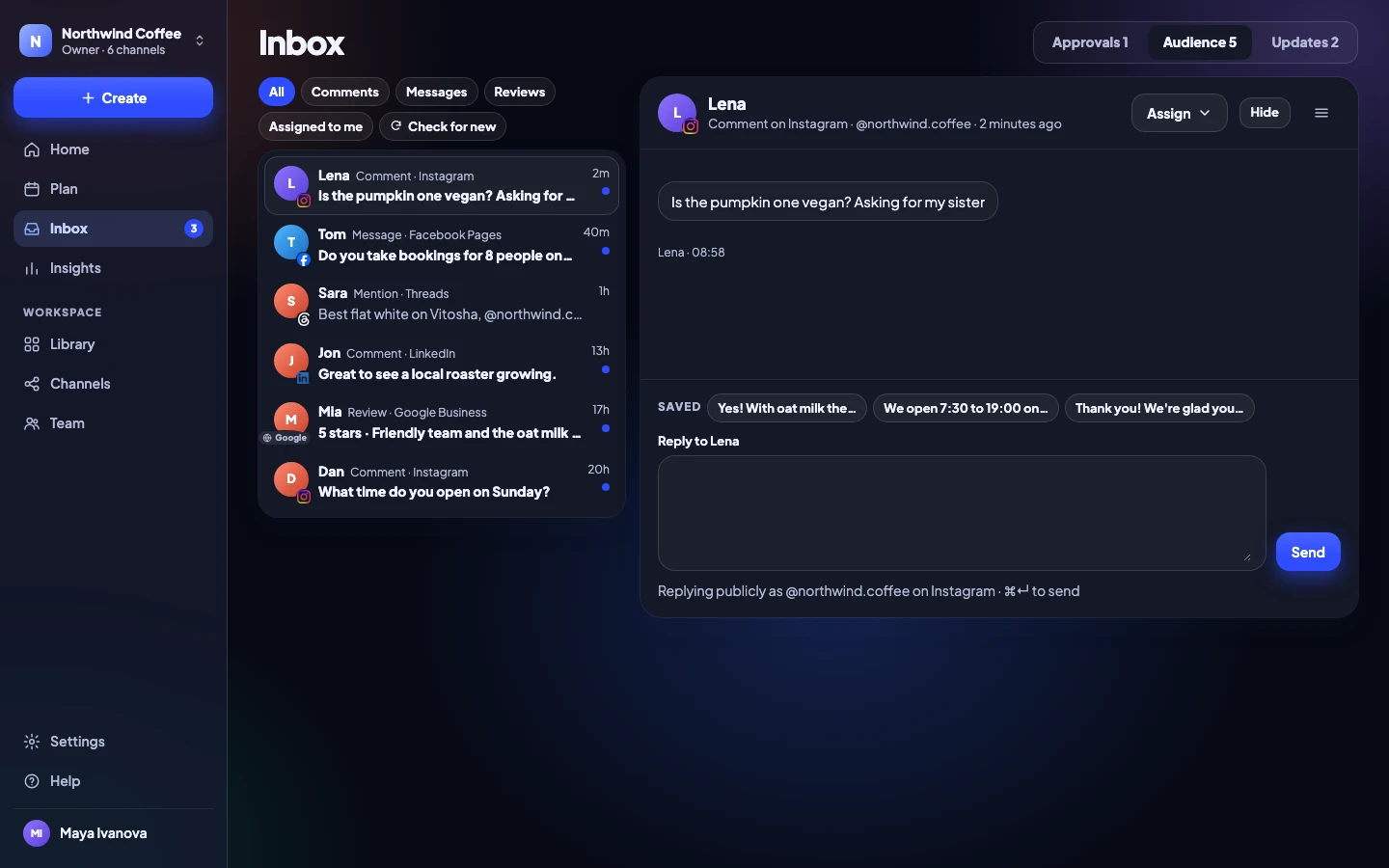
Assign a conversation to a teammate and everyone sees who is on it. Saved replies keep the tone the same.
Team and up- Assign conversations to a person
- Saved replies for common questions
- Hide spam or abuse
Notifications
Hear when it’s your turn
Get a note in Slack or a daily summary email, whichever your team prefers. Nobody has to chase anyone.
- Slack notifications on Team
- A daily summary email on every plan
- Choose what you hear about

Release Social APP · 09:12
Autumn menu launch is waiting for Ana.
In your team’s Slack channel
Daily summary · 08:00
Your day at Northwind Coffee: 3 things need you
One email a day, with what waits for you at the top.
Safe by default
Security that doesn’t get in the way
Email-link sign-in
No passwords to steal, reuse or forget.
Two-factor
An authenticator app, with recovery codes.
Sign out other devices
See every sign-in and end the rest.
Audit log
Who did what, and when, on Team and up.
Team
Built for a few people and one brand
5 people, 20 channels and approvals in order. Add people for €8 each. When you take on clients, move to Agency.
- 14 days free, no card needed
- Yearly: €29.99 / month + VAT · Monthly: €34.99 + VAT
- Clients approving from a link never count as people
Team
Most teamsFor a team that approves before it posts.
Start free on Team€29.99 / month + VAT, paid yearly
€35.99 with Bulgarian VAT · €34.99 + VAT month to month
- People
- 5, then €8 each
- Channels
- 20
- Workspaces
- 1
Posting
- Posts, Reels, Stories and carousels
- X threads and LinkedIn documents
- A real preview for every channel
- Different text and media per channel
- First comment, with hashtag sets
- Hashtag suggestions from your best posts
- Tracked links with UTM tags
- Instagram music, collaborators, location, trial Reels
- Reel and video covers
- Alt text on pictures
- YouTube titles, thumbnails and playlists
- Pinterest boards and links
- Google Business updates
- Help me write: tidy-up or Claude
Planning
- Calendar: week, month and list
- Queue times, with your best times
- Drag to reschedule
- Campaigns with briefs and results
- Labels
- Repeating posts
- History of everything posted
- Version history, 30 versions
- Archive and restore
- Post templates
- Spreadsheet import, 200 posts at a time
- RSS feed to drafts
- Media library with folders and tags
- Google Drive and Canva
Approvals
- Nothing posts without a yes
- Internal notes on posts
- Named approvers, in order
- Reminders when a post waits
- Approve many posts at once
- Comments, @mentions, comments on pictures
- Client approval links, no account needed
- Client calendar and calendar feed
Inbox
- Comments, messages, mentions, Google reviews
- Saved replies
- Hide comments
- Assign conversations to teammates
Insights
- Overview against the period before
- Results per post and per channel
- Follower growth per channel
- Best times to post
- CSV export
- PDF reports: 7, 14, 30 or 90 days
- Results on the client calendar
Team and security
- Roles: owner, admin, editor, reviewer
- Sign in with an email link, no password
- Two-factor: authenticator app and recovery codes
- Sign out other devices
- Audit log
Integrations
- Slack notifications
Apps, data and help
- Web app on any device, installable
- Desktop app for Mac, Windows and Linux
- Light, Dark or System
- Daily summary email
- Export everything, any time
- Standard data processing agreement
- Help centre and email help
Team questions
Anything else? Write to us, a person answers.
Do approvers need to be paid seats?
Approvers who sign in are people on your plan. Clients approving from a link never count.
Can we skip approval for some posts?
No. Every post needs a yes; on Solo you give it yourself. On Team you choose who approves, and one approver is enough if you like.
Can two people edit the same post?
Yes. Changes are saved as versions, so you can see and go back to the last 30.
Can we use single sign-on?
On Agency and Enterprise: OIDC or SAML, and you can require it for everyone. On Team, everyone signs in with an email link, and two-factor is there for anyone who wants it.
What does an extra person cost?
€8 a month for each person past the 5 included, added when you invite them. You see the price before the invitation goes.
Can we move to Agency later?
Yes, in one step from Settings → Plan and billing. Everything moves with you, and the difference for the rest of the period is charged that day.
Get your team’s first yes today
No card needed to try. Cancel any time.