Security, privacy and accessibility
Careful by design
How we keep your accounts safe, your posts under your control, your data yours, and the app usable by everyone.
No card needed to try. Cancel any time.
Our promises
Six things we will always do
Official APIs only
Every network is reached through its own official connection. We never ask for your network passwords.
Nothing posts without a yes
Every post is approved first, and only goes where you chose.
Nothing goes out late
A post that misses its time waits for your decision instead of appearing hours later.
Clear when things go wrong
If a post doesn’t go out, you get the reason in plain words and the fix that works.
Your data stays yours
Export your whole workspace in one file, any time.
No tracking on our site
No advertising or tracking cookies, so there is no cookie banner.
Signing in
No passwords to steal
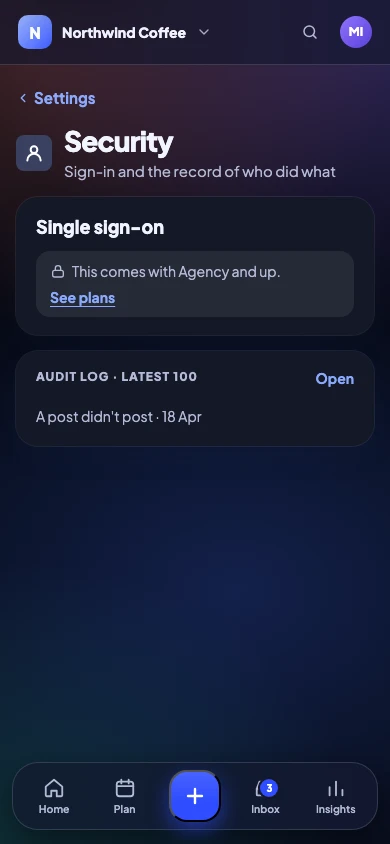
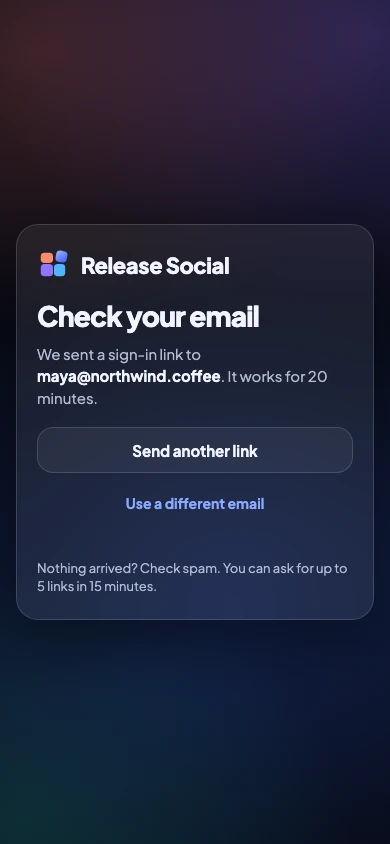
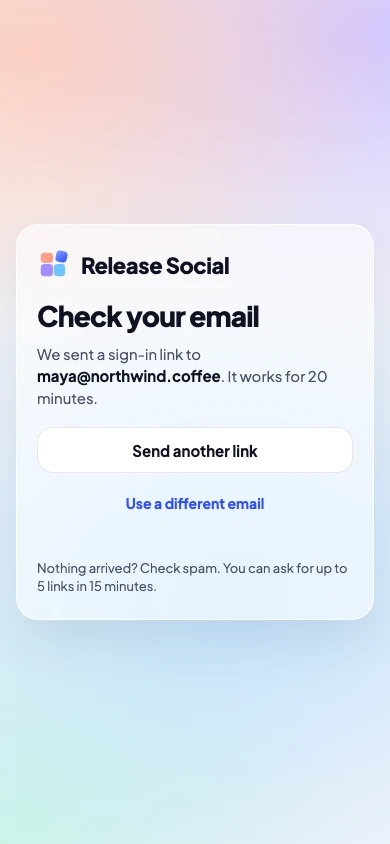
You sign in with a link sent to your email. Add a second step with an authenticator app, and see every device that is signed in.
- Email-link sign-in, no password
- Two-factor: authenticator app and recovery codes
- Recovery codes if you lose your phone
- Sign out other devices in one step
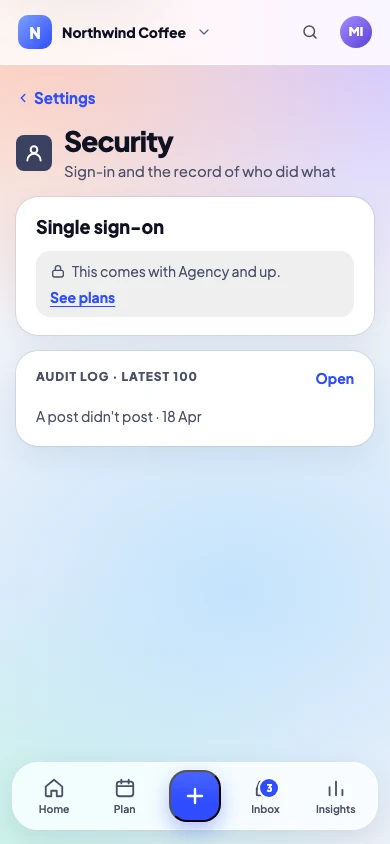
- Single sign-on with OIDC or SAML on Agency and Enterprise
Access
Everyone sees only what they should
Built-in roles cover most teams. On Agency, custom roles decide exactly who can write, approve, post, manage channels or manage the team, in each workspace.
- Owner, admin, editor and reviewer roles
- Custom roles on Agency and Enterprise
- Access per workspace for agencies
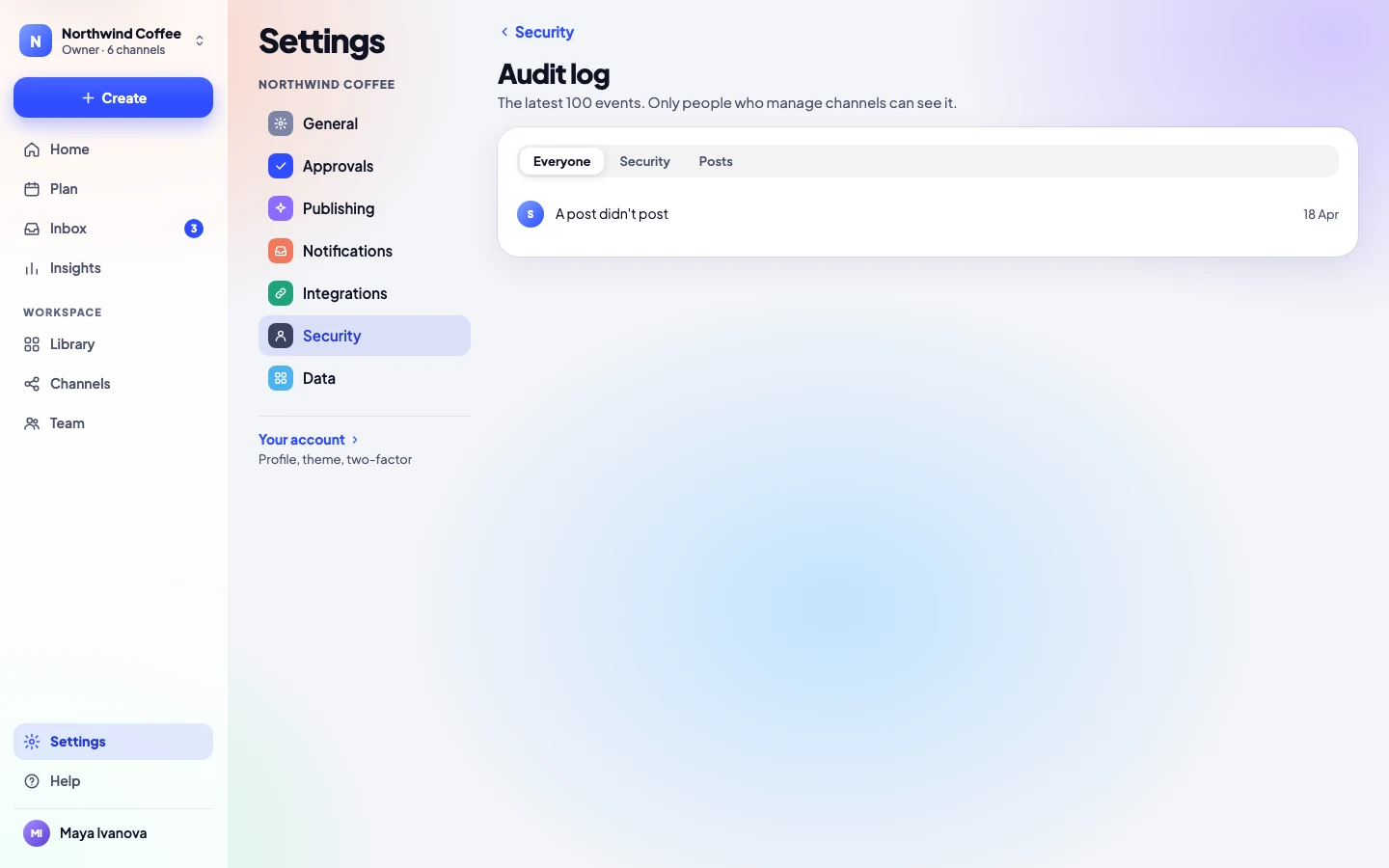
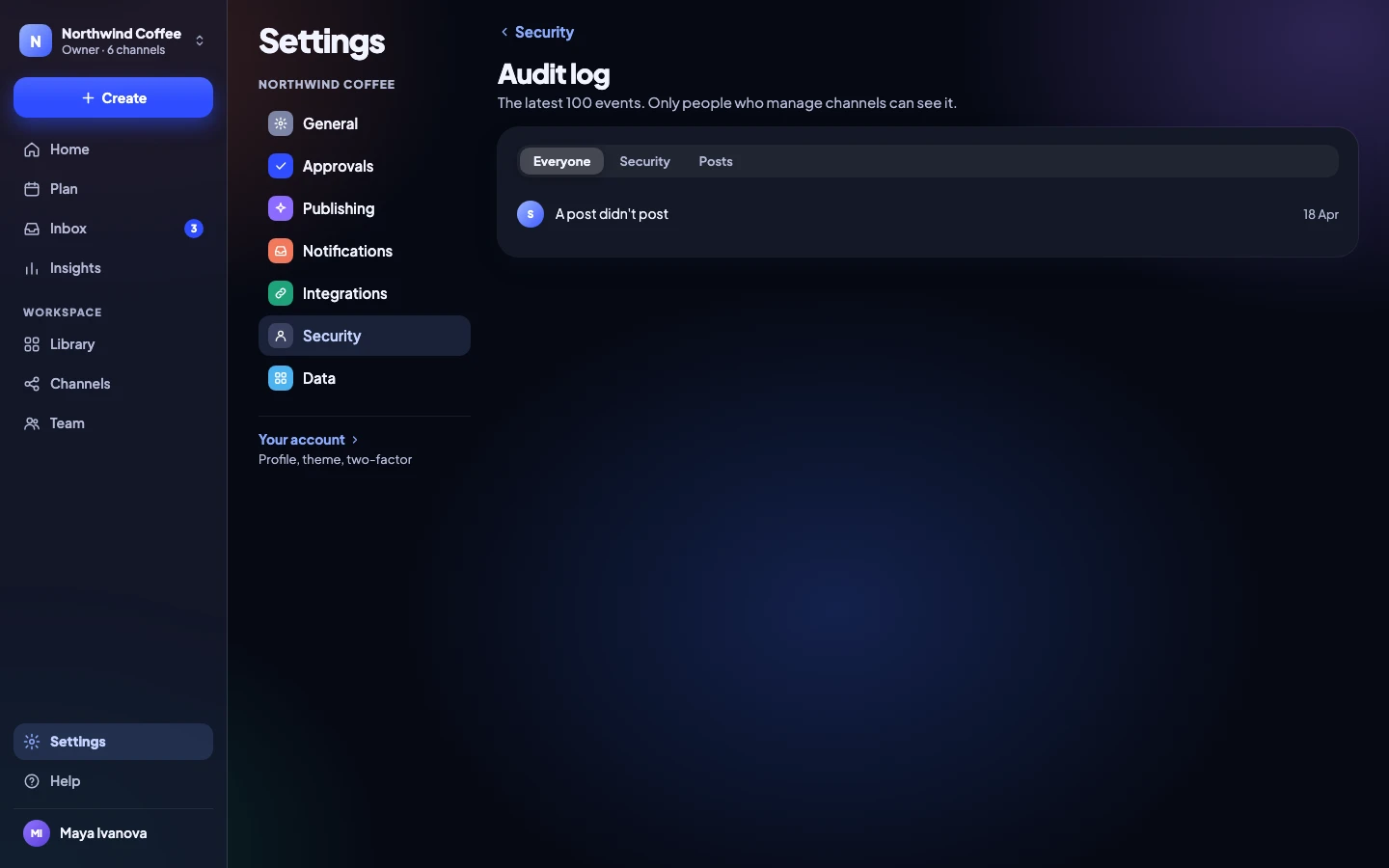
- Audit log of who did what, and when
Client links
Private links that stay private
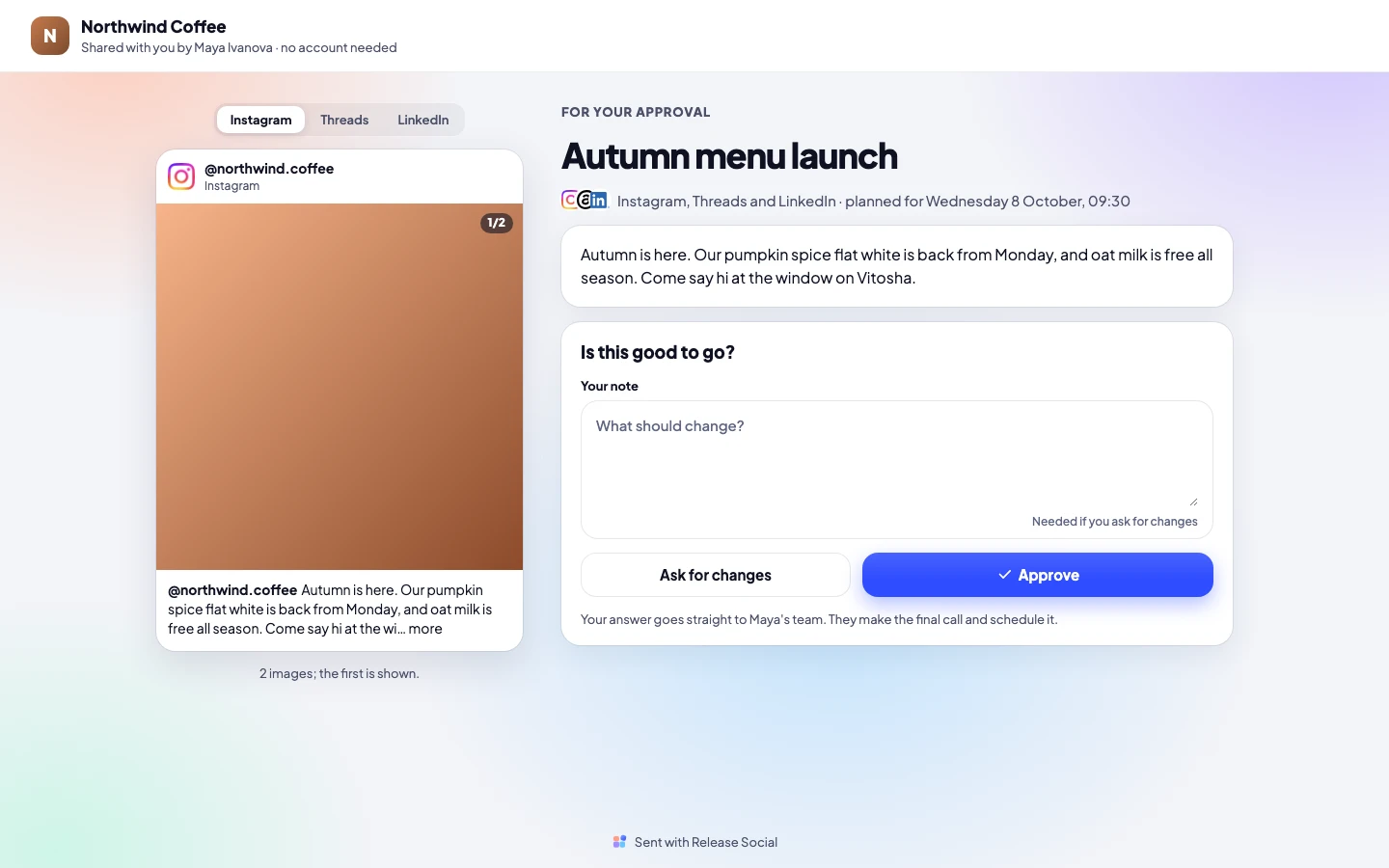
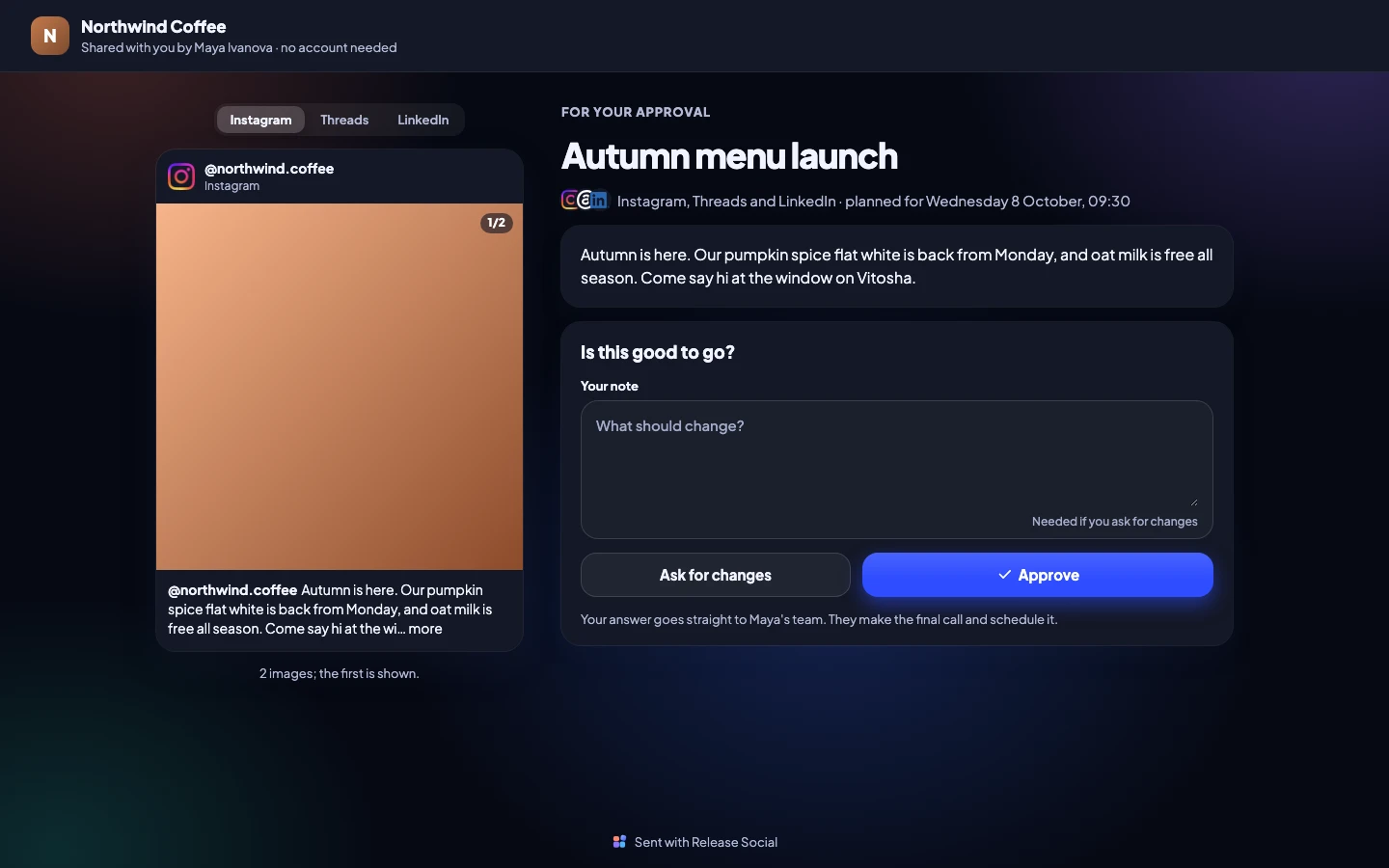
A client approval link shows only that post, to whoever has the link. Previews of the link in chat apps show your workspace name and logo, never the post.
- No account needed for clients
- Link previews never show the post
- Links show only what you sent: one post, or the calendar
Privacy
Your data, handled plainly
A standard DPA
Our data processing agreement covers every plan.
Export everything
Posts, media, results and settings, in one file.
Only what we need
We ask for your email and what the app needs to post for you.
Encrypted connections
Every page and every connection to the networks uses HTTPS.
The Privacy policy lists where your data is stored and who processes it for us.
Accessibility
Made for everyone who posts
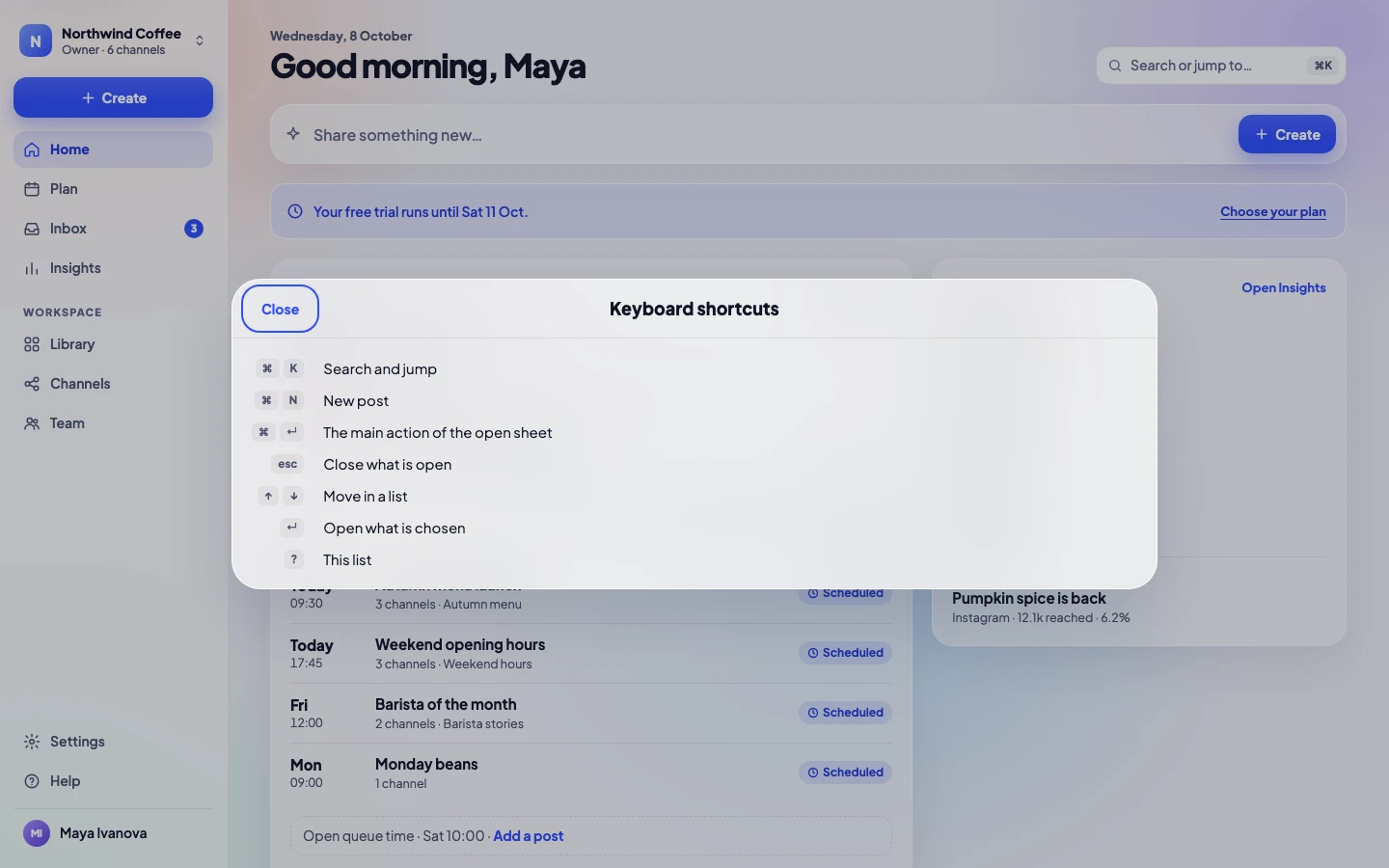
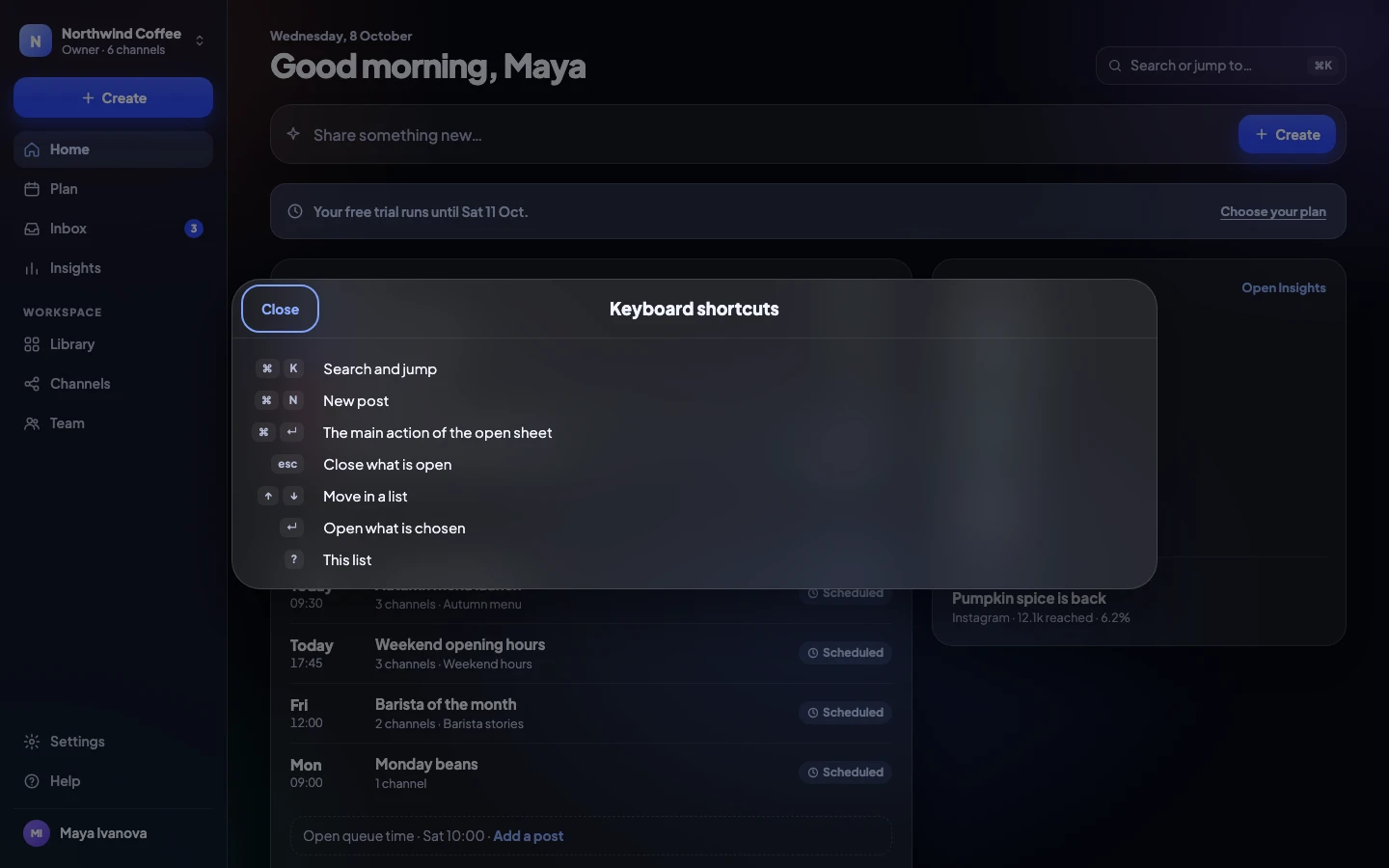
We design and test to WCAG 2.2 AA: every screen works with a keyboard and a screen reader, text grows to 200%, and the app follows your device’s motion and contrast settings.
- Keyboard shortcuts, with a visible control for each
- VoiceOver and TalkBack checks on every release
- Text up to 200%, nothing clipped
- Reduce Motion, Reduce Transparency and Increase Contrast
- A word and an icon for every status, never color alone
Enterprise
A security review, done with you
For larger organisations we answer your security questionnaire, agree custom terms, and can require single sign-on for everyone.
Security questions
Anything else? Write to us, a person answers.
Do you store my social network passwords?
No. Each network gives us a connection when you approve it on the network’s own page. You can remove it there or in Release Social at any time.
What happens to my data if I cancel?
Nothing is deleted when a plan ends. You can export everything, and delete the workspace when you choose; it is removed 7 days after you confirm.
Can I require two-factor for my team?
Each person turns two-factor on for themselves in Settings → Security. To make a second step everyone’s, require single sign-on on Agency or Enterprise and let your company’s sign-in ask for it.
Do you sign a DPA?
Yes. Our standard data processing agreement covers every plan, and Enterprise can agree its own terms.
How do I report a security problem?
Write to us from the contact page and say it is about security.
Is the website accessible too?
Yes. This site is built and tested to the same WCAG 2.2 AA standard as the app, in Light and Dark, from phones to desktops.