For creators, teams and agencies
Share everywhere.Feel it in sync.
Plan, approve and publish to eleven networks from one calm place. Nothing goes out until the right person says yes.
No card needed to try. Cancel any time.
One app
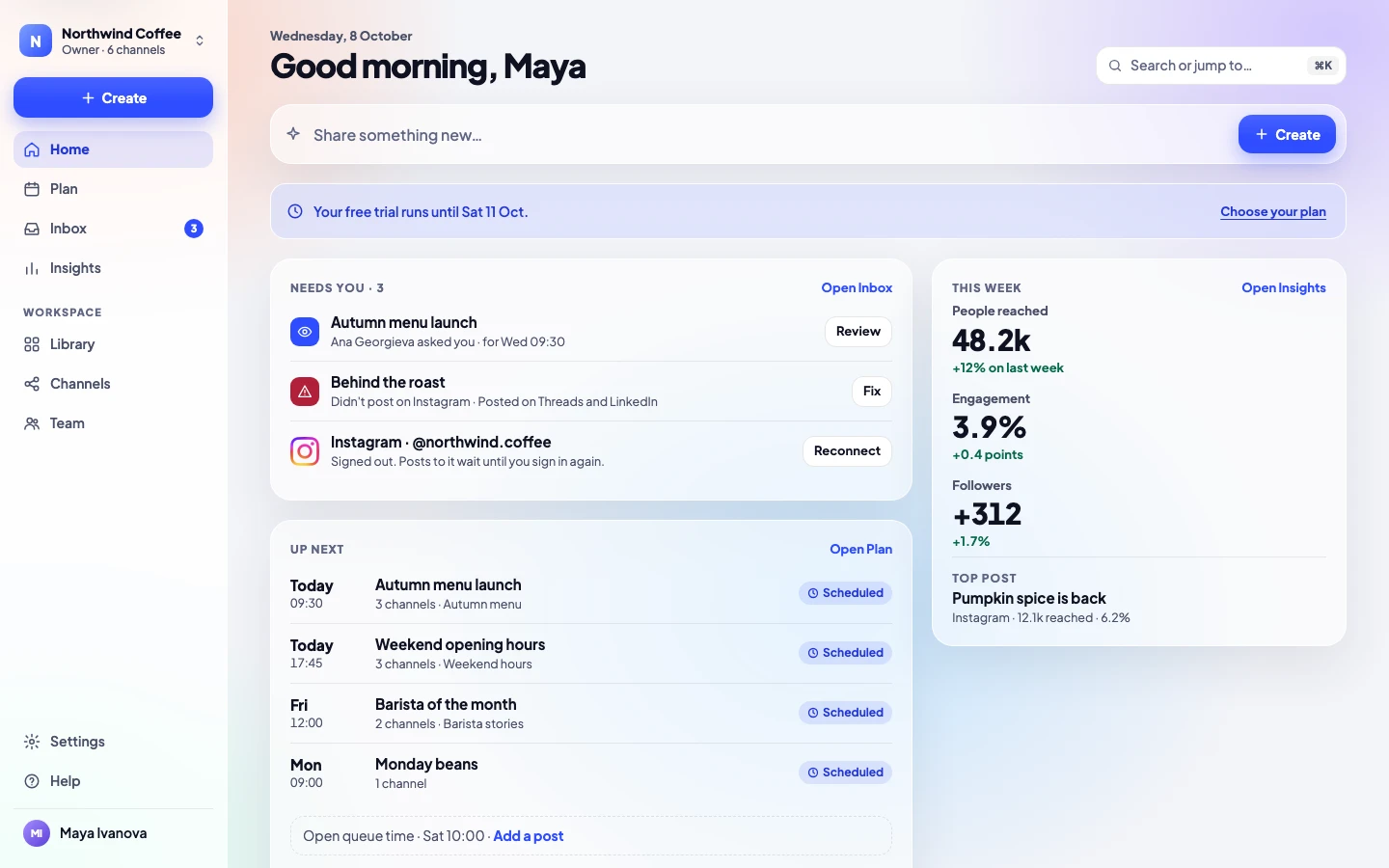
Stop juggling five apps, a spreadsheet and a group chat. Write, approve, schedule, reply and measure in one calm app.
Posts to eleven networks, through their official APIs
- Facebook Pages
- Threads
- TikTok
- YouTube
- X
- Bluesky
- Telegram
- Google Business







How it works
Write once. Get the yes. Done.
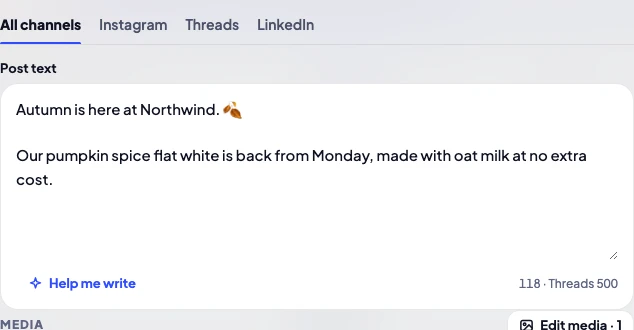
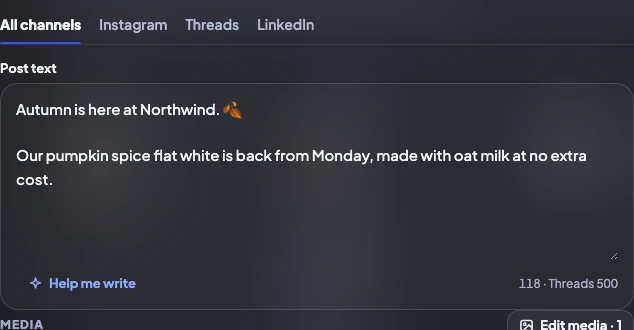
Write once
One post for every channel, with a real preview of each and its own tweaks where needed.
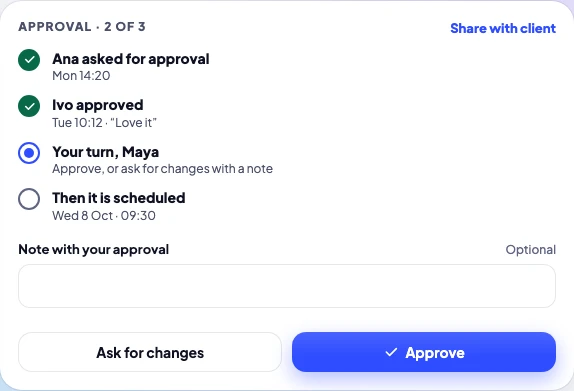
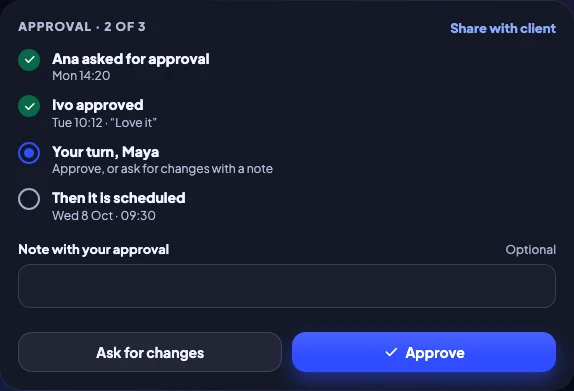
Get the yes
The right people approve, in order: your team, and clients by link without an account.
- Posted to 3 channels · Wed 09:30
It goes out
At the best time for your audience, or the next queue slot. You hear when it’s live.
Thirteen previews
See it the way each network will show it
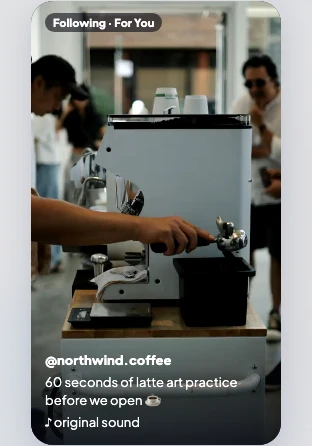
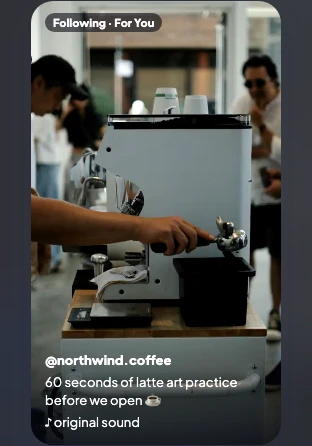
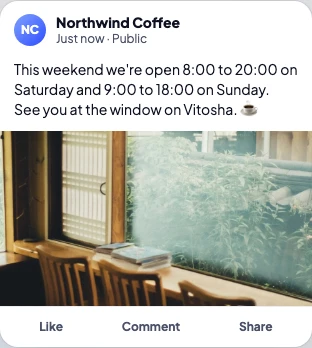
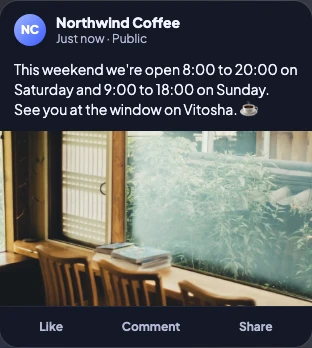
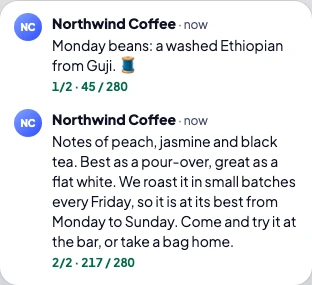
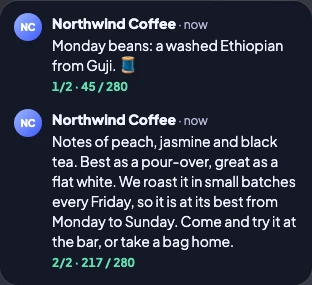
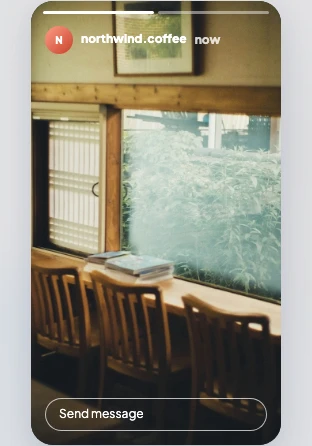
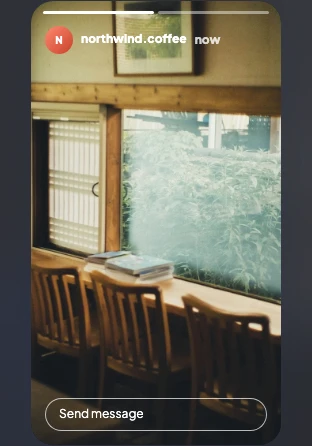
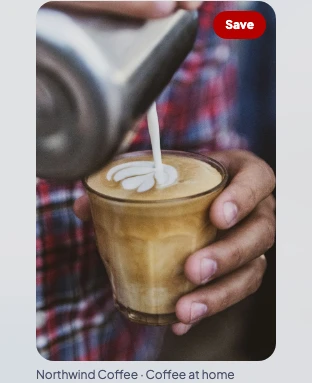
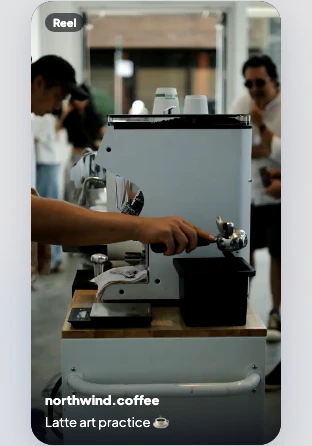
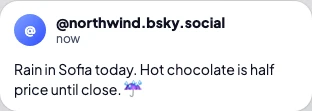
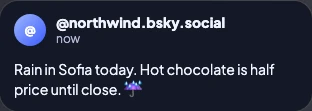
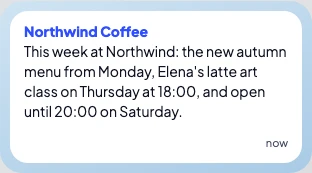
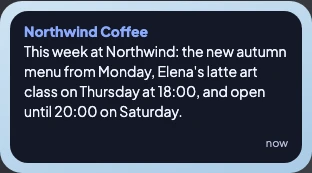
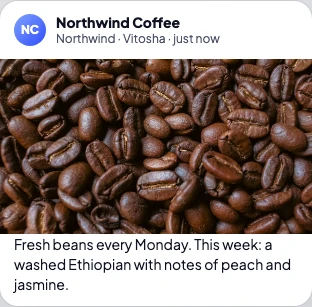
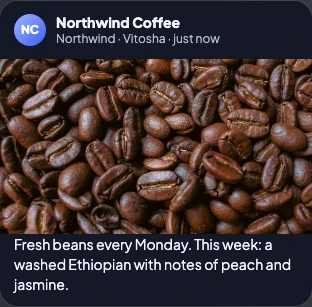
Instagram posts, Stories and Reels, TikTok, Threads, Facebook, LinkedIn, X threads, YouTube, Pinterest, Bluesky, Telegram and Google Business. Each preview shows the crop, the length and where the text is cut.










Release Social in numbers
11
networks
Posted through their official APIs.
13
previews
Each network’s real crop and length.
75
features
Every one listed on the pricing page.
0
post limits
On every plan, including Solo.
14
days free
No card needed to try.
Everything your social media needs, in one place
Approvals
Approvals your team will actually use
Name who approves, in order. Clients approve from a link, without an account. Nothing goes out until everyone has said yes.
- Approvers in order, with reminders when a post waits
- Client links in your name, your client’s logo on Agency
- Comments right on the picture
Writing
Write once, tune each channel
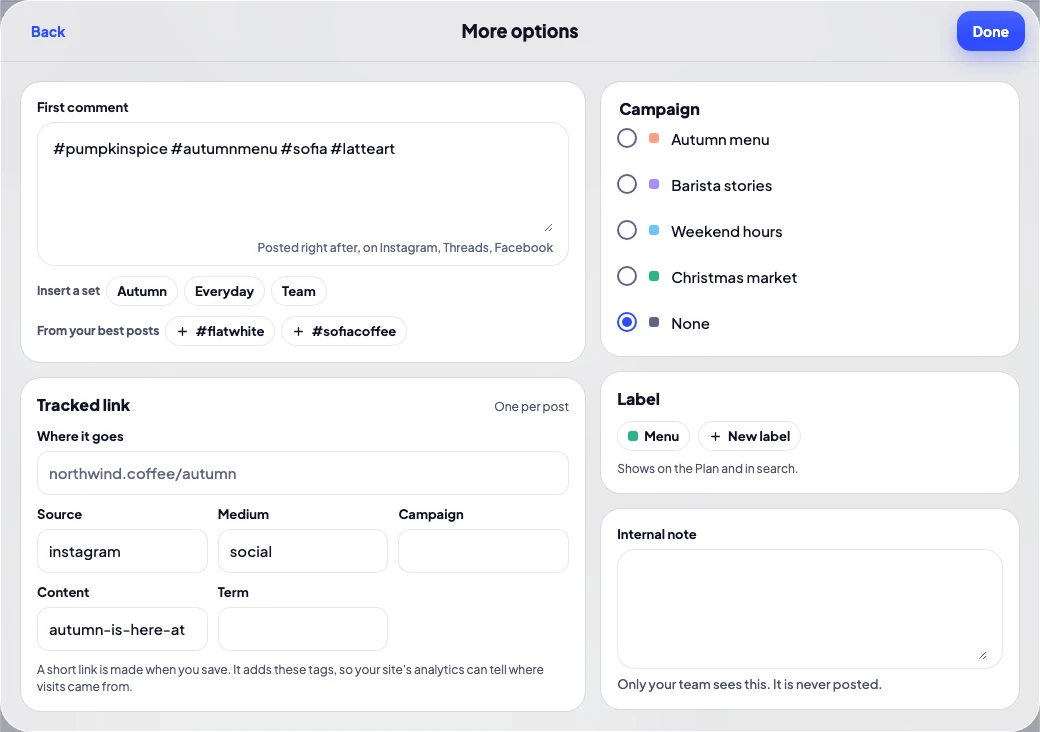
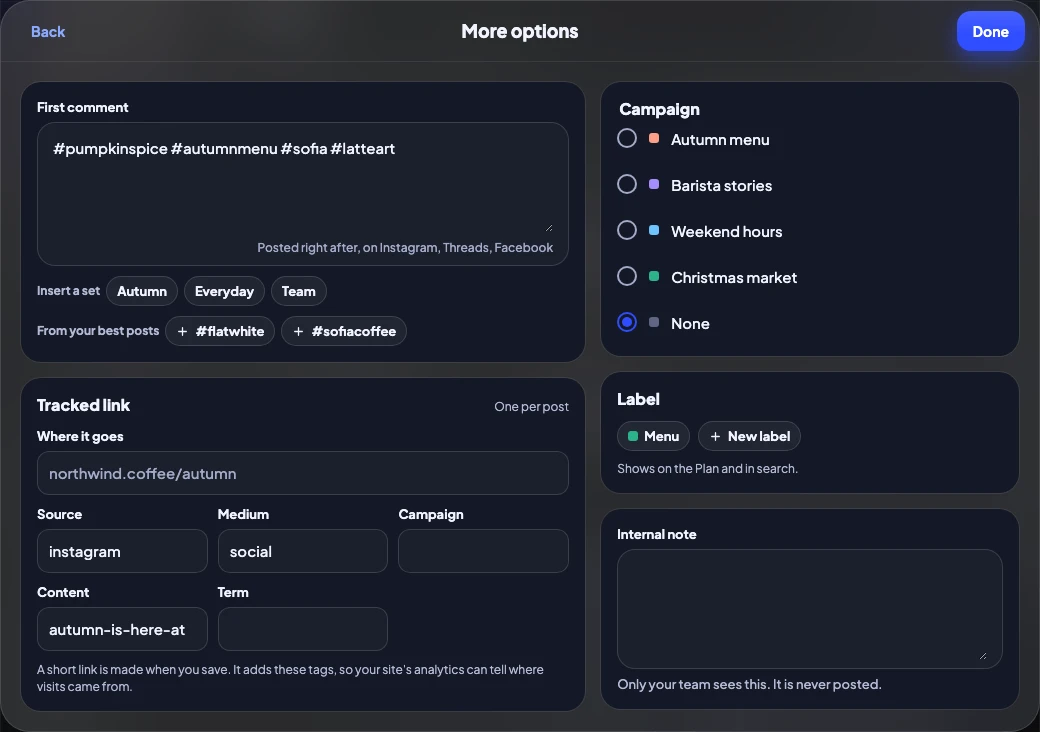
Start from a template, add a first comment with your hashtag set, track every link, and ask for help with the words only when you want it.
- First comment with hashtag sets
- Hashtag suggestions from your best posts
- Tracked links with UTM tags
- Help me write: tidy-up, or a draft from Claude
Plan
A week you can see at a glance
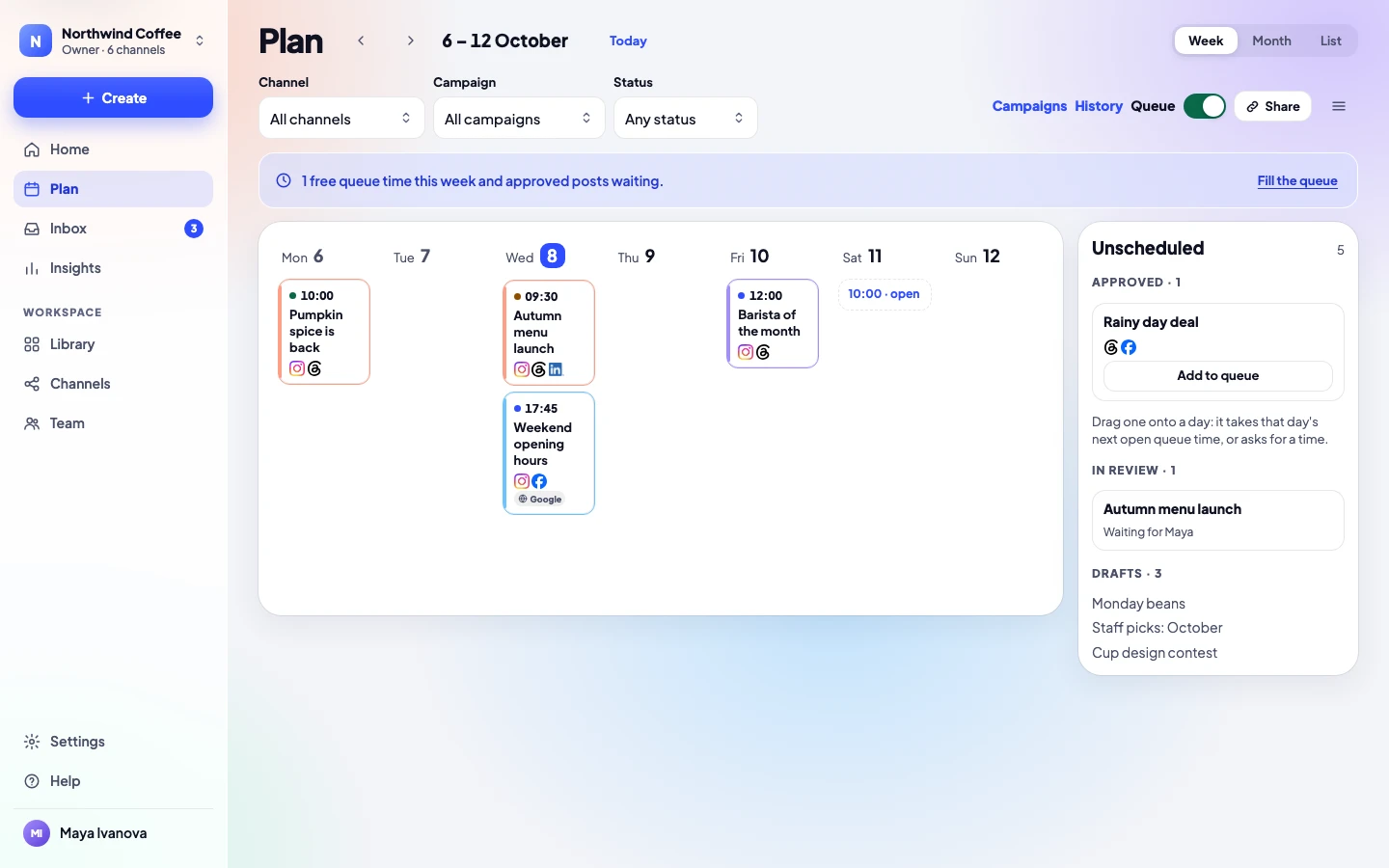
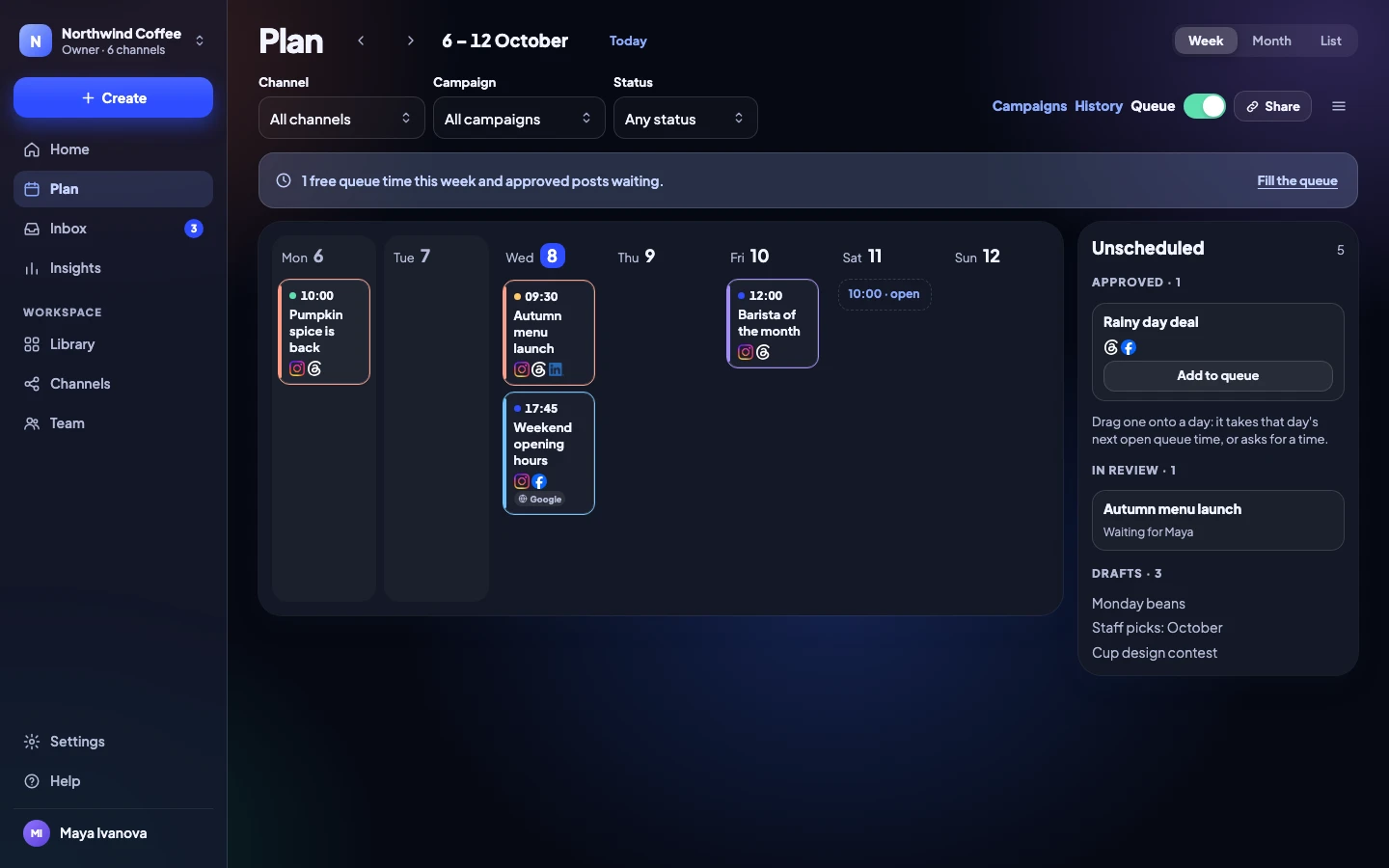
Drag an approved post onto a day, fill your queue times, and filter by campaign. Share the plan with a client as a calendar.
- Week, month and list views
- Queue times with the best hours marked
- A calendar feed for Google, Outlook and Apple
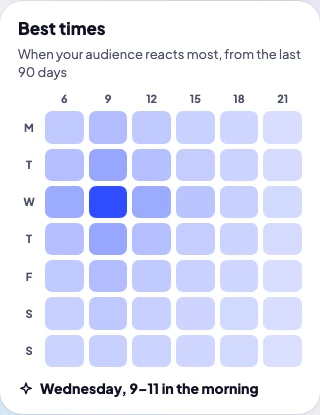
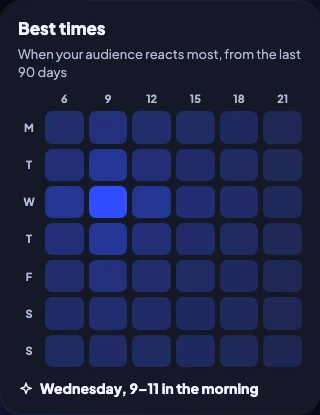
Queue and best times
Posts go out when people are there
Set weekly queue times, or fill them from your best hours. Approved posts take the next free time.
- Weekly queue times
- Best hours from your own results
- Repeating posts, every 2 to 13 weeks
Client links
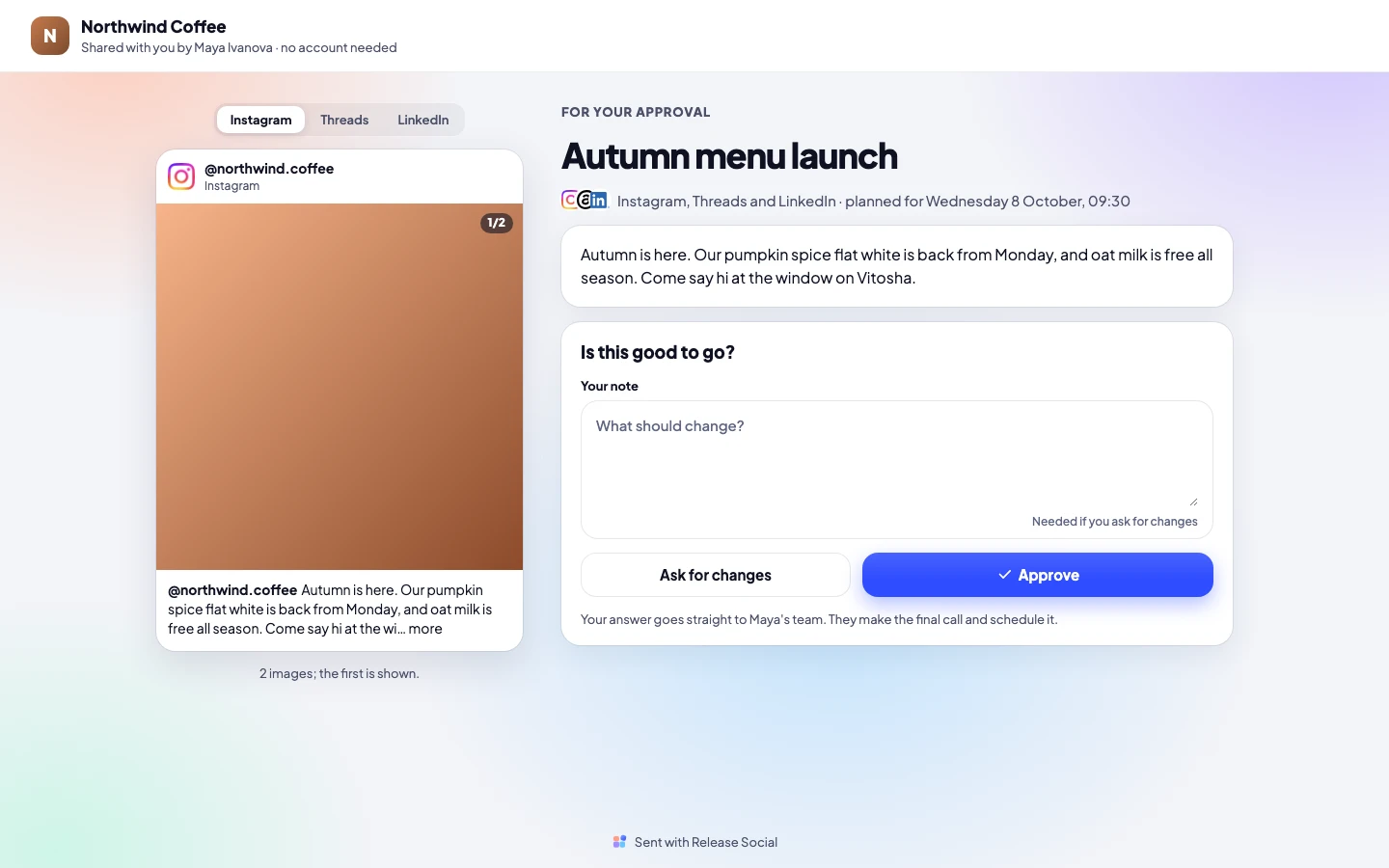
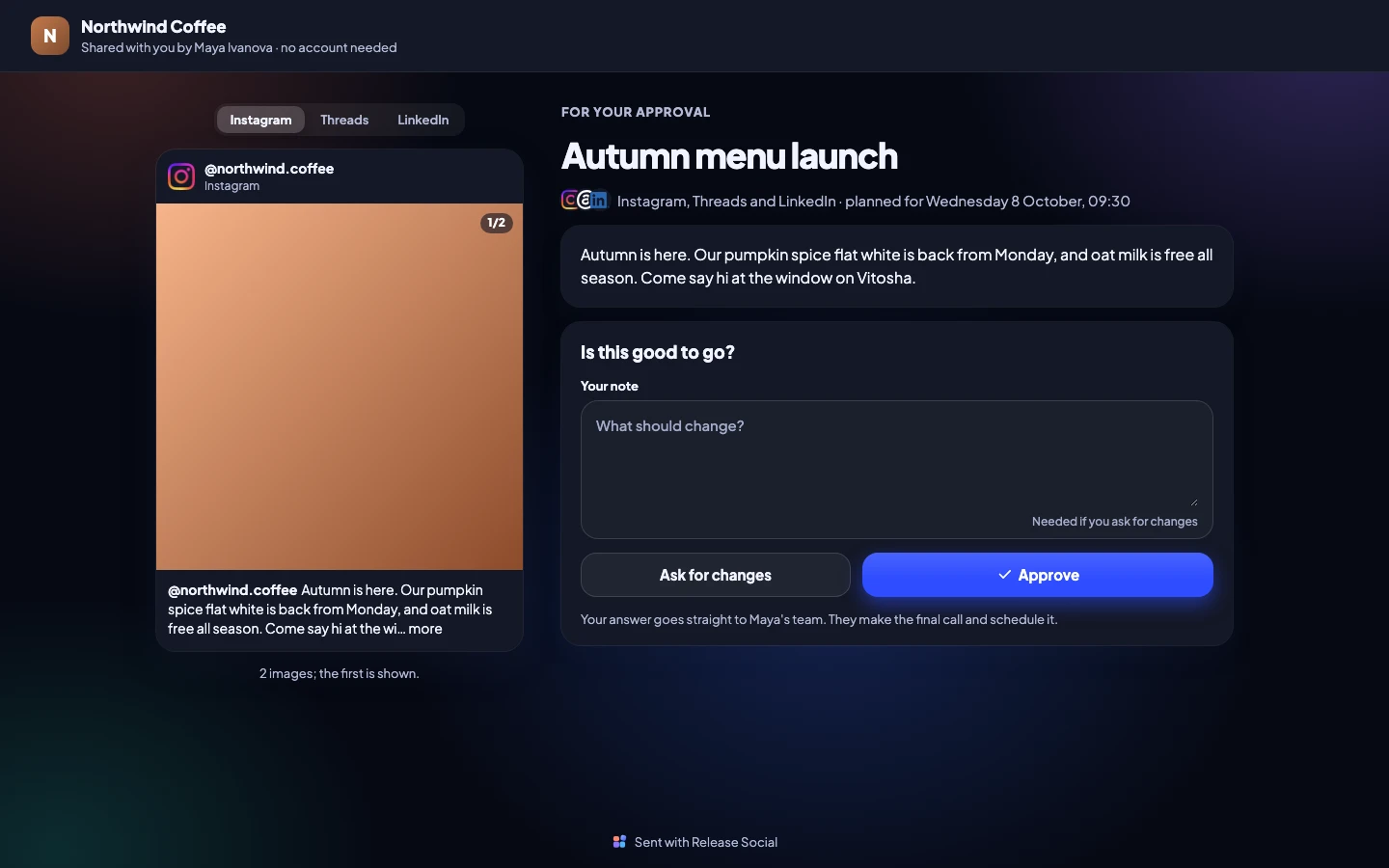
Clients approve without an account
Send a private link. Your client sees the post exactly as it will look, under their name, and approves or asks for changes. Your team keeps the final word.
- No sign-up for clients
- Their name on the page, their logo on Agency
- A live calendar they can follow
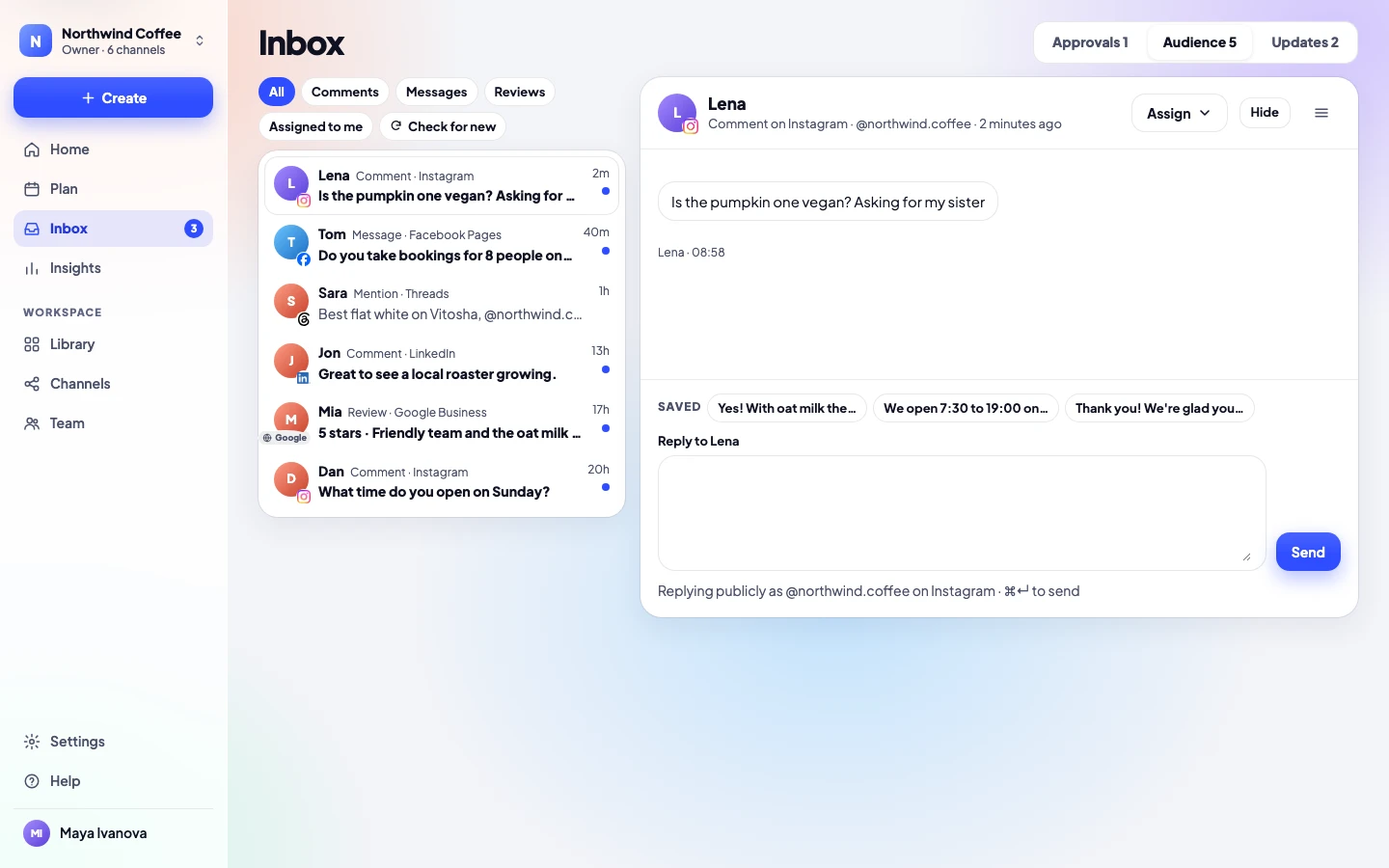
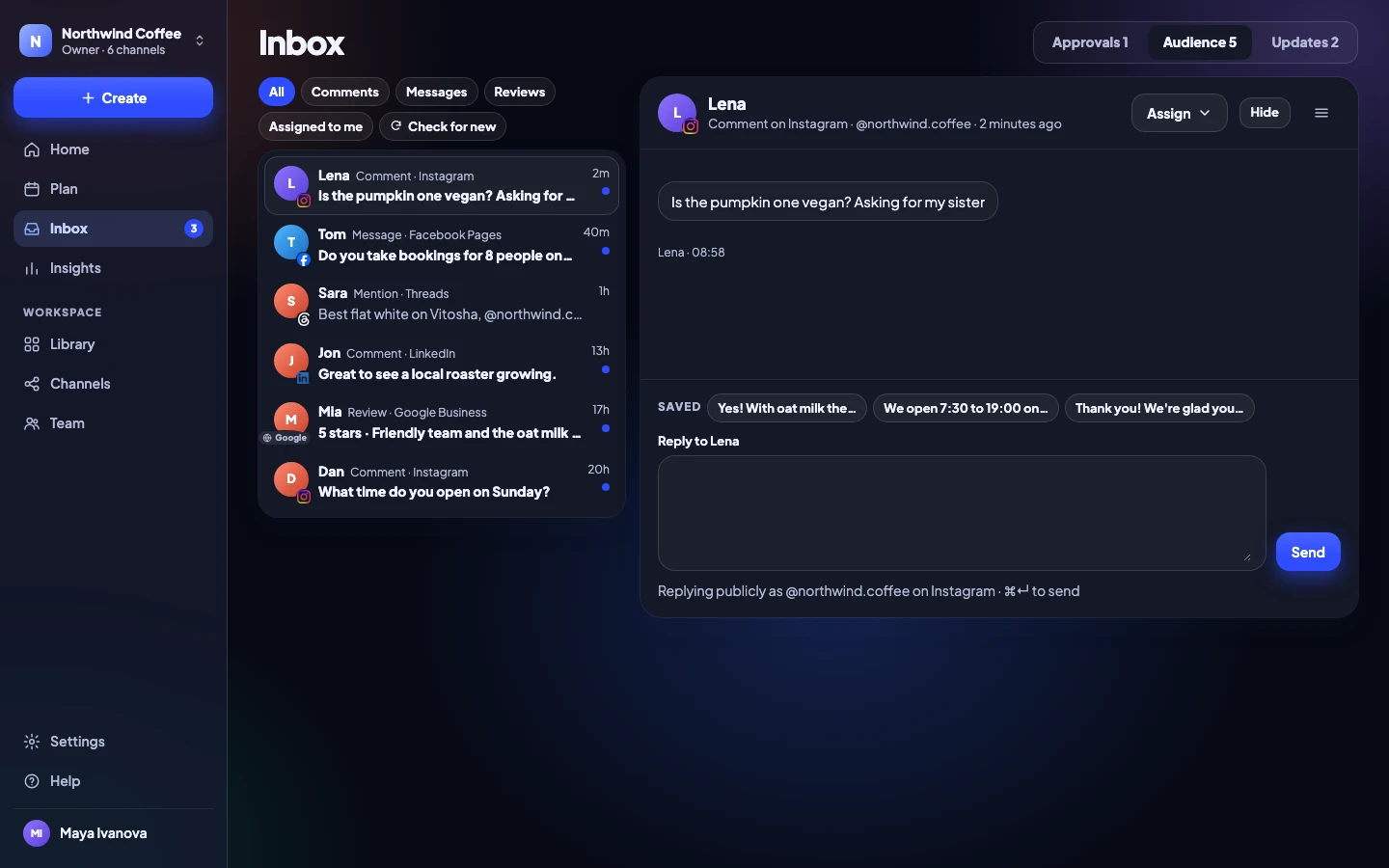
Inbox
Every reply in one place
Comments, direct messages, mentions and Google reviews from every channel arrive in one list. Answer with saved replies, hide what shouldn’t be there, and hand a conversation to a teammate.
- Instagram, Facebook, Threads, Google and more in one list
- Saved replies that you edit before sending
- Assign conversations and see who is on it
Library
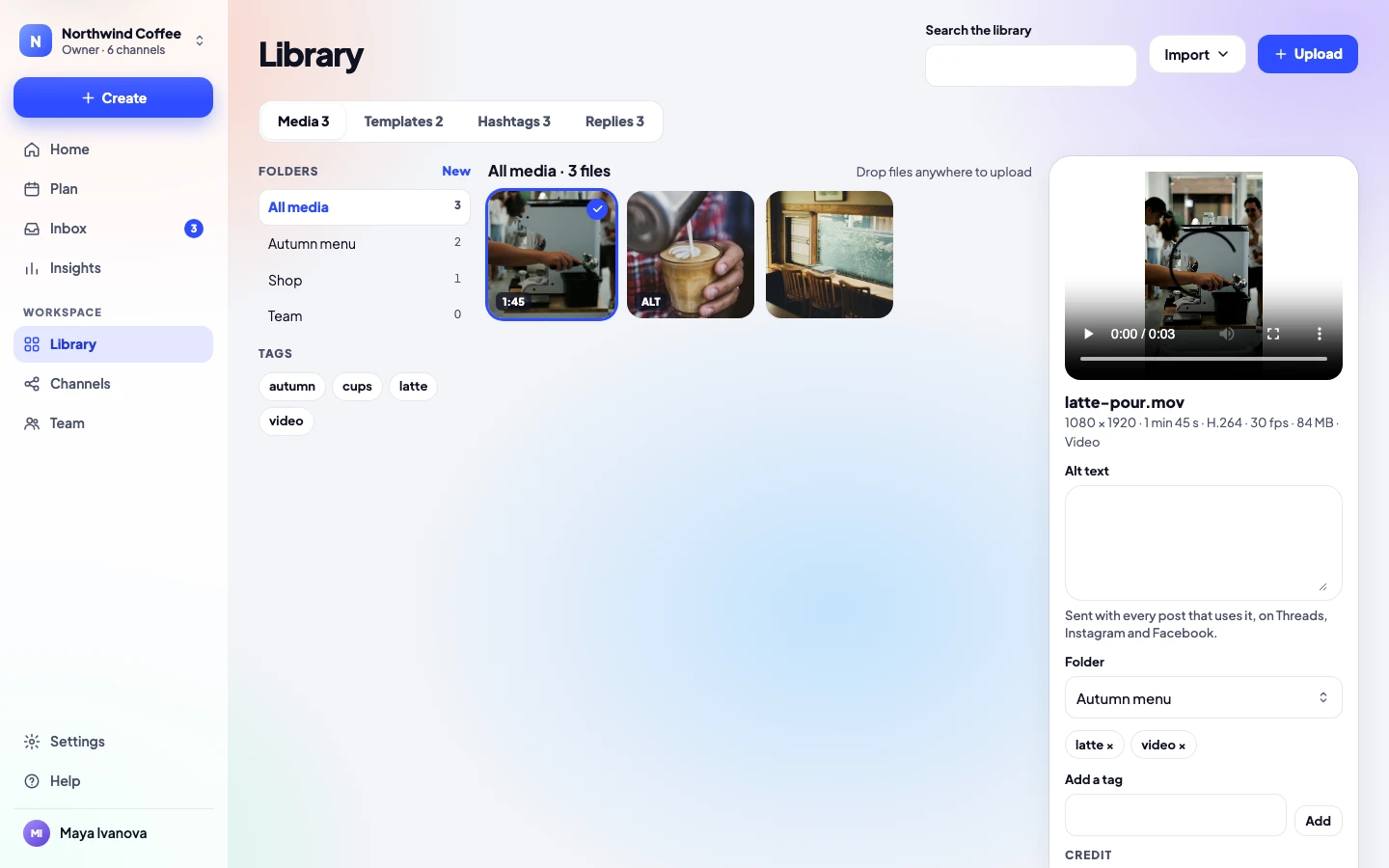
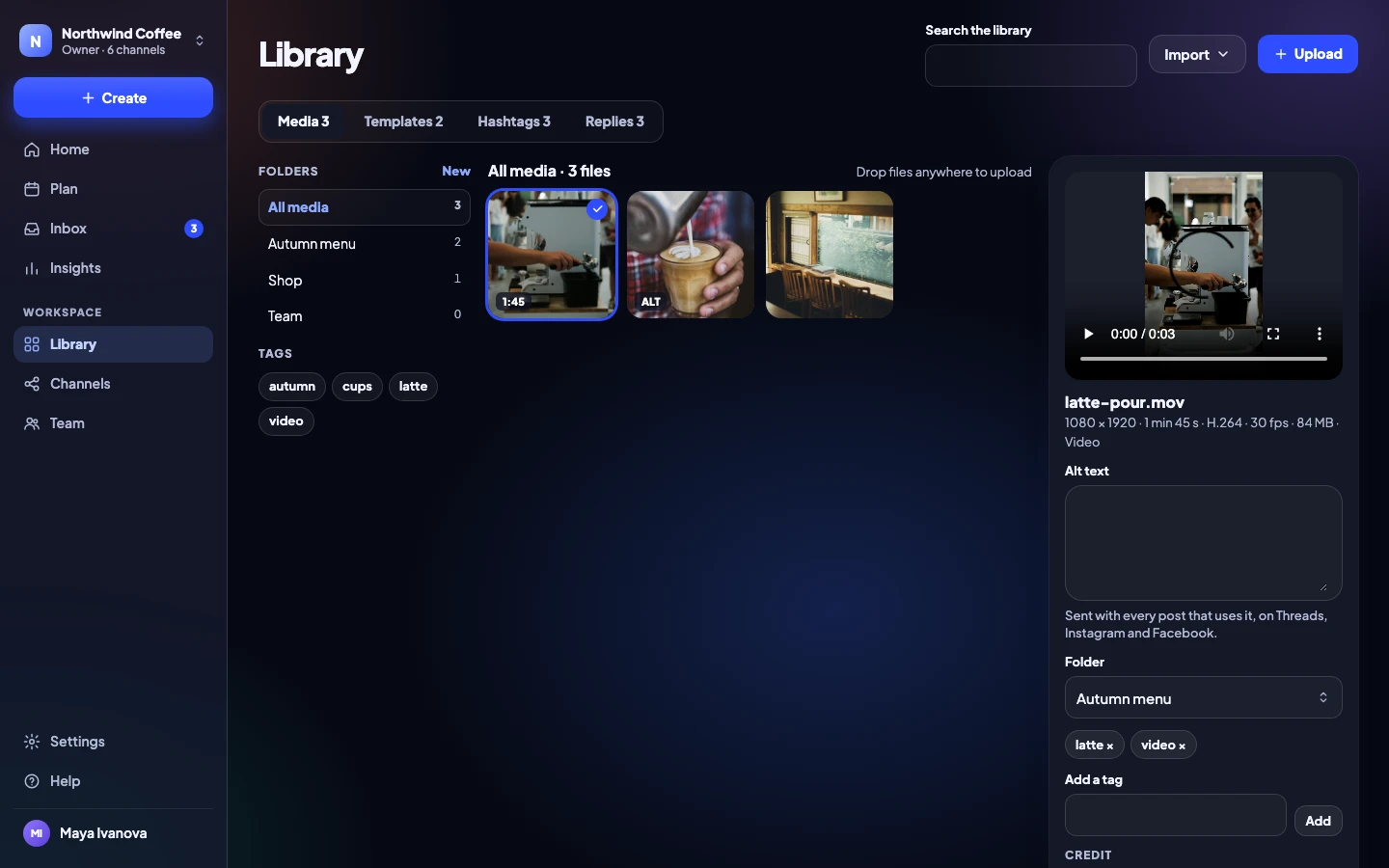
Your media, ready when you are
Pictures, videos, templates, hashtag sets and saved replies in one library, with folders, tags and alt text. Bring files in from Google Drive, Dropbox, OneDrive and Canva, or free photos from Pexels and Unsplash.
- Folders, tags and search
- Alt text saved once, sent everywhere
- Templates that start a post in one tap
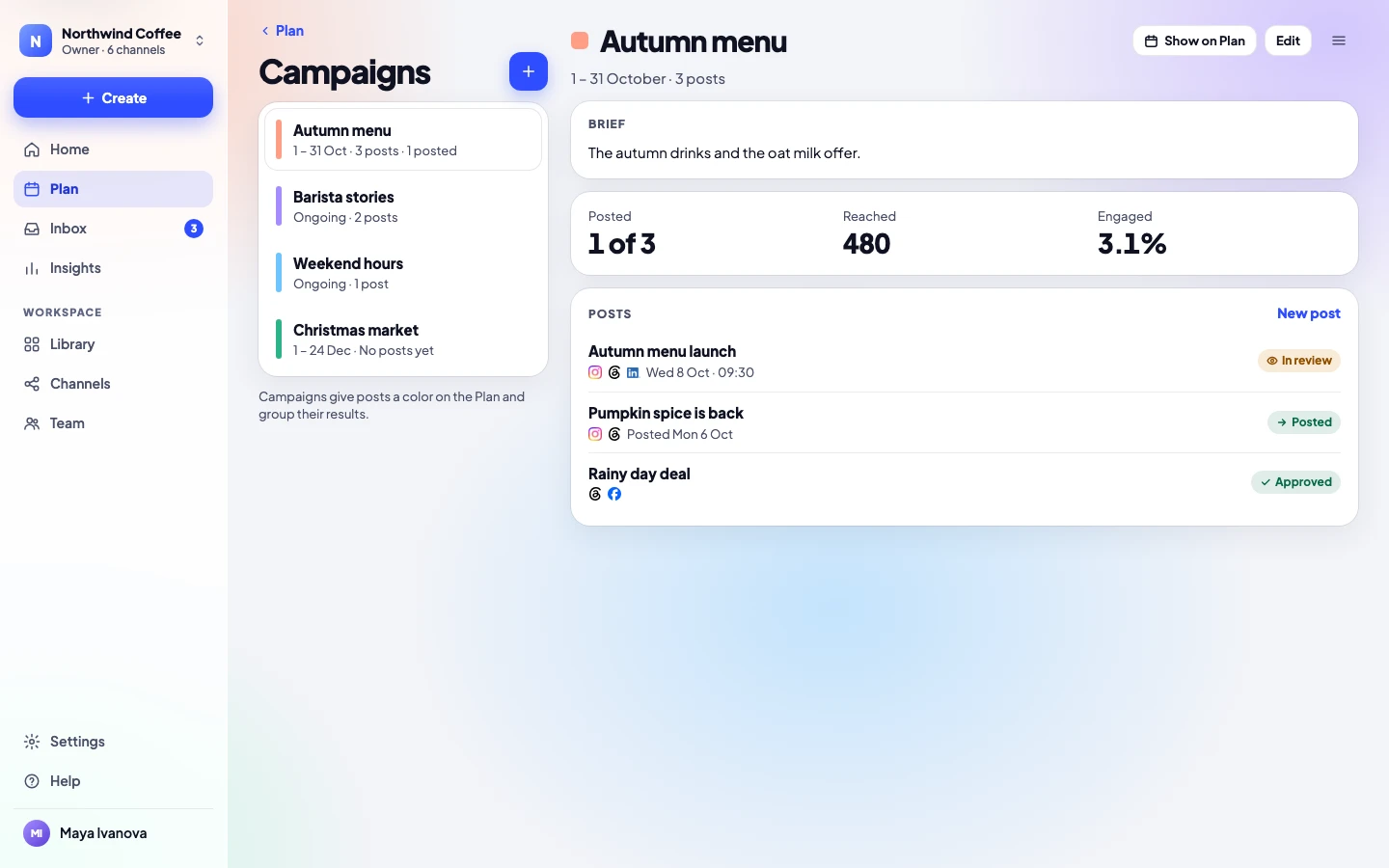
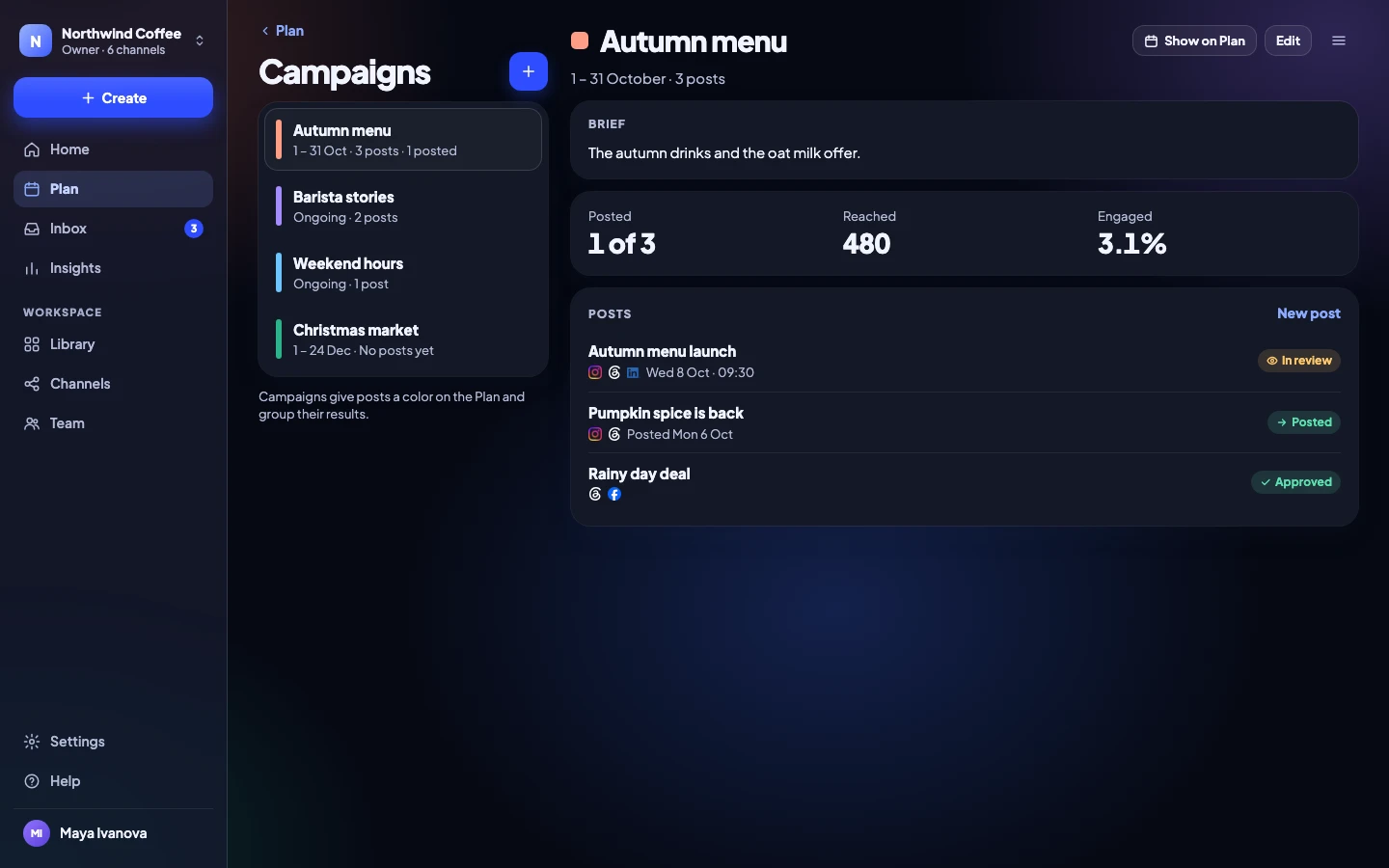
Campaigns
Launches with a brief, a color and results
Group posts under a campaign. Everyone reads the same brief, the plan shows the campaign’s color, and the results add up for you.
- Briefs, dates and colors
- Labels to filter the plan
- Results for the whole campaign
Insights
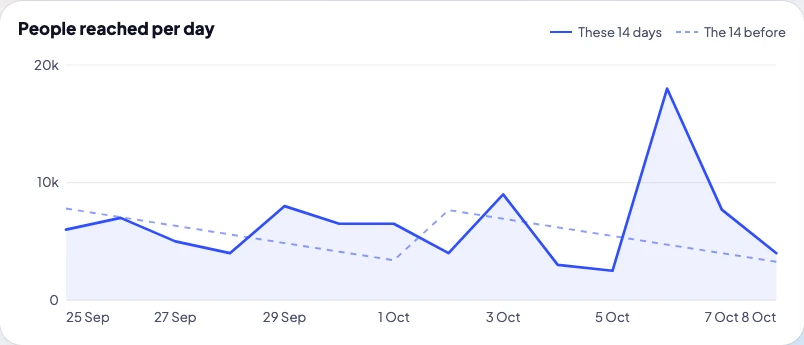
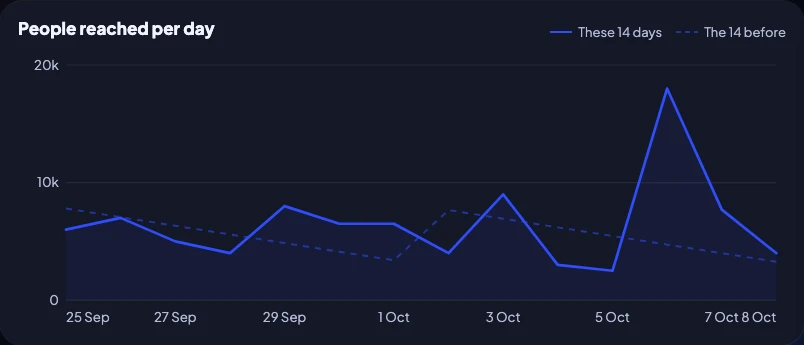
Numbers in plain words, and a report to send
Every number says what it compares to. See your top posts, how each channel grows and your best times, then send a PDF report.
- 7, 14, 30 or 90 days, against the period before
- Results per post and per channel
- PDF and CSV, ready for your boss or client
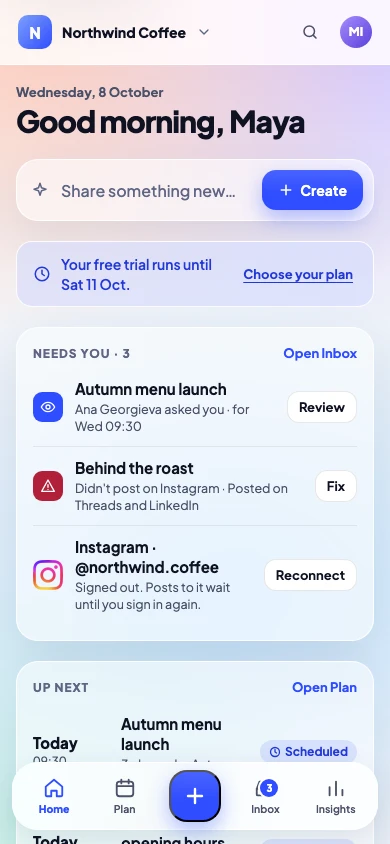
Every device
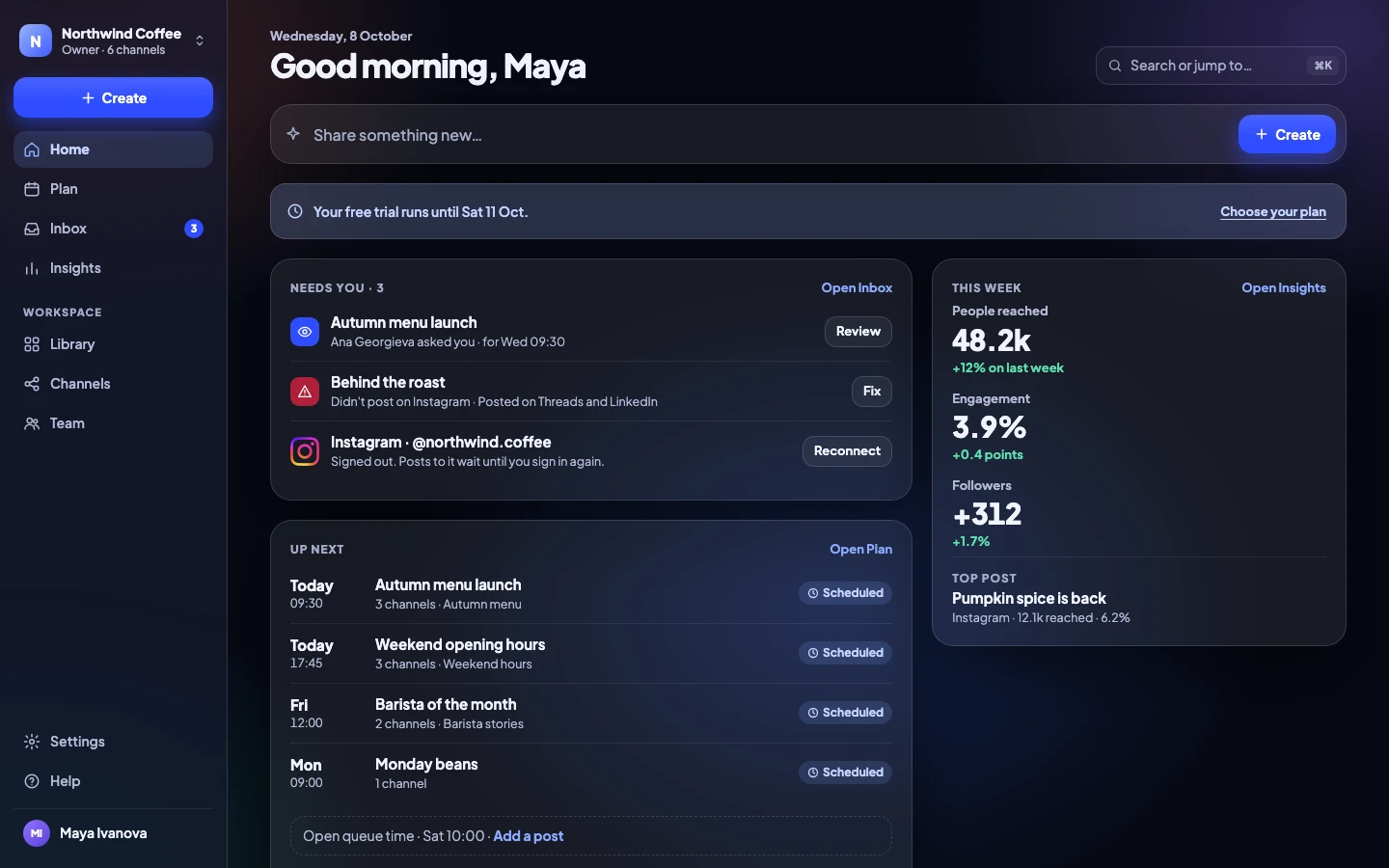
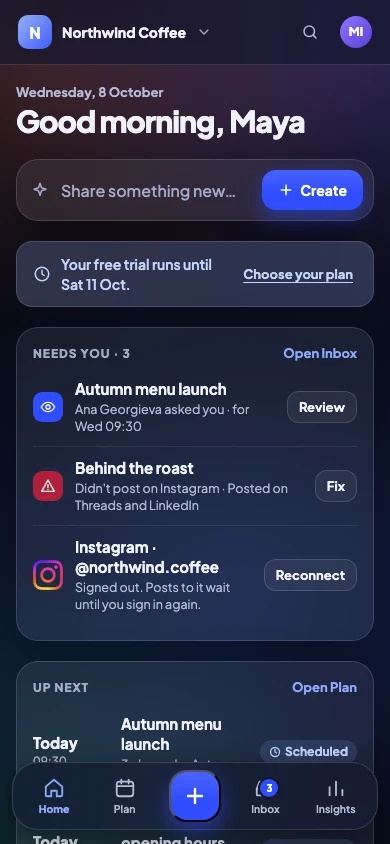
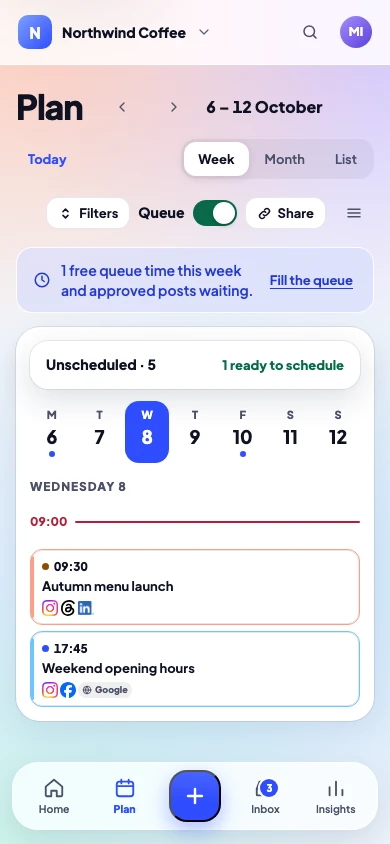
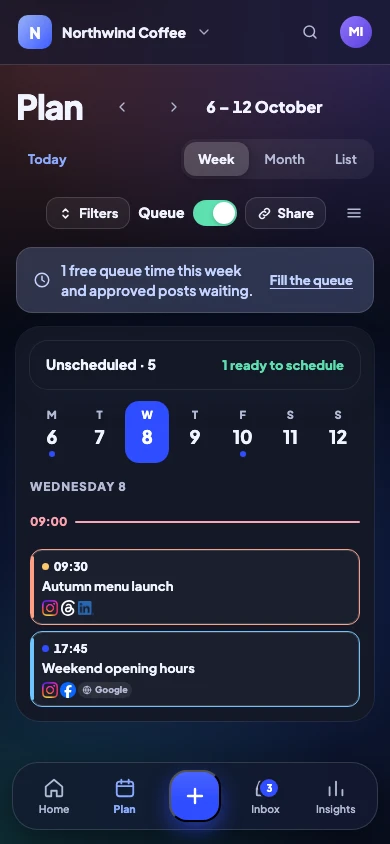
Phone first. Computer too. Light or Dark.
Install it on your phone from the browser, use it on a tablet, or get the desktop app for Mac, Windows and Linux. It follows your device’s Light or Dark setting.
- PhoneInstall it from the browser
- ComputerMac, Windows and Linux
- Light or DarkFollows your device
Made for how you work
Creators
Solo · from €9.99 / month + VAT
Your own brand on every network, without living in five apps.
- 8 channels, one place
- Best times and a queue
- Replies from one Inbox
Teams
Team · from €29.99 / month + VAT
A few people, one calendar, and a clear yes before anything goes out.
- Approvers in order, with reminders
- Roles for writers and approvers
- Slack when it’s someone’s turn
Agencies
Agency · from €99.99 / month + VAT
Many clients, each in their own workspace, approving from a link.
- 10 workspaces on one bill
- Client pages in their logo
- Custom roles and single sign-on
Pricing
Simple plans. No post limits.
14 days free on Solo, Team and Agency. Prices before VAT.
Solo
€9.99 / month + VAT
paid yearly · €11.99 monthly
- 1 person, 8 channels
- All 11 networks, no post limits
- Previews, queue and best times
- Inbox and saved replies
- Insights and PDF reports
Most teams
Team
€29.99 / month + VAT
paid yearly · €34.99 monthly
- 5 people, 20 channels
- Everything in Solo
- Named approvers in order
- Client approval links and calendar
- Slack and audit log
Agency
€99.99 / month + VAT
paid yearly · €119.99 monthly
- 15 people, 60 channels, 10 workspaces
- Everything in Team
- Your client’s logo on their pages
- Custom roles and single sign-on
- API, webhooks and connectors
Enterprise
Custom
for your organisation
- Sized to your organisation
- Everything in Agency
- Onboarding with our team
- Invoices and bank transfer
- Security review and custom terms
Questions
Anything else? Write to us, a person answers.
How does the free trial work?
Sign in with your email and use everything for 14 days. No card needed. At the end, pick a plan to keep scheduling and posting; your posts and settings stay either way.
Which networks can I post to?
Instagram, Facebook, Threads, LinkedIn, TikTok, YouTube, X, Pinterest, Bluesky, Telegram and Google Business.
Do my clients need an account to approve?
No. They approve from a private link that shows the post exactly as it will look.
Is there a limit on how many posts I can make?
No. Every plan posts as much as you like. Plans count people, channels and workspaces, never posts.
Can I take my data with me?
Yes. An owner can export the whole workspace in one file, any time, from Settings.
Can I try it without a card?
Yes. The 14-day trial needs no card. You add one only when you choose a plan.
What happens if a post doesn’t go out?
You hear straight away, with the reason in plain words and the one fix that works. Only the channel that failed is tried again. A post that misses its time waits for you instead of going out late.
Can I import posts from a spreadsheet?
Yes. Bring in up to 200 posts at a time from a spreadsheet. Each arrives as a draft, and nothing comes in until every row is right.
Does it work on my phone?
Yes. Open it in your phone’s browser and add it to your home screen. It works like an app, in Light or Dark.
Which plan do I need?
Solo is for one person with up to 8 channels. Team adds approvals: 5 people and 20 channels. Agency is for clients: 10 workspaces, 15 people and 60 channels. Enterprise is sized to your organisation. Every plan has every network and no post limits.
Can I write with AI?
Yes, when you want to. Help me write tidies your words or drafts a post with Claude, through your own Anthropic key, and on Agency you can start drafts from ChatGPT or Claude. Every post still needs its yes.
Is there a desktop app?
Yes, for Mac, Windows and Linux, on every plan.
Can I use it in Dark mode?
Yes. The app and this site follow your device, or you can choose Light or Dark.
Who can see my client’s posts?
Only the people in that client’s workspace, and the client through the private link you send. You can turn client links off at any time.
Your next post, approved and out by this afternoon.
No card needed to try. Cancel any time.