The tour · 75 features in 8 groups
Everything Release Social does
Write, approve, plan, publish, reply and measure, for one person or a hundred. Here is every feature, with the plan it comes with.
No card needed to try. Cancel any time.
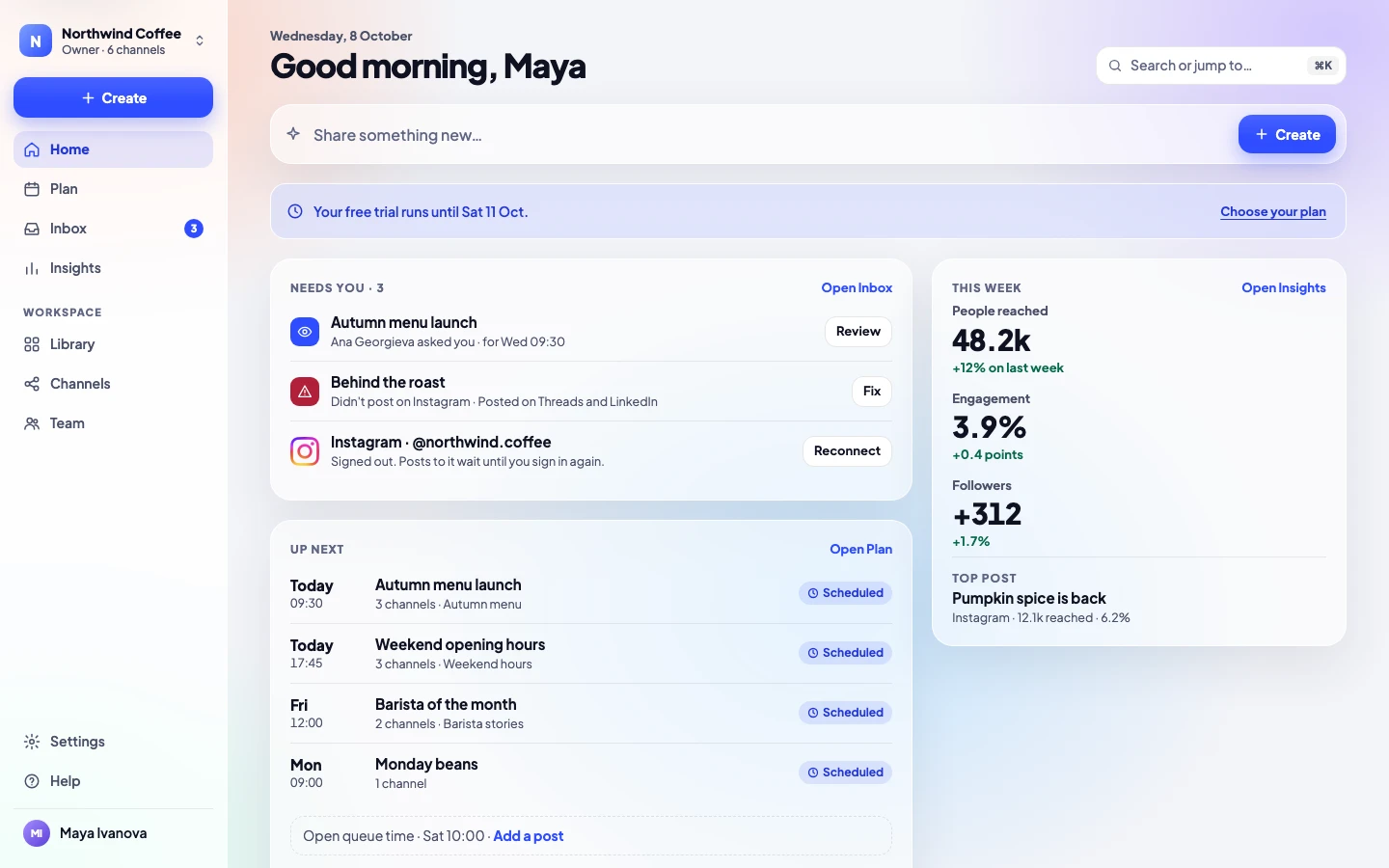
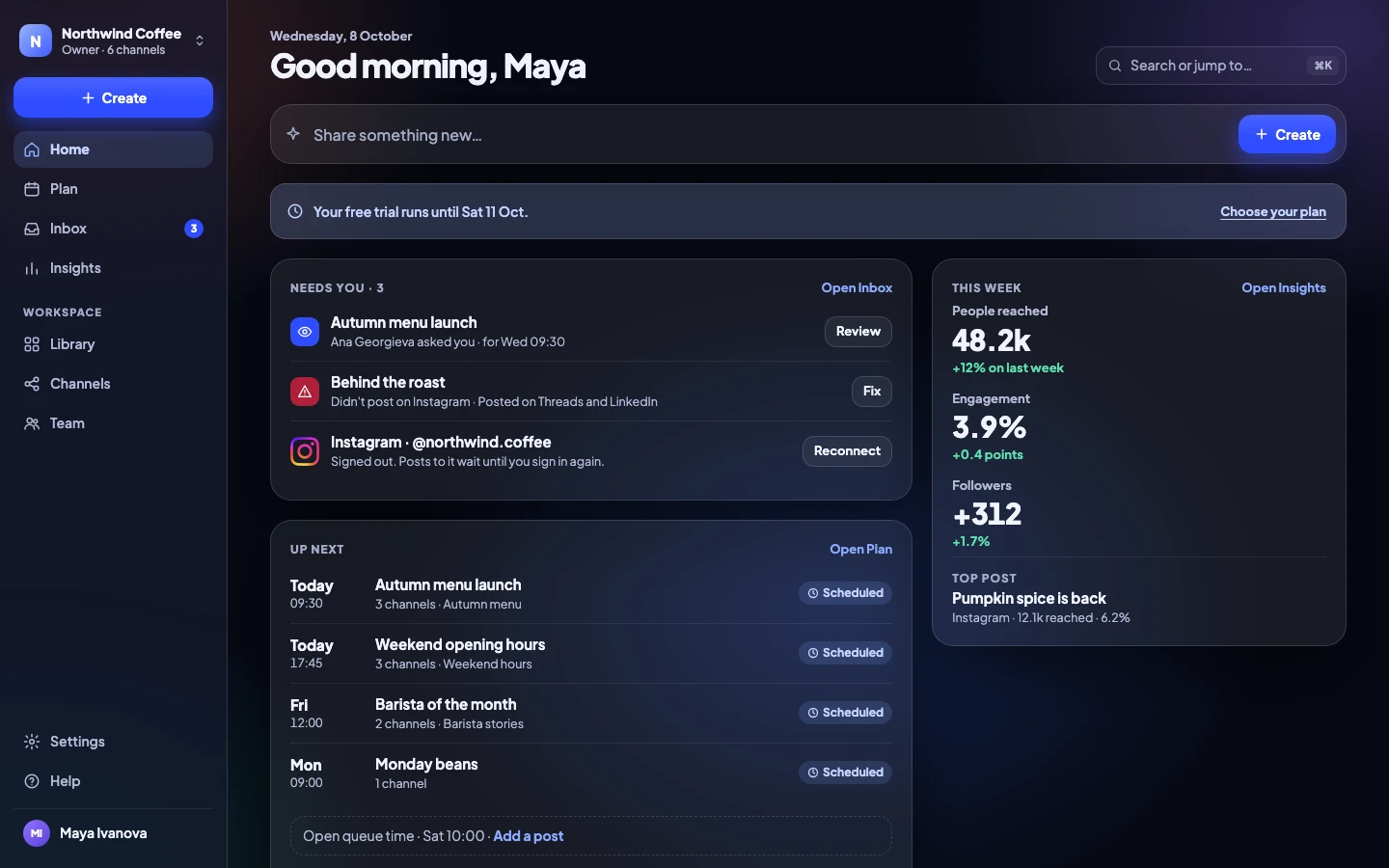
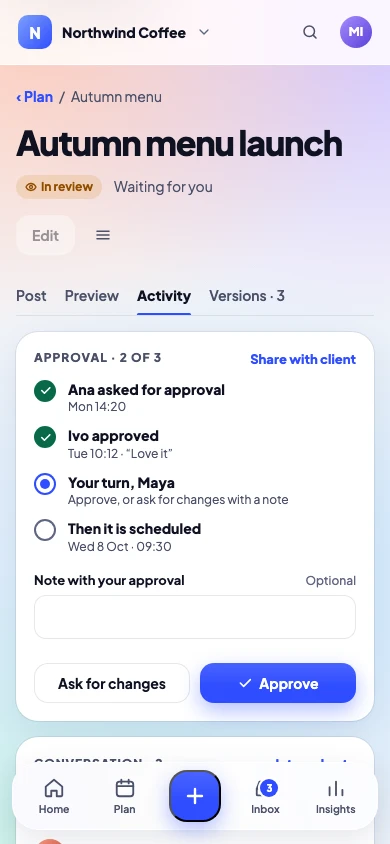
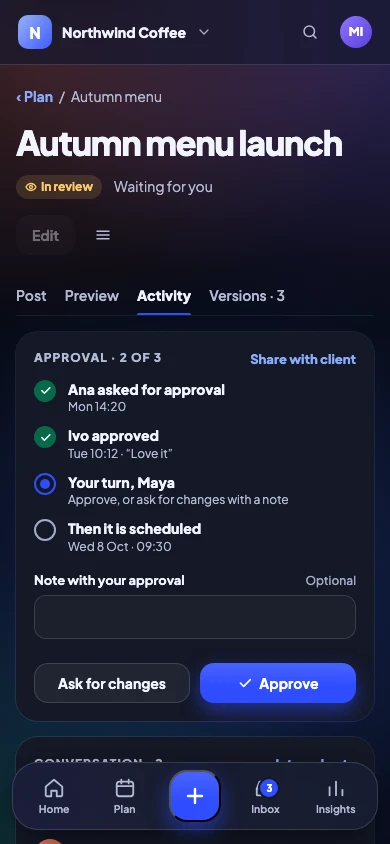
1 · Posting · 17 features
Write once, post everywhere
One post for every channel, with a real preview of each and every option each network offers.




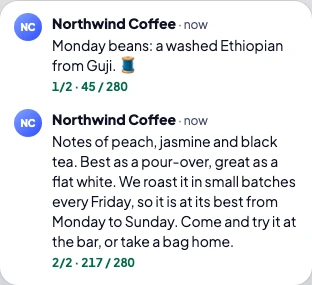
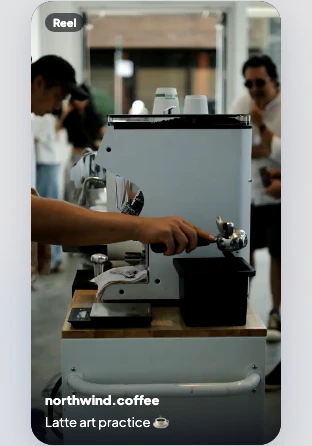

Networks
Instagram, Facebook, Threads, LinkedIn, TikTok, YouTube, X, Pinterest, Bluesky, Telegram and Google Business. X posts through your own X developer app.
Every planChannels
Each account, Page or location you post to. Disconnected channels don’t count.
Solo 8 · Team 20 · Agency 60 · Enterprise Custom
Every planPosts per month
No caps on any plan. Schedule as much as you like.
Every planPosts, Reels, Stories and carousels
Every main format, checked against each network’s rules before it can go out.
Every planX threads and LinkedIn documents
Write a thread post by post, or share a PDF as a swipeable LinkedIn document.
Every planA real preview for every channel
Thirteen previews show each network’s crop, length and cut-off point as you type.
Every planDifferent text and media per channel
Start from one post, then change the words or media for any channel.
Every planFirst comment, with hashtag sets
Put hashtags or a link in the first comment, from a set you saved.
Every planHashtag suggestions from your best posts
Suggestions come from the hashtags on your own posts that did best.
Every planTracked links with UTM tags
A short link with its UTM tags filled in for you, so you see what brought people in.
Every planInstagram music, collaborators, location, trial Reels
The Instagram options people ask for, right in Create.
Every planReel and video covers
Pick a frame from the video or upload your own cover.
Every planAlt text on pictures
Describe each picture once. It goes to every network that accepts it.
Every planYouTube titles, thumbnails and playlists
Everything a YouTube upload needs, in the same post.
Every planPinterest boards and links
Choose the board and the link for every Pin.
Every planGoogle Business updates
Post updates to your Google Business locations.
Every planHelp me write: tidy-up or Claude
Tidy spelling and length, or ask Claude for a draft you then edit, with your own Anthropic key.
Every plan
2 · Planning · 14 features
A plan you can see and trust
A calendar, a queue with your best times, campaigns and a library, so nothing is last-minute.
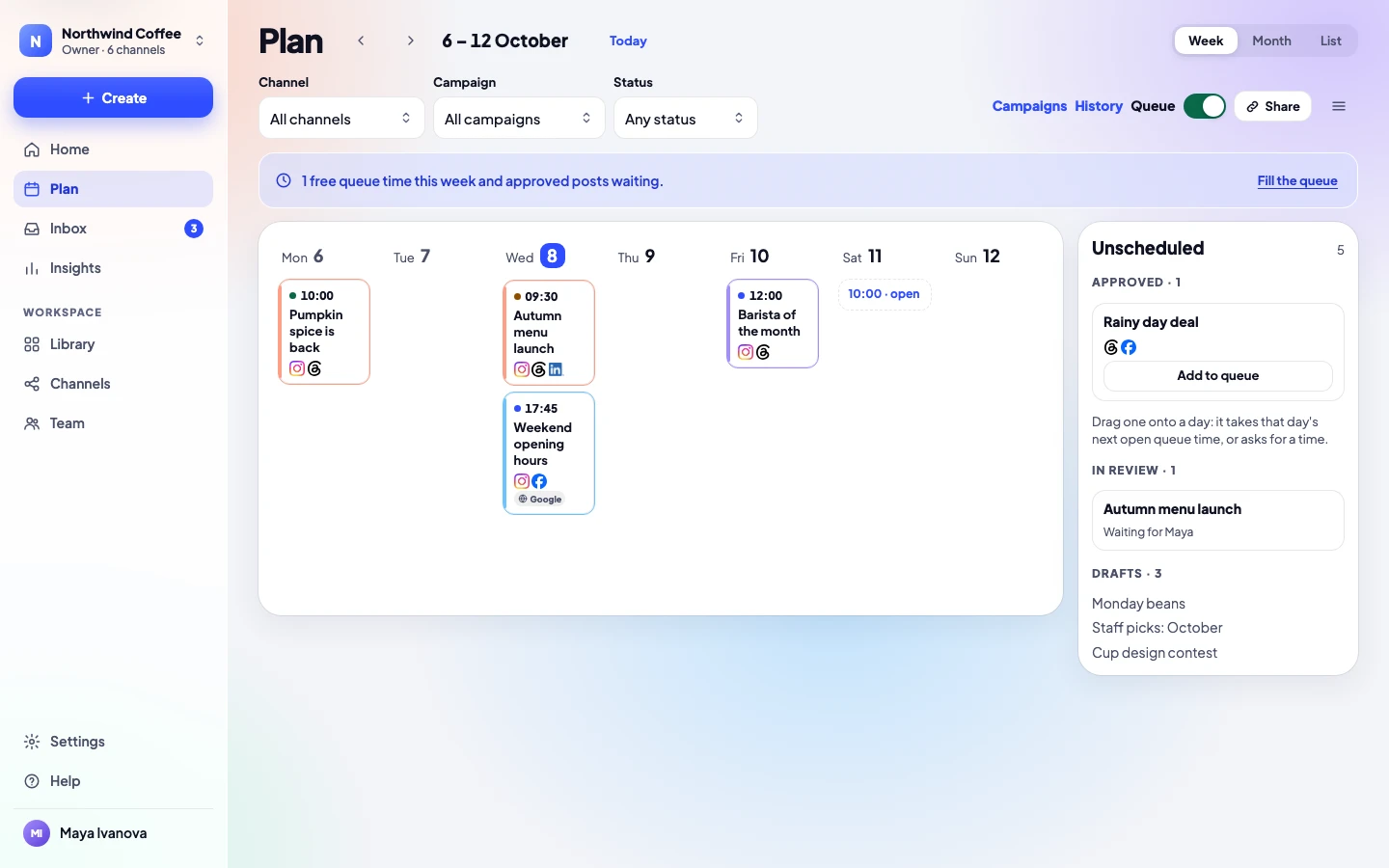
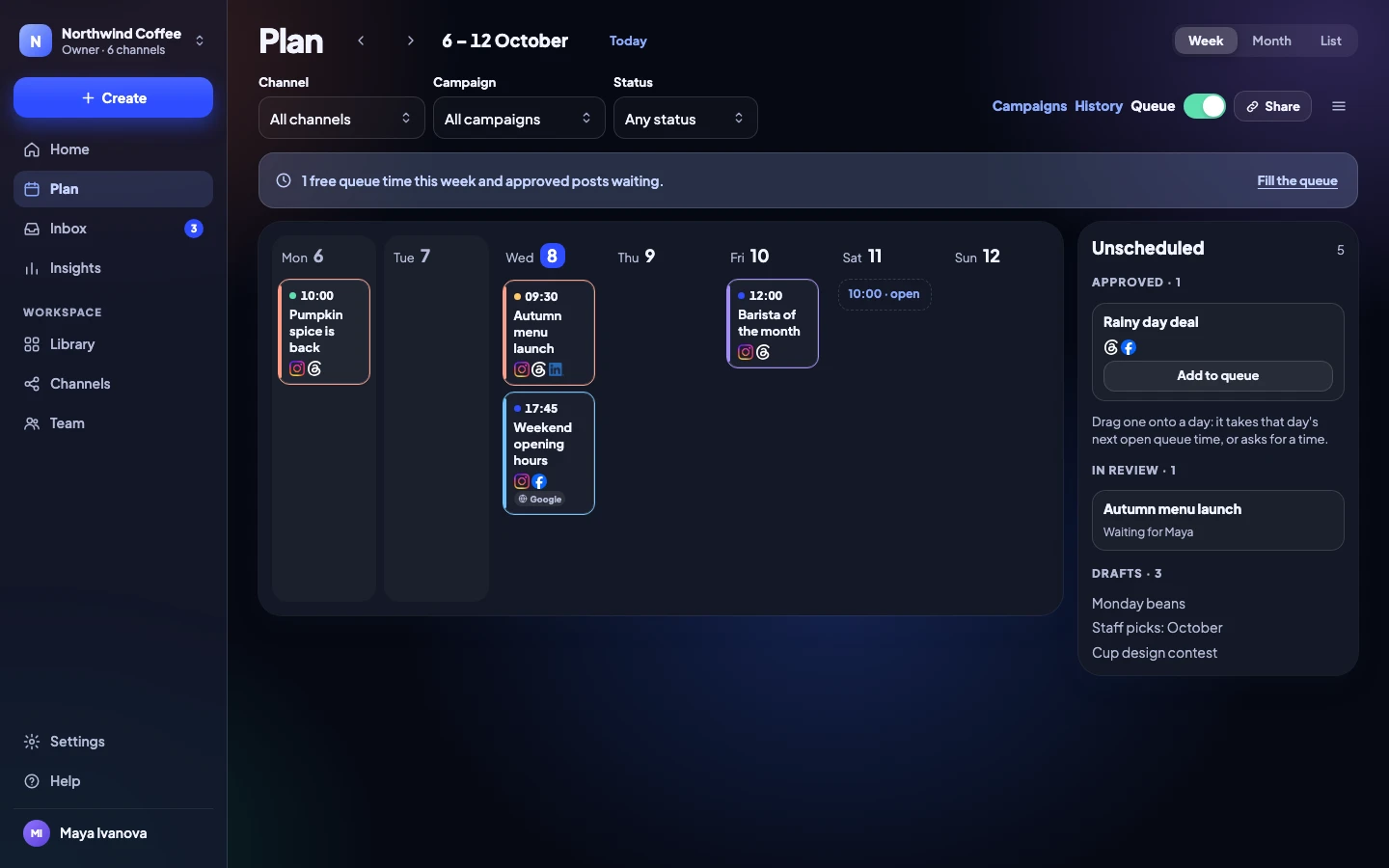
Calendar: week, month and list
See every post, and filter by channel, campaign or status.
Every planQueue times, with your best times
Weekly times your approved posts take in turn, filled from your best hours if you like.
Every planDrag to reschedule
Drag a post to another day, or pick a new time from its page.
Every planCampaigns with briefs and results
Group posts under a brief, a color and dates, and see their results together.
Every planLabels
Name and color posts, and rename a label on every post at once.
Every planRepeating posts
A good post comes back as a new draft every 2, 4, 8 or 13 weeks, for a yes.
Every planHistory of everything posted
Every post that went out, with where and when.
Every planVersion history, 30 versions
Go back to any of the last 30 versions of a post.
Every planArchive and restore
Put old drafts away and bring them back later.
Every planPost templates
Start a post from a saved template in one tap.
Every planSpreadsheet import, 200 posts at a time
Bring a whole content plan in from a CSV file.
Every planRSS feed to drafts
New posts on your blog become drafts, ready to approve.
Every planMedia library with folders and tags
Pictures and videos in folders, with tags, alt text and search.
Every planGoogle Drive and Canva
Pick files from Drive, or bring finished Canva designs in.
Every plan
3 · Approvals · 9 features
A clear yes before anything goes out
Named approvers in order, comments on the post, and clients who approve from a link.
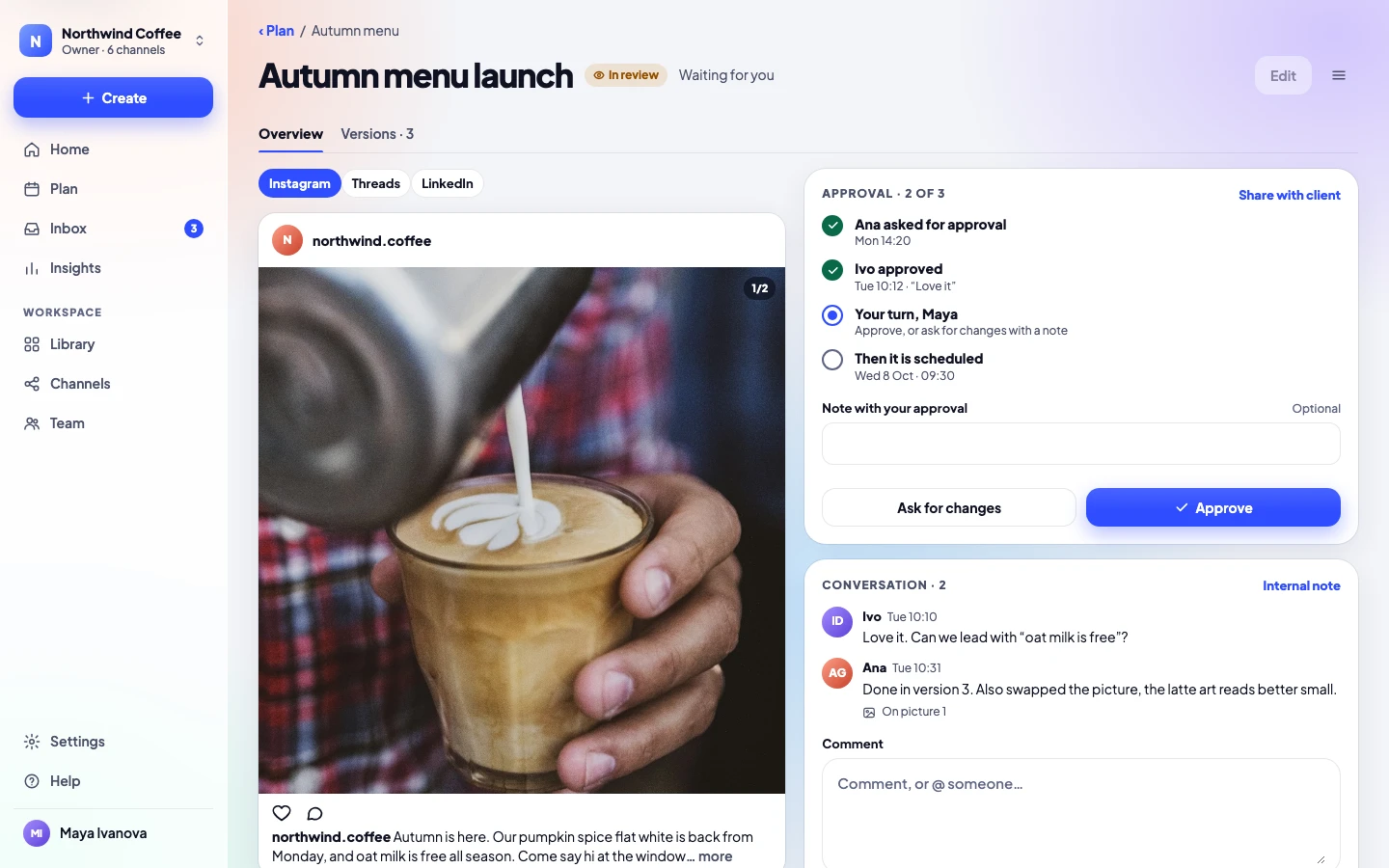
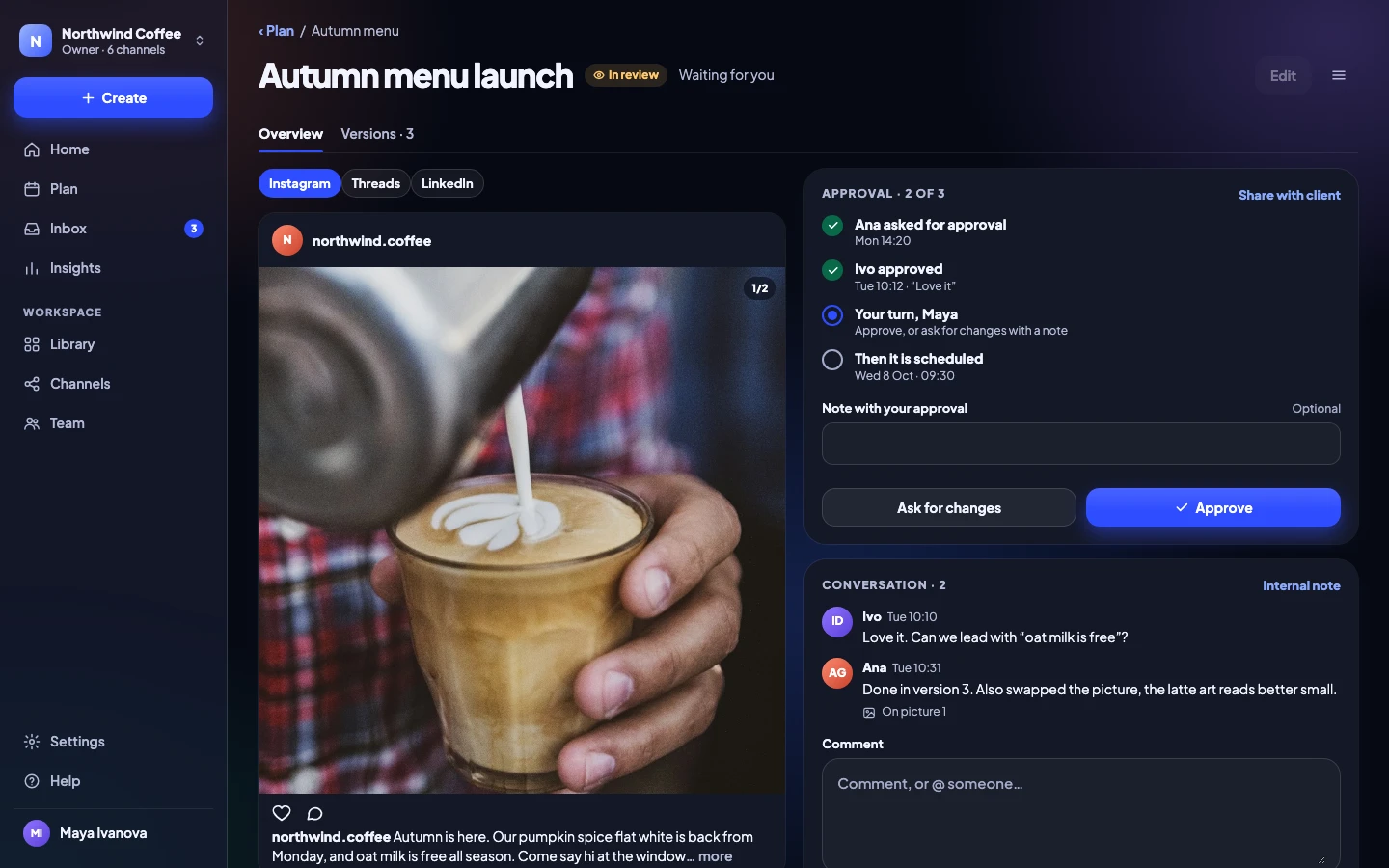
Nothing posts without a yes
A post can only go out after it is approved.
Every planInternal notes on posts
Notes only your team sees, kept on the post.
Every planNamed approvers, in order
Choose who approves, and in which order.
Team and upReminders when a post waits
Approvers get a reminder when a post is waiting for them.
Team and upApprove many posts at once
Review a week of posts and approve them together.
Team and upComments, @mentions, comments on pictures
Talk about the post on the post itself, even on one spot in a picture.
Team and upClient approval links, no account needed
Clients see the real preview and approve or ask for changes.
Team and upClient calendar and calendar feed
A live calendar for clients, and a feed for Google, Outlook or Apple.
Team and upYour client’s logo on their pages
Their name and logo on their approval and calendar pages.
Agency and up
4 · Inbox · 4 features
Every reply in one place
Comments, messages, mentions and reviews from every channel, answered by the right person.
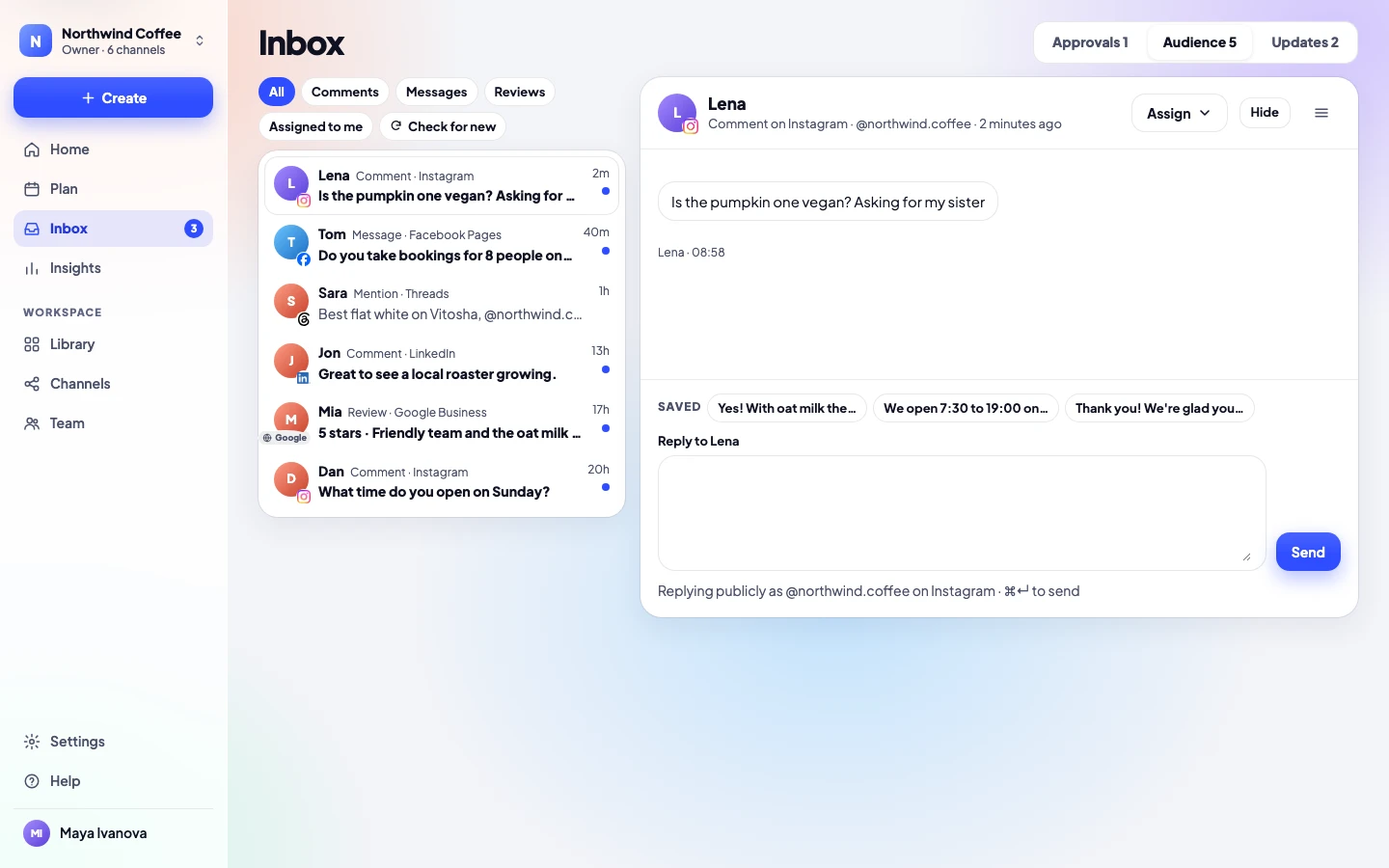
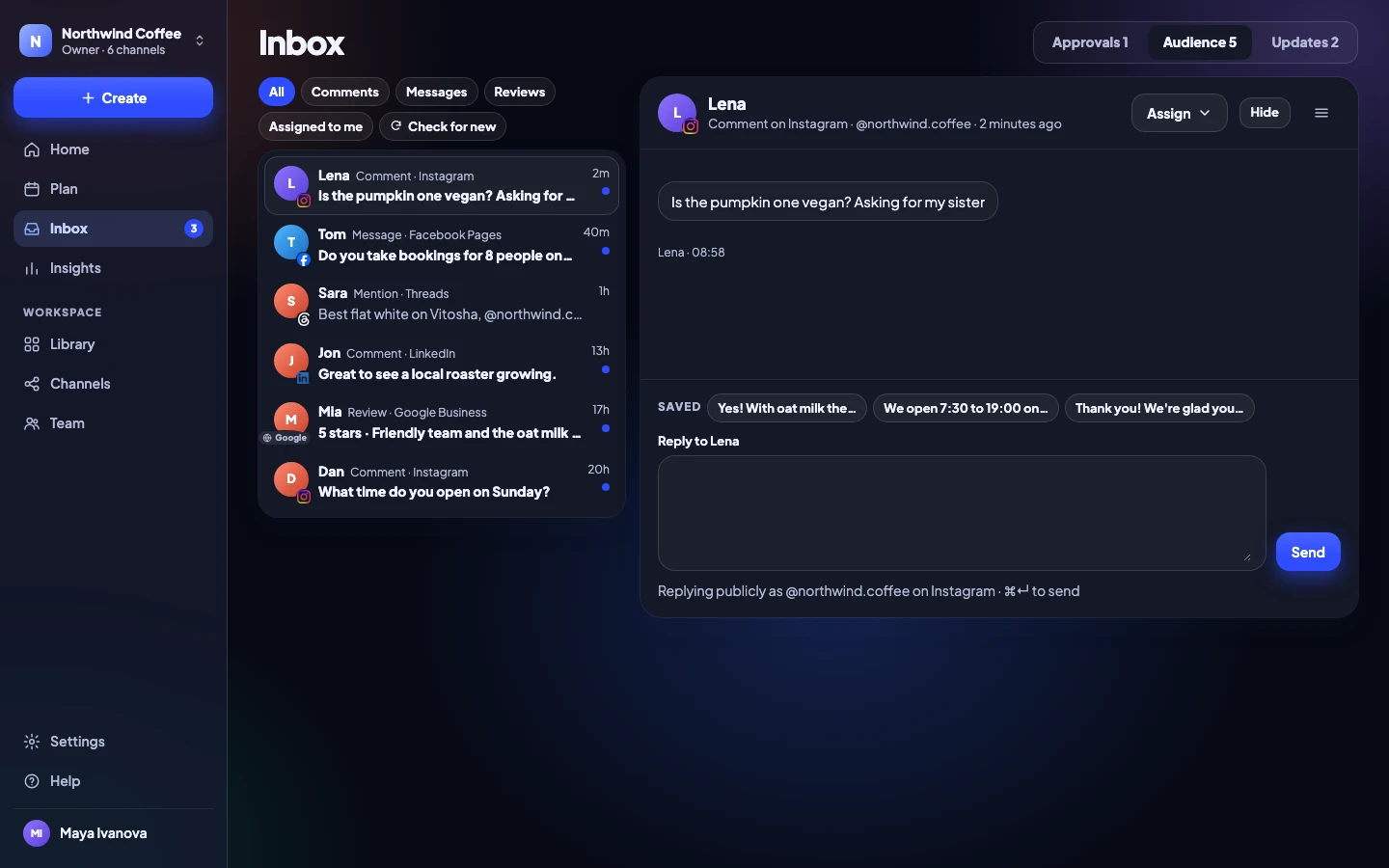
Comments, messages, mentions, Google reviews
One list for everything people say to you, on every channel.
Every planSaved replies
Answer common questions with replies you edit before sending.
Every planHide comments
Hide spam or abuse without leaving the app.
Every planAssign conversations to teammates
Hand a conversation to the right person and see who is on it.
Team and up
5 · Insights · 7 features
Numbers in plain words
What worked, compared with before, and a report you can send.
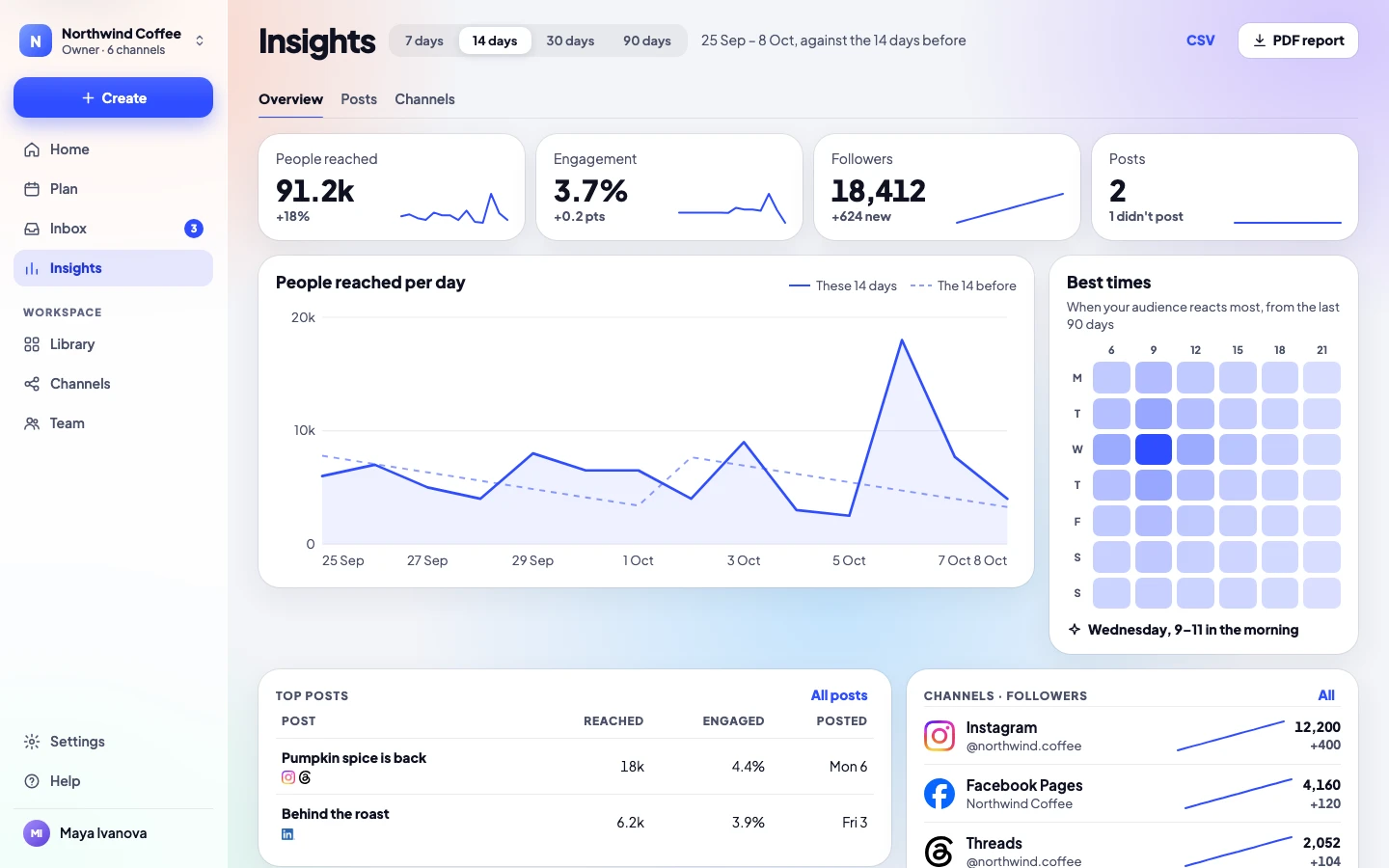
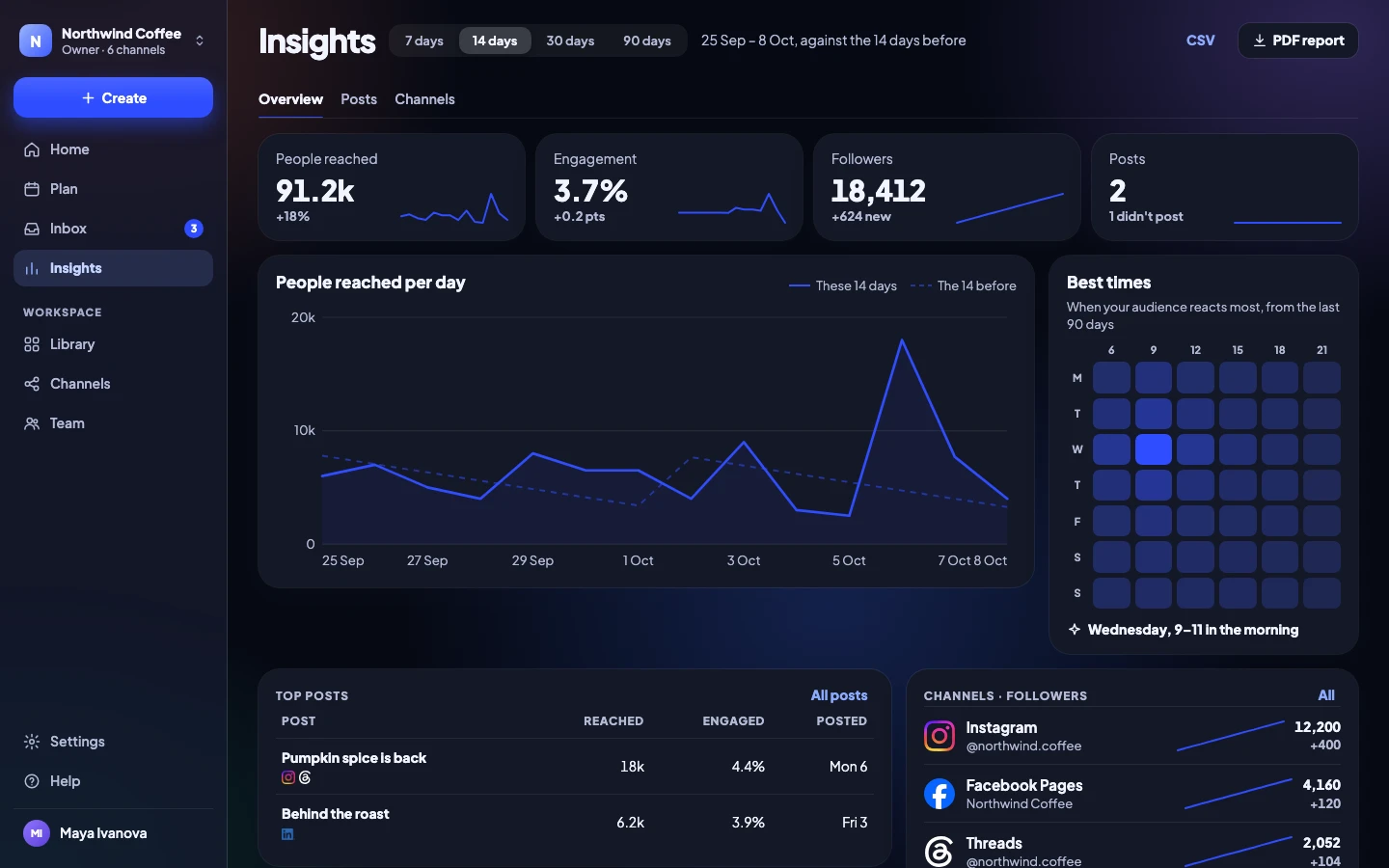
Overview against the period before
Every number is compared with the period before, in plain words.
Every planResults per post and per channel
Reach, engagement, likes, comments and watch time for every post.
Every planFollower growth per channel
How each channel grows over time.
Every planBest times to post
When your audience is there, worked out from your own results.
Every planCSV export
Take every number into a spreadsheet.
Every planPDF reports: 7, 14, 30 or 90 days
A clean report, ready to send to your boss or your client.
Every planResults on the client calendar
Clients see how their posts did, right on their calendar.
Team and up
6 · Team and security · 9 features
Everyone in the right place
People, workspaces and roles, with sign-in that keeps accounts safe.
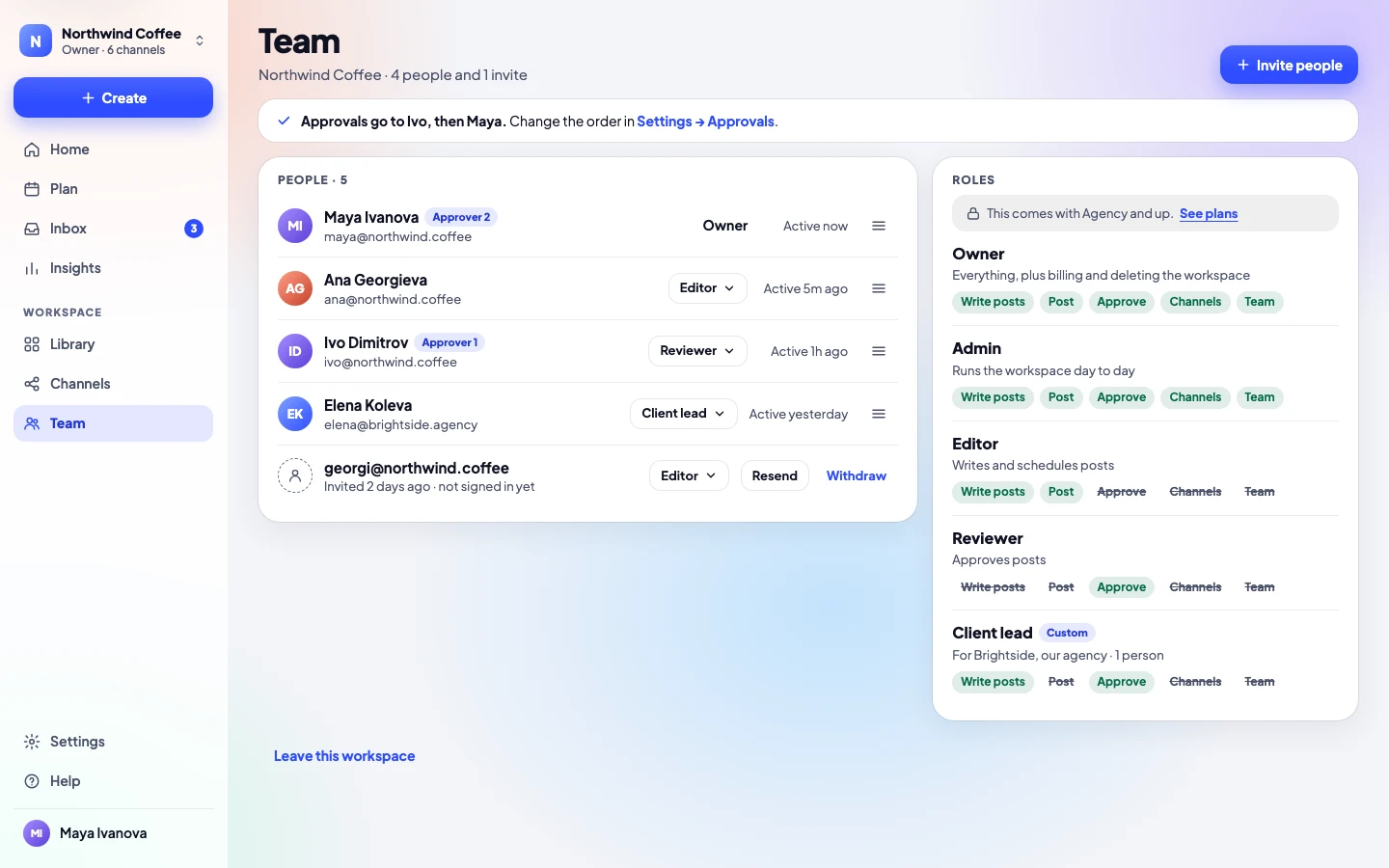
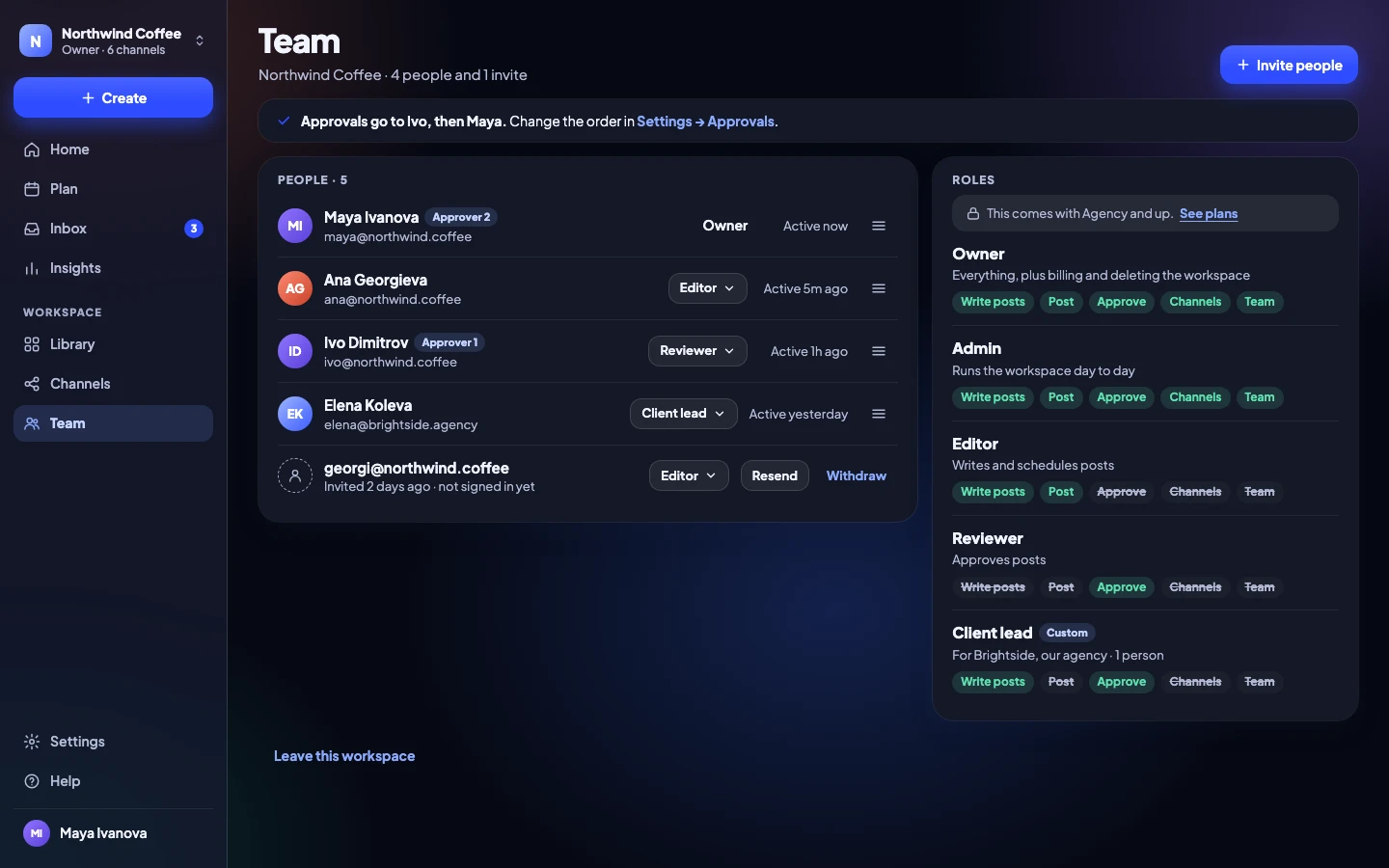
People
Everyone who signs in, invitations included. Clients approving from a link never count.
Solo 1 · Team 5, then €8 each · Agency 15, then €6 each · Enterprise Custom
Every planWorkspaces
One per brand or client, each with its own channels, people and settings.
Solo 1 · Team 1 · Agency 10, then €8 each · Enterprise Custom
Every planRoles: owner, admin, editor, reviewer
Built-in roles that fit most teams.
Team and upCustom roles
Choose exactly what each role can do.
Agency and upSign in with an email link, no password
No password to steal, reuse or forget.
Every planTwo-factor: authenticator app and recovery codes
A second step when you sign in.
Every planSign out other devices
See where you are signed in and sign out the rest.
Every planAudit log
Who did what, and when.
Team and upSingle sign-on: OIDC or SAML
Sign in with your company account, and require it for everyone.
Agency and up
7 · Integrations · 4 features
Works with your tools
Bring drafts in from the apps you use. Every draft still needs a yes.
- Canva
- Google Drive
- Slack
- Zapier
- Make
- n8n
- ChatGPT
- Claude
- MCP
- RSS
- API and webhooks
- Calendar feed
Slack notifications
Hear in Slack when it’s your turn to approve, a post waits, you’re mentioned or a post didn’t go out.
Team and upAPI and signed webhooks
Build your own tools on top of Release Social.
Agency and upZapier, Make and n8n
Create drafts from the other apps you use.
Agency and upChatGPT, Claude and MCP connectors
Draft and plan posts from your AI assistant. Drafts still need a yes.
Agency and up
8 · Apps, data and help · 11 features
On every device, and yours to keep
Phone, tablet, computer and desktop app, in Light or Dark. Export everything any time.
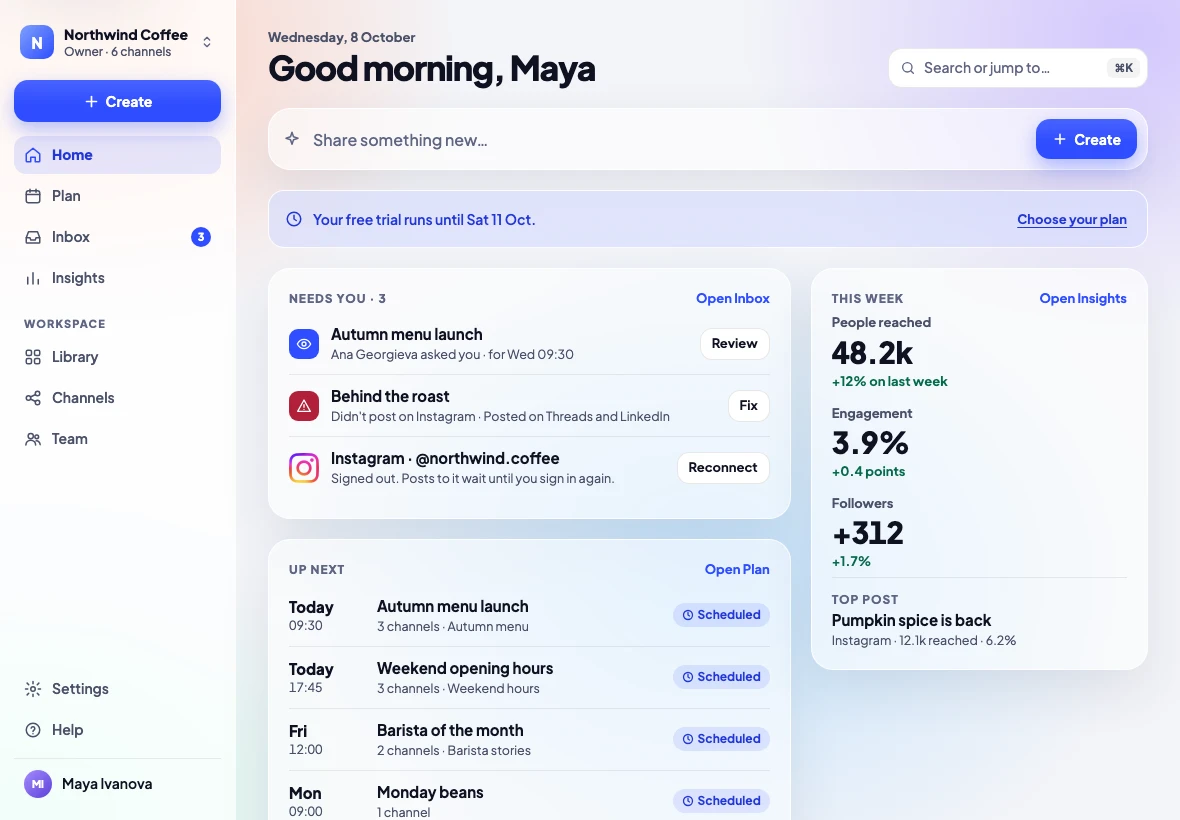
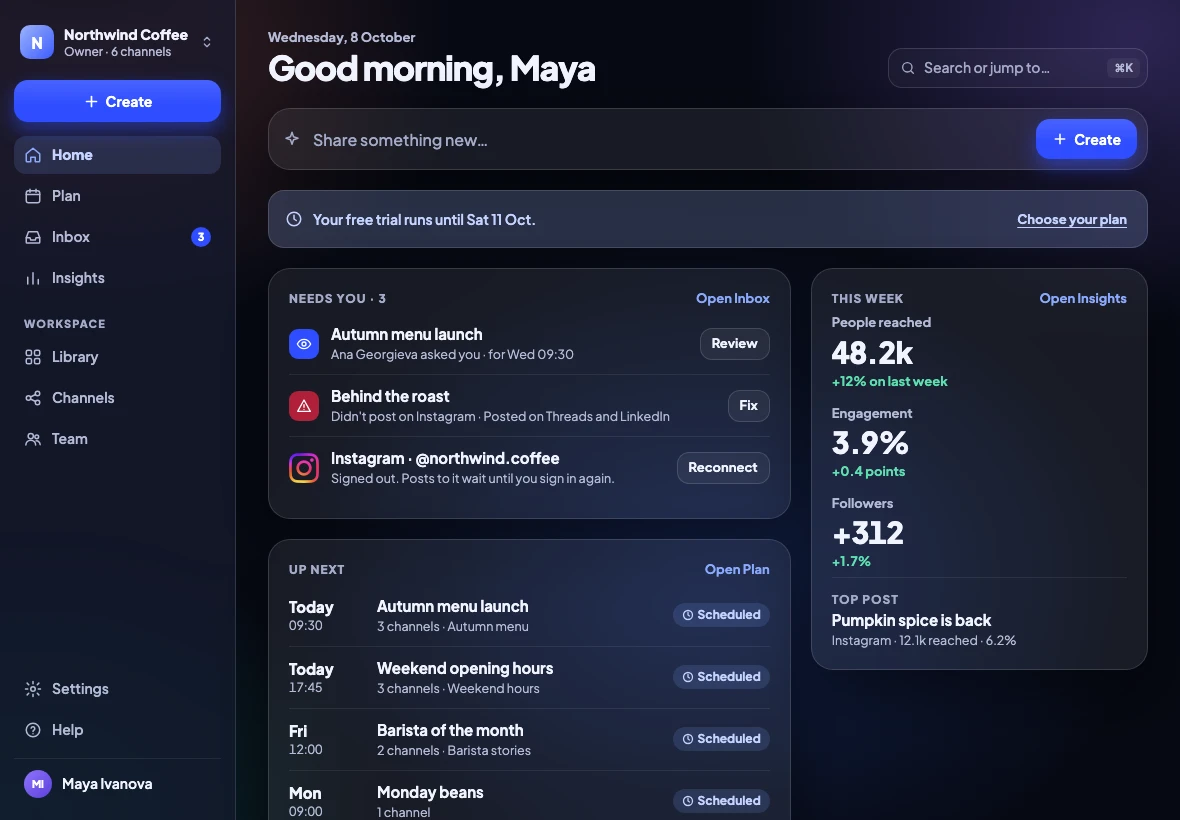
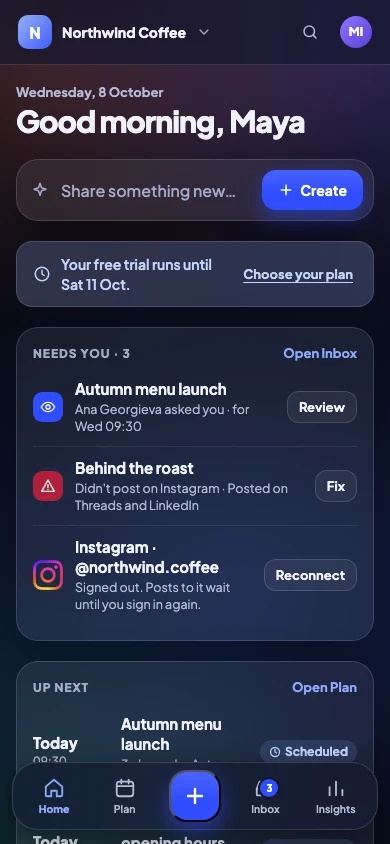
Web app on any device, installable
Works in any modern browser. Add it to your home screen.
Every planDesktop app for Mac, Windows and Linux
The same app in its own window, with the loading mark and your workspace.
Every planLight, Dark or System
Follows your device, or pick one.
Every planDaily summary email
One email a day: what needs you and what went out.
Every planExport everything, any time
Your whole workspace in one file. No lock-in.
Every planStandard data processing agreement
Our standard DPA covers every plan.
Every planHelp centre and email help
Guides for every screen, and people who answer emails.
Every planPriority help
Your emails go to the front of the line.
Agency and upOnboarding with our team
We help set up your workspaces, roles and channels.
EnterpriseInvoices and bank transfer
Pay yearly by invoice.
EnterpriseSecurity review and custom terms
Answers for your security questionnaire, and terms that fit.
Enterprise
Before and after
Five apps, a spreadsheet and a group chat, replaced
| Without Release Social | With Release Social |
|---|---|
| Without: Writing the same post five times, once per app | With: Write once, then adjust any channel |
| Without: Guessing how a post will look until it’s live | With: A real preview of each network as you type |
| Without: Approvals by screenshot, lost in email | With: Named approvers in order, clients approve from a link |
| Without: A spreadsheet nobody keeps up to date | With: One plan: week, month and list, shared with clients |
| Without: Replies scattered across every app | With: One Inbox for comments, messages, mentions and reviews |
| Without: A post silently fails on Friday night | With: The reason in plain words, and the one fix that works |
Formats
Every format each network offers
Pick the format once. Release Social checks what each network accepts and tells you, in words, what will go where.
| Network | Text | Pictures | Video | Reel / Short | Story | Thread | Document |
|---|---|---|---|---|---|---|---|
| No | 1–10 | Yes | Yes | Yes | No | No | |
| Yes | Several | Yes | Yes | Yes | No | No | |
| Threads | Yes | Up to 20 | Yes | No | No | No | No |
| Yes | Up to 20 | Yes | No | No | No | ||
| TikTok | No | Photo | No | Yes | No | No | No |
| YouTube | No | No | Yes | Yes | No | No | No |
| X | Yes | Up to 4 | Yes | No | No | Yes | No |
| No | 1 | No | No | No | No | No | |
| Bluesky | Yes | Up to 4 | No | No | No | No | No |
| Telegram | Yes | Up to 10 | No | No | No | No | No |
| Yes | 1 | No | No | No | No | No |







A week with Release Social
From idea to report, in one place
Monday 09:00
In reviewWrite and ask
Maya writes the autumn menu post and asks Ana, then the client, to approve.
Monday 11:20
ApprovedThe client says yes
From a link on their phone. No account, no password.
Wednesday 09:30
Posted to 3 channelsIt goes out
At the best time, to Instagram, Threads and LinkedIn.
Thursday
Replies in one place
Comments from all three arrive in the Inbox. Ana answers with a saved reply.
Friday
Send the report
A PDF with the week’s results, compared with the week before.
When something goes wrong
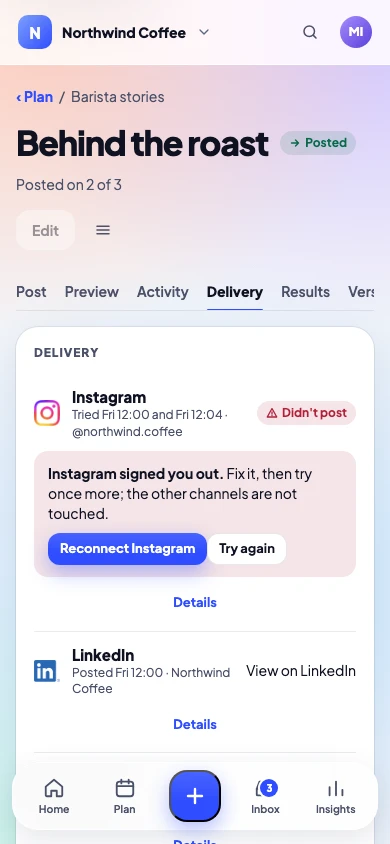
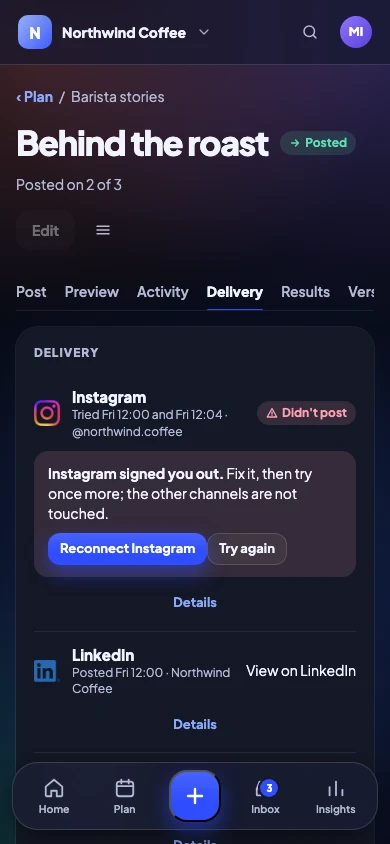
The reason in plain words, and the fix
If a network refuses a post, you hear why, straight away, with the one fix that works. Only the channel that failed is tried again; nothing else moves. A post that misses its time waits for you instead of appearing hours late.
- Plain reasons, never error codes
- Retry only the channel that failed
- Nothing goes out late without asking
For people in a hurry
Fast from the keyboard
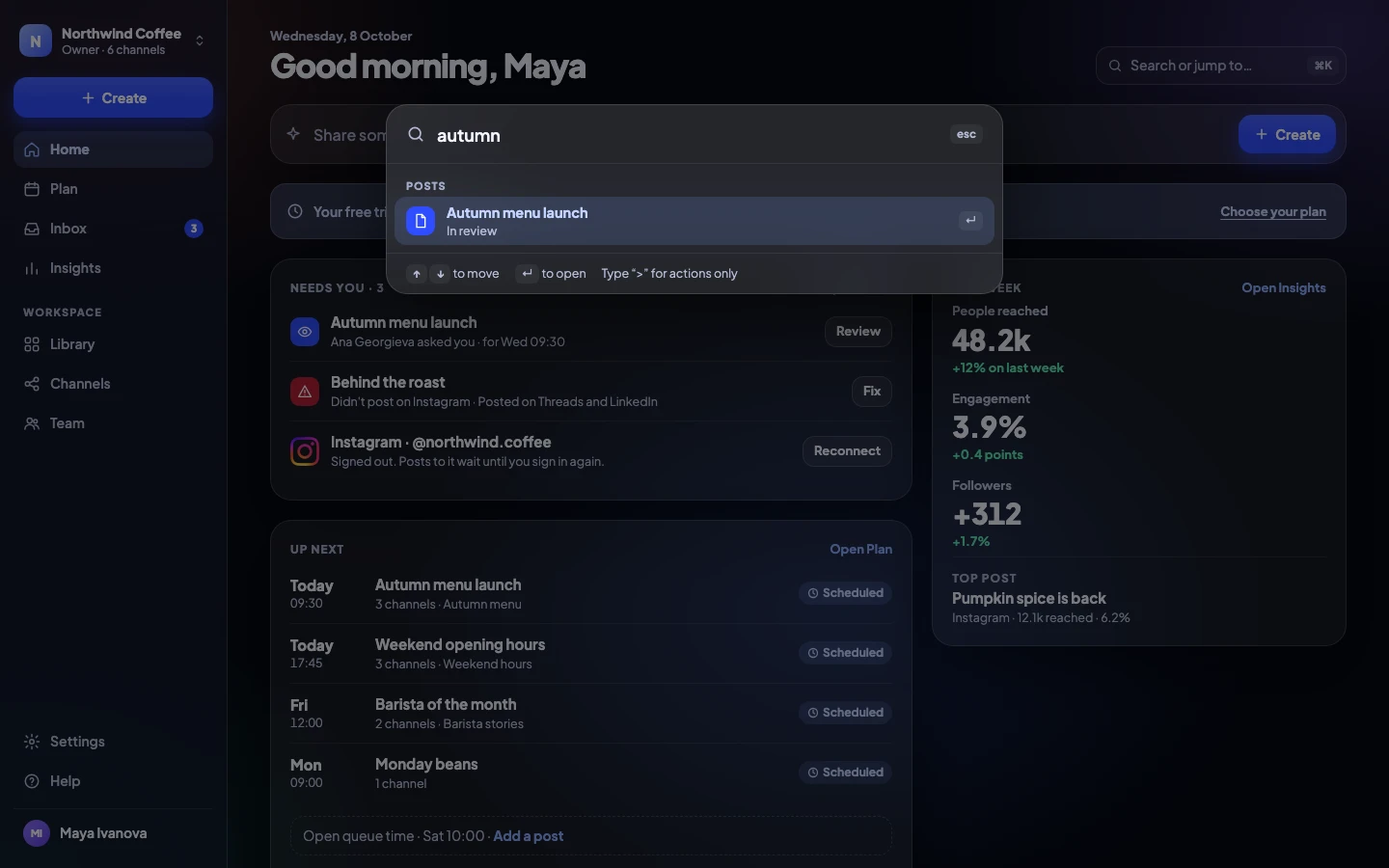
Jump to any post, channel or setting with ⌘K. Every shortcut also has a button, so nobody has to learn them.
- Search and jump anywhere⌘K
- New post⌘N
- Send for approval or post⌘↵
- Move through a list↑↓
- Every shortcut?
What people use it for
Made for everyday posting
Product launches
A campaign with a brief, a countdown of posts and one approval chain.
Series
A good post comes back as a new draft every few weeks, ready for a yes.
Events
Plan the run-up, the day and the thank-you posts on one calendar.
Local businesses
Google Business updates and reviews, next to Instagram and Facebook.
Hiring
LinkedIn posts and documents your whole team can approve.
Blog promotion
Every new blog post becomes a draft through RSS.
Seasonal menus and offers
Templates and media ready in the Library, every season.
Client retainers
A workspace per client, approval links and a monthly report.
Get started
Ready in five short steps
The guided setup takes you from sign-in to your first post. You can skip any step and come back.
Name your workspace
Your brand or business name, and a logo if you like.
Who is it for
Just you, a team, or clients. We set things up to match.
Connect a channel
Sign in to a network on its own page. No passwords shared.
Who approves
Pick approvers, or approve your own posts on Solo.
Your first post
Write it, see every preview, and send it for a yes.
Four plans. The same careful app.
Solo for one person, Team with approvals, Agency for many clients, and Enterprise sized to you. Try any of the first three free for 14 days.
See it with your own posts
Connect a channel, write a post and send it for approval in your first few minutes.
No card needed to try. Cancel any time.