For creators · Solo from €9.99 / month + VAT
Your brand on every network, from one calm place
Write once, see exactly how it looks on each network, and let the queue post at the hours your people are there. Replies and results in the same app.
No card needed to try. Cancel any time.
Solo in numbers
11
networks
Instagram, TikTok, YouTube, Threads, LinkedIn and six more.
8
channels on Solo
Accounts, Pages or locations you post to.
0
post limits
Schedule as much as you like.
13
previews
Each network’s real crop and length.
Previews
Look right on every network
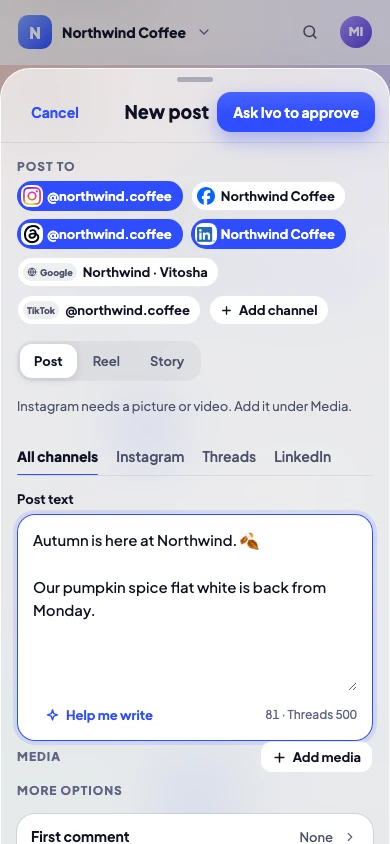
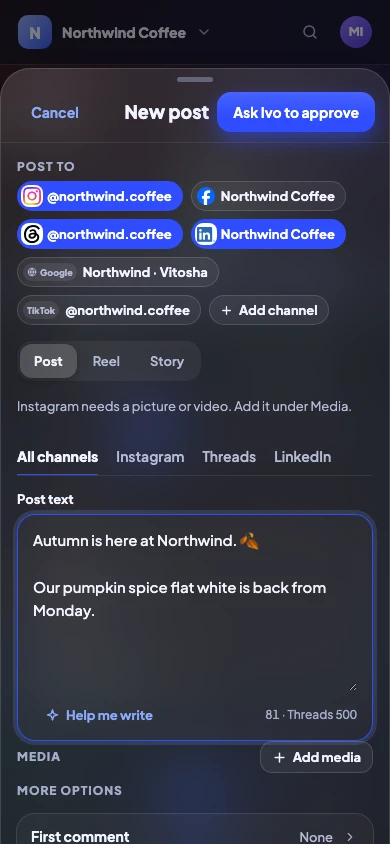
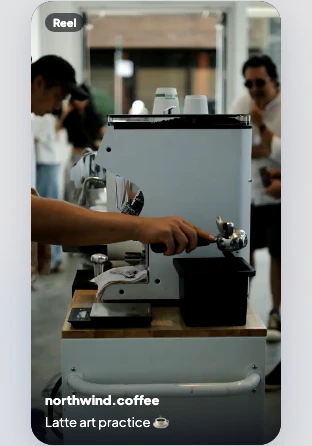
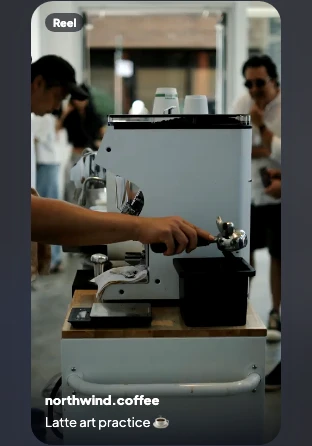
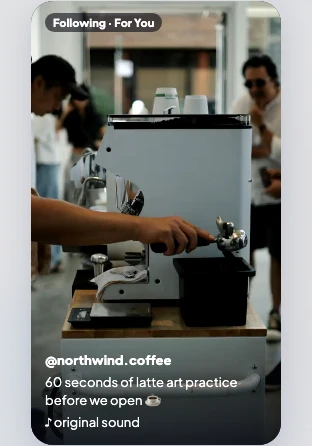
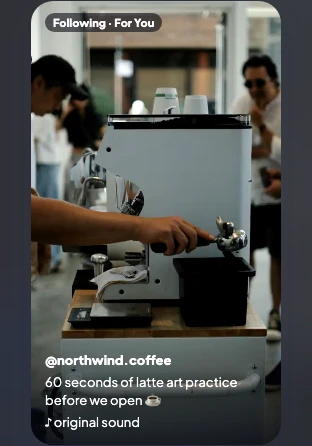
See your post the way each network will show it, before anyone else does: the crop, the cut-off “…more”, the Reel cover and the thread.
- Instagram posts, Stories and Reels, TikTok, Threads, X threads and more
- Checks every file against each network’s limits
- Change the words or media for one channel only
Queue and best times
Post when your people are there
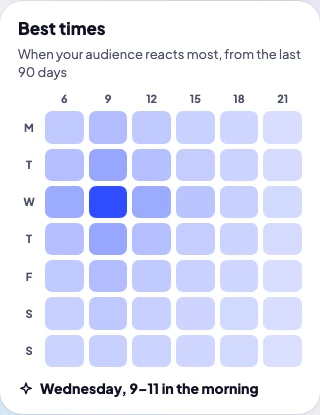
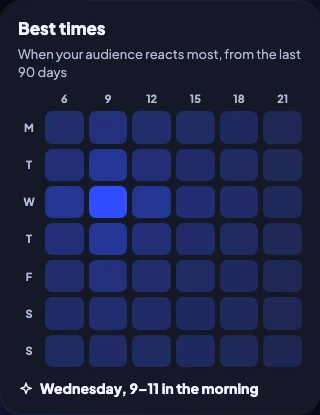
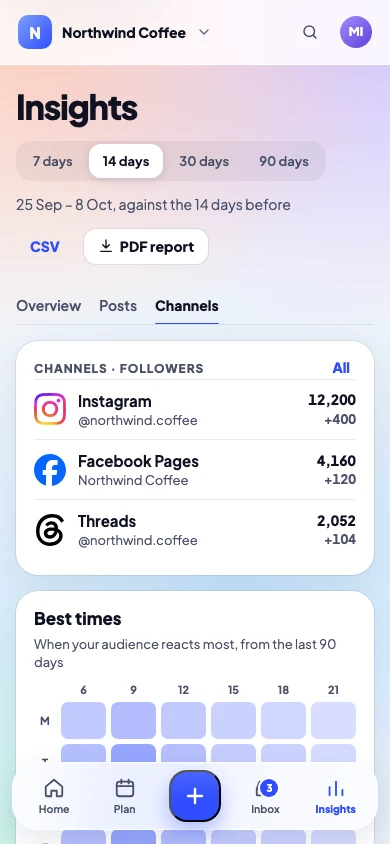
Set your queue times once. Release Social marks the hours your audience is most active, from your own results, and fills the next free slot.
- Weekly queue times
- Best hours from your own results
- Repeating posts every few weeks
Writing
Write faster, still in your voice
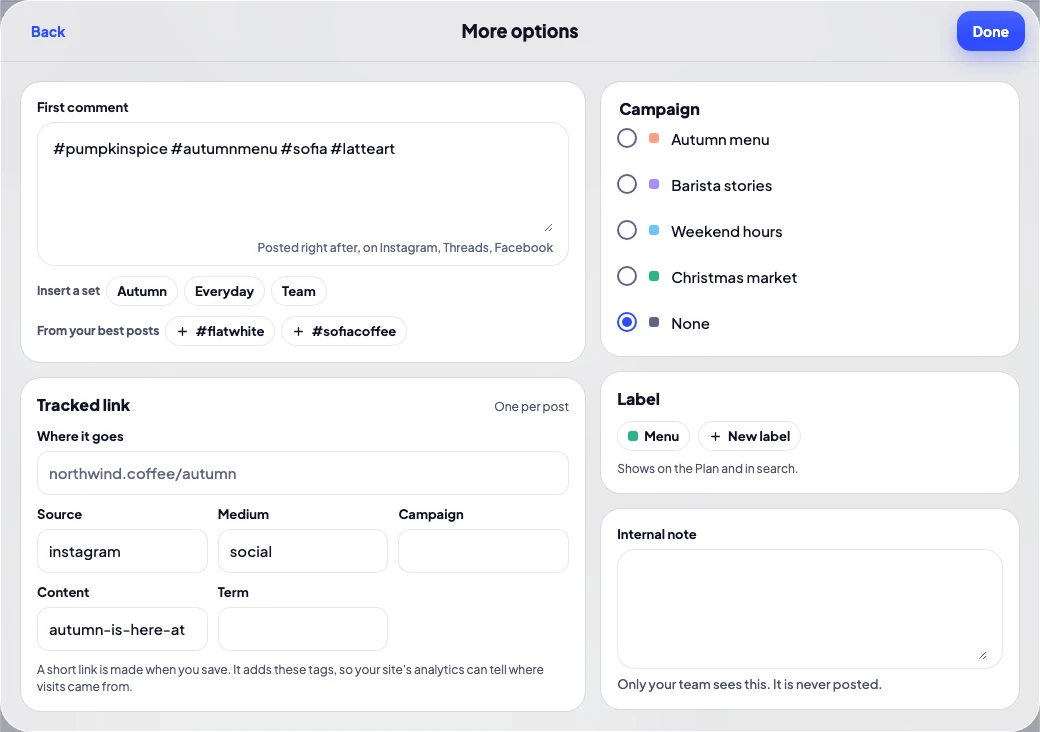
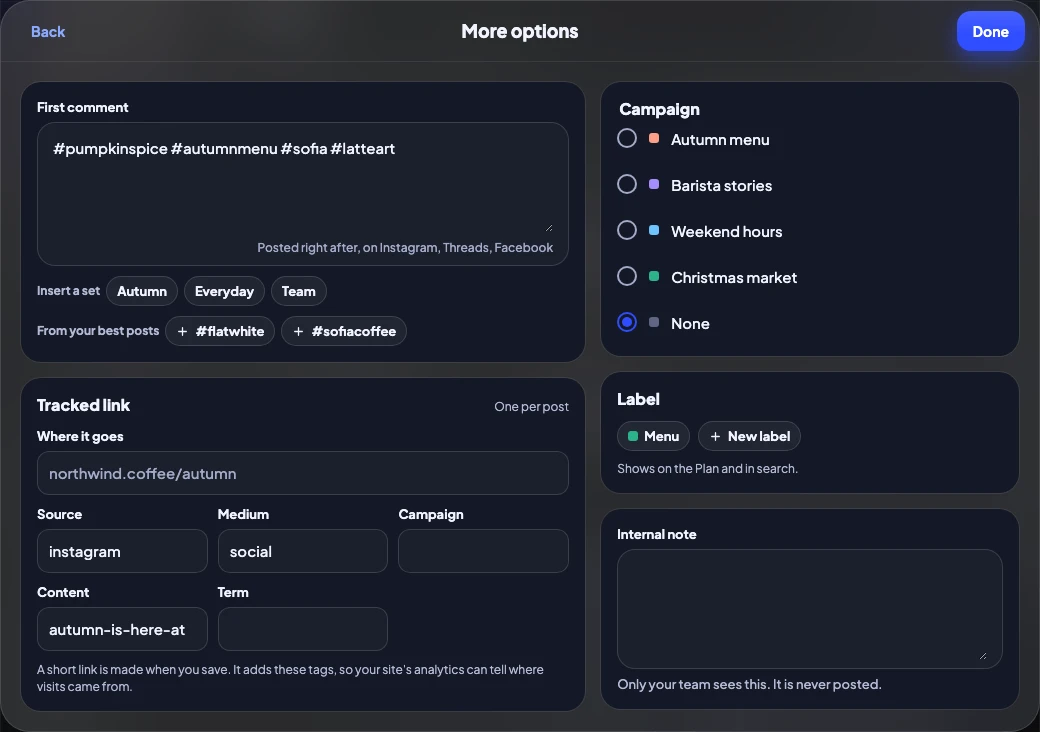
Start from a template, pull hashtags from a saved set, or ask for help with a draft. Nothing is written for you unless you ask.
- First comment with hashtag sets
- Hashtag suggestions from your best posts
- Help me write: tidy-up, or a draft from Claude you edit
- Tracked links with UTM tags
Library
Your media, ready when you are
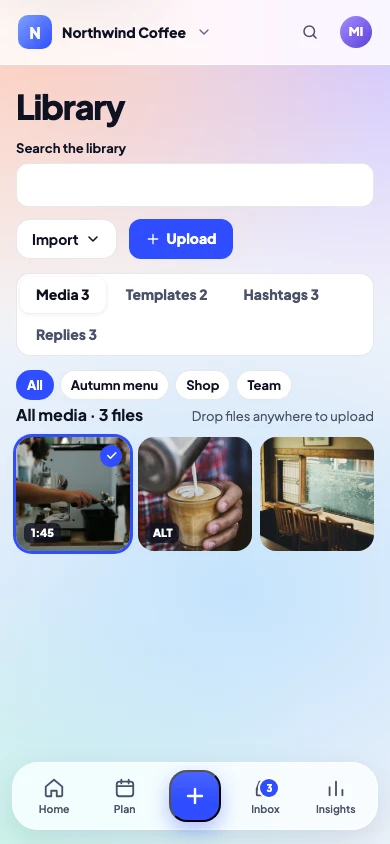
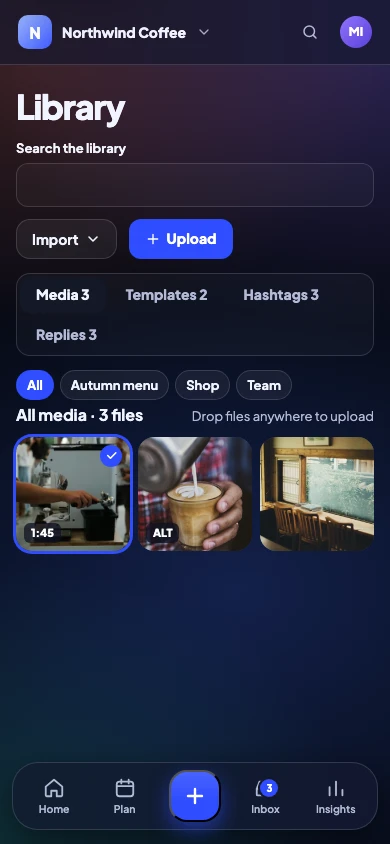
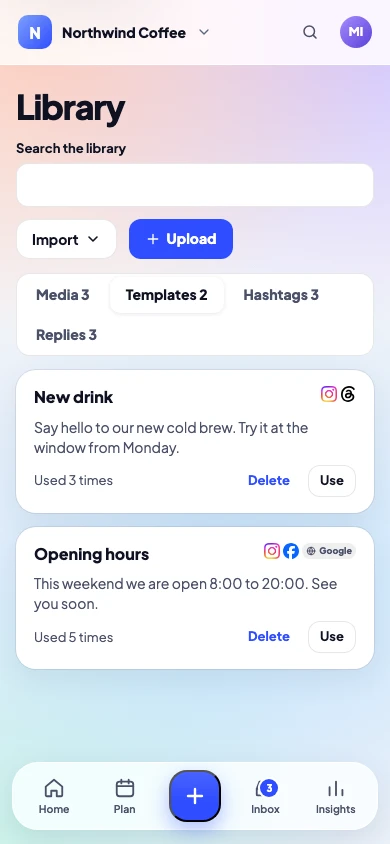
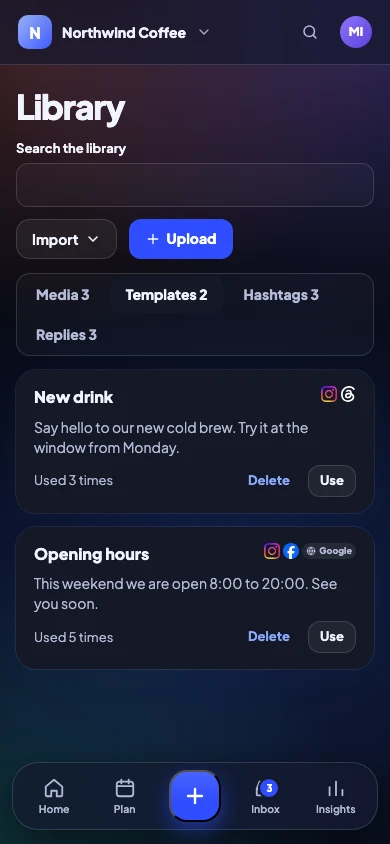
Pictures, videos, templates, hashtag sets and saved replies in one place. Bring designs in from Canva and files from Google Drive.
- Folders, tags and search
- Alt text saved once, sent everywhere
- Reel and video covers
Inbox
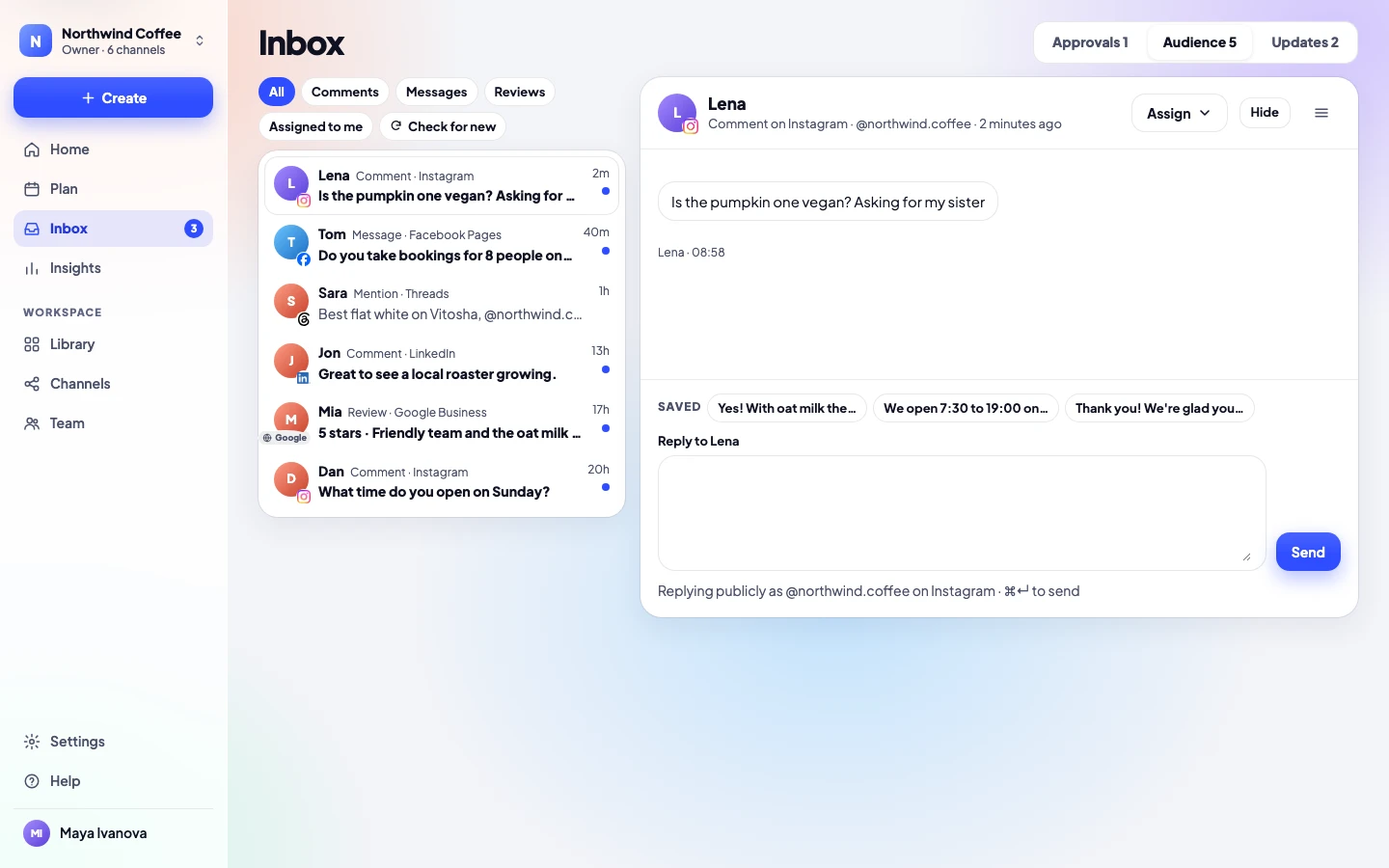
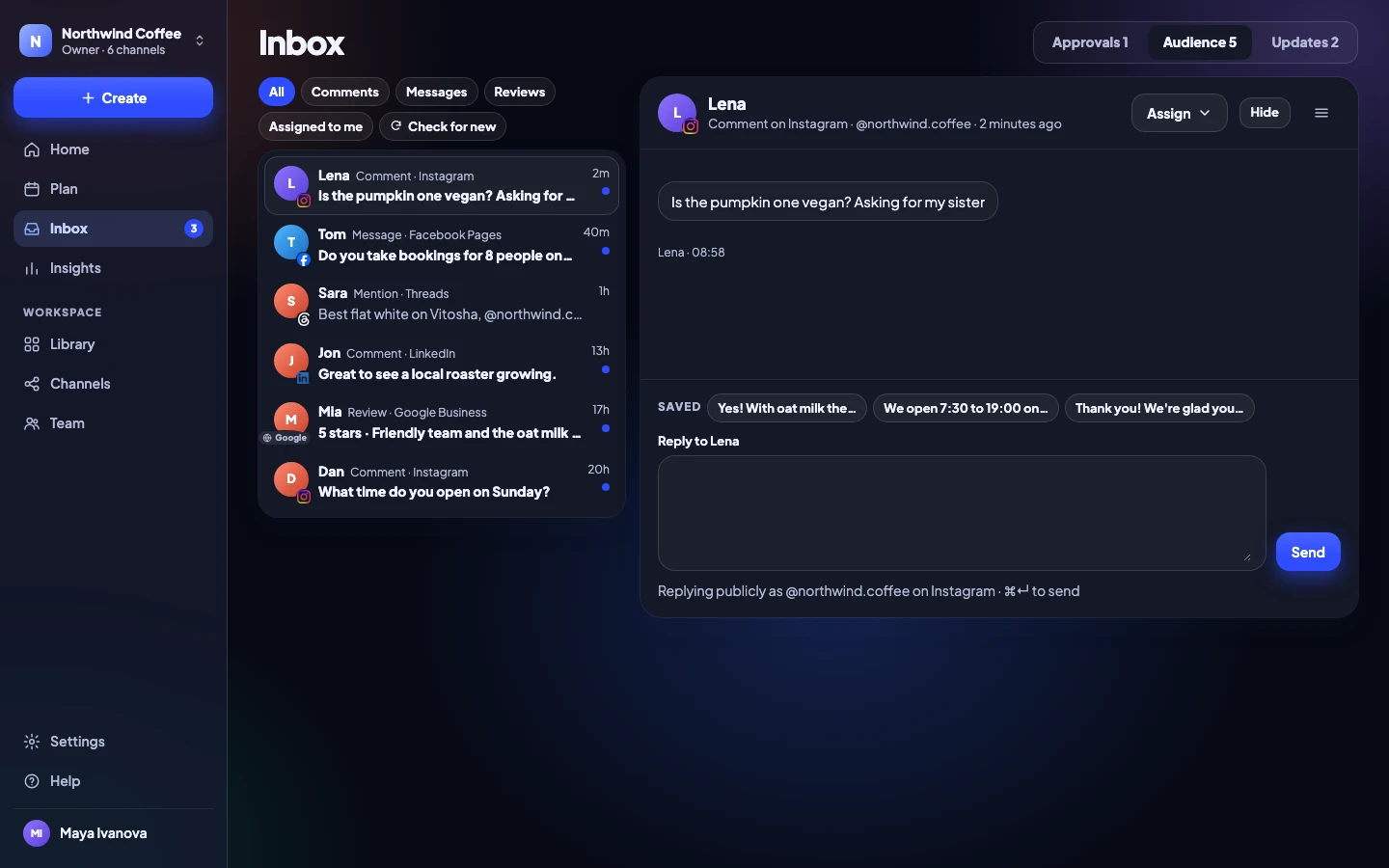
Every comment and message in one list
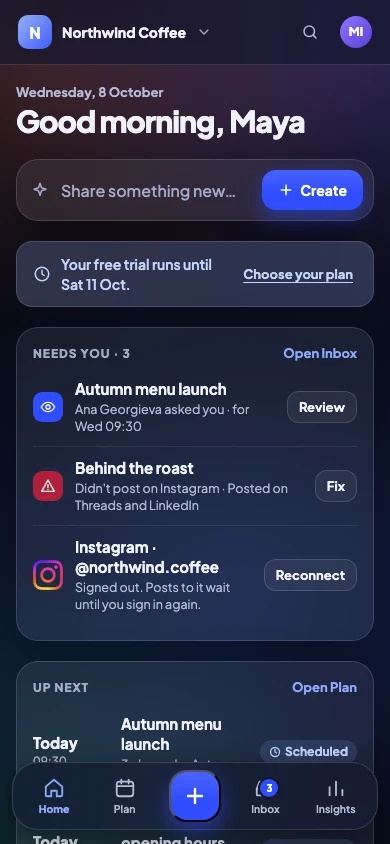
Instagram comments, Facebook messages, Threads replies, mentions and Google reviews arrive together. Answer with saved replies, hide what shouldn’t be there.
- Comments, messages, mentions and reviews
- Saved replies you edit before sending
- Hide spam without leaving the app
Insights
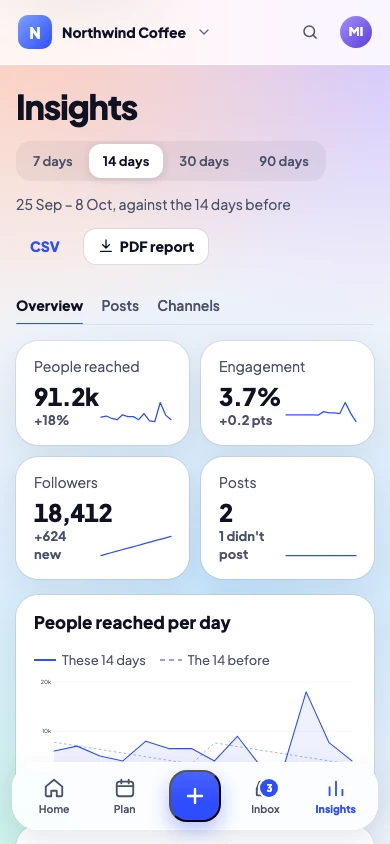
Know what worked, in plain words
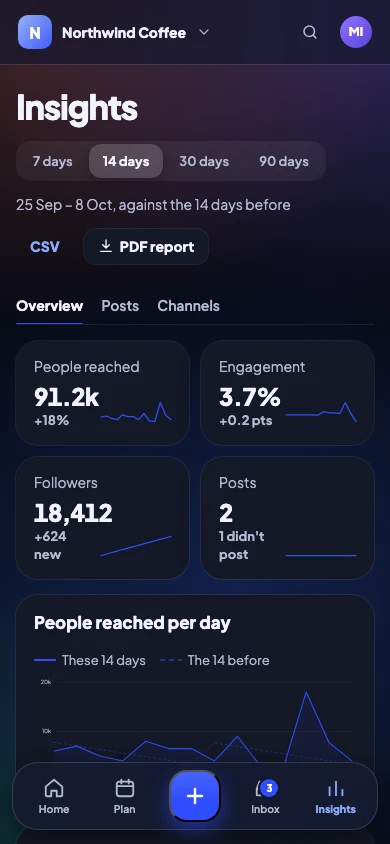
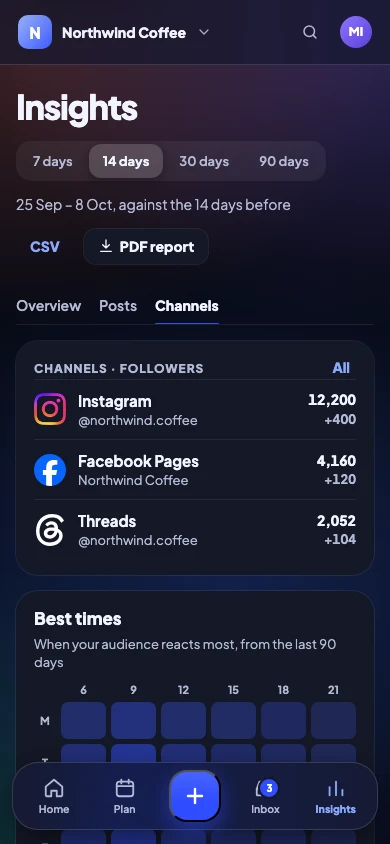
Each number says what it compares to. See your top posts, how each channel grows and your best times, then export a PDF for a brand partner.
- 7, 14, 30 or 90 days, against the period before
- Results per post and per channel
- PDF report for sponsors and partners
A week, planned in one sitting
Batch on Sunday. Relax the rest of the week.
A simple rhythm many creators use, and every step of it is in the app.
Sunday: write the week
Write five posts in one sitting, with previews for each network.
Drop them in the queue
Each post takes the next best-time slot. Drag to change.
Monday to Friday: it goes out
You get a note when each post is live, and the reason if one isn’t.
Reply as you go
Comments and messages from every network in one Inbox.
Friday: look back
See what worked and plan next week around it.
Also on Solo
The small things that save you time
Repeating posts
A good post comes back as a draft every 2 to 13 weeks.
Blog to drafts
New posts on your blog become drafts by RSS.
Spreadsheet import
Bring 200 posts in at a time from a CSV file.
Tracked links
A short link with its UTM tags, filled in for you.
Instagram extras
Music, collaborators, location and trial Reels.
YouTube uploads
Titles, thumbnails and playlists.
Keyboard shortcuts
⌘K to jump anywhere, ⌘N for a new post.
Phone and desktop
Install it on your phone, or use the desktop app.
Solo
Everything one person needs
All 11 networks, 8 channels, previews, queue and best times, Inbox and Insights. When you add people, move to Team and keep everything.
- 14 days free, no card needed
- Yearly: €9.99 / month + VAT · Monthly: €11.99 + VAT
- Cancel any time, and export everything
Solo
For one person and their channels.
Start free on Solo€9.99 / month + VAT, paid yearly
€11.99 with Bulgarian VAT · €11.99 + VAT month to month
- People
- 1
- Channels
- 8
- Workspaces
- 1
Posting
- Posts, Reels, Stories and carousels
- X threads and LinkedIn documents
- A real preview for every channel
- Different text and media per channel
- First comment, with hashtag sets
- Hashtag suggestions from your best posts
- Tracked links with UTM tags
- Instagram music, collaborators, location, trial Reels
- Reel and video covers
- Alt text on pictures
- YouTube titles, thumbnails and playlists
- Pinterest boards and links
- Google Business updates
- Help me write: tidy-up or Claude
Planning
- Calendar: week, month and list
- Queue times, with your best times
- Drag to reschedule
- Campaigns with briefs and results
- Labels
- Repeating posts
- History of everything posted
- Version history, 30 versions
- Archive and restore
- Post templates
- Spreadsheet import, 200 posts at a time
- RSS feed to drafts
- Media library with folders and tags
- Google Drive and Canva
Approvals
- Nothing posts without a yes
- Internal notes on posts
Inbox
- Comments, messages, mentions, Google reviews
- Saved replies
- Hide comments
Insights
- Overview against the period before
- Results per post and per channel
- Follower growth per channel
- Best times to post
- CSV export
- PDF reports: 7, 14, 30 or 90 days
Team and security
- Sign in with an email link, no password
- Two-factor: authenticator app and recovery codes
- Sign out other devices
Apps, data and help
- Web app on any device, installable
- Desktop app for Mac, Windows and Linux
- Light, Dark or System
- Daily summary email
- Export everything, any time
- Standard data processing agreement
- Help centre and email help
Creator questions
Anything else? Write to us, a person answers.
Is Solo really for one person?
Yes. Solo has one sign-in. If someone else helps you, Team adds approvals and up to 5 people.
Can I post Reels and TikToks?
Yes. Reels, Stories, carousels, TikTok videos and photo posts, YouTube Shorts and more, each checked against the network’s rules.
Will it post by itself?
Only what you scheduled. On Solo you are the one who says yes; nothing goes out that you didn’t approve.
Can I use Canva?
Yes. Bring a finished Canva design in, each page as its own picture, straight into a post or your Library. Google Drive works the same way.
Do I need a business account on Instagram?
Yes, a professional one: Business or Creator. Switching is free in Instagram’s settings, and Release Social then posts through Instagram’s official API.
What happens if a post fails?
You hear straight away, with the reason in plain words and the one fix that works. Only the channel that failed is tried again, and a post that misses its time waits for you instead of going out late.
Your next week of posts, done in an hour
No card needed to try. Cancel any time.